Participant
September 3, 2021
Question

H.264 CBR export pixelated (Mac)

  • September 3, 2021
  • 1 reply
  • 232 views

Hi everyone.

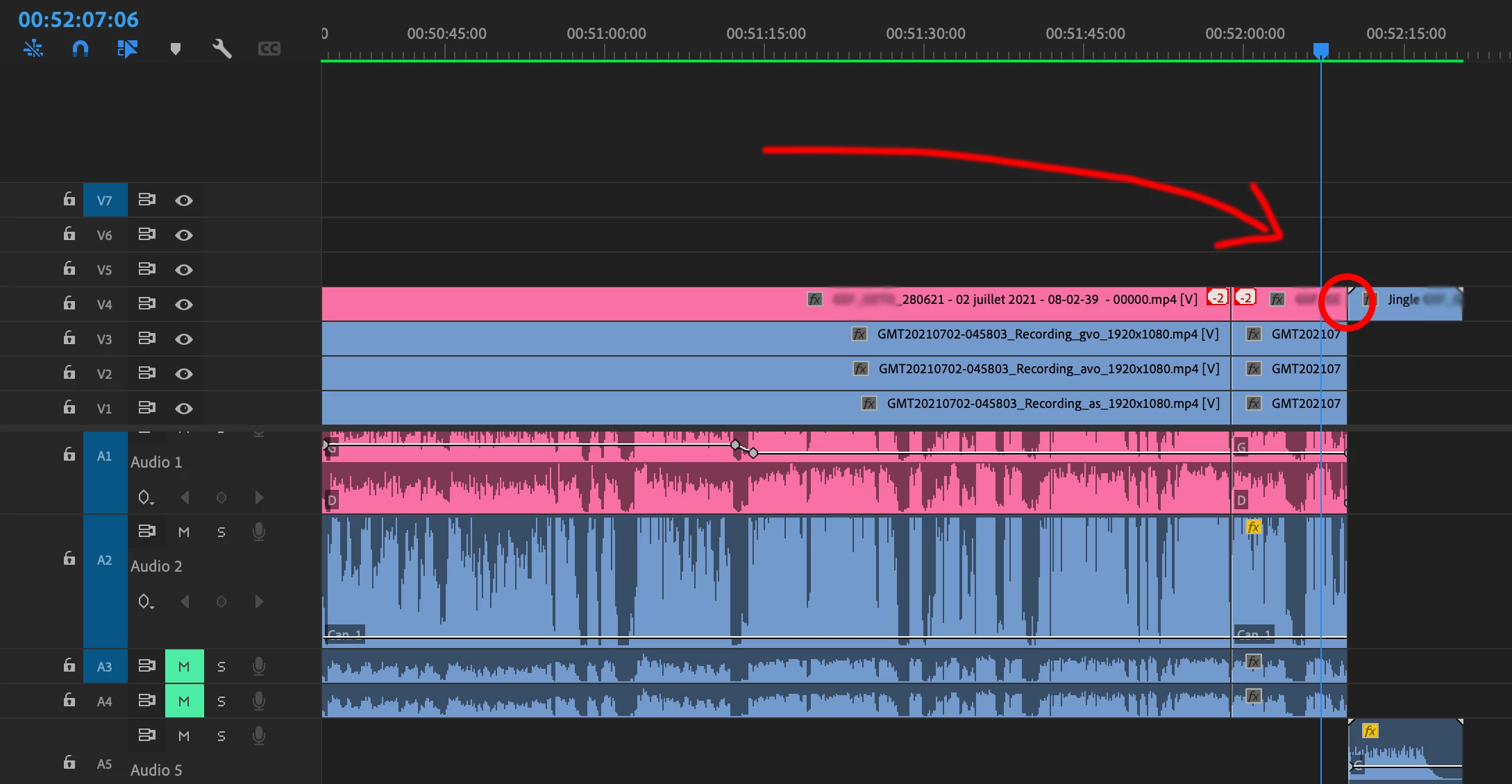
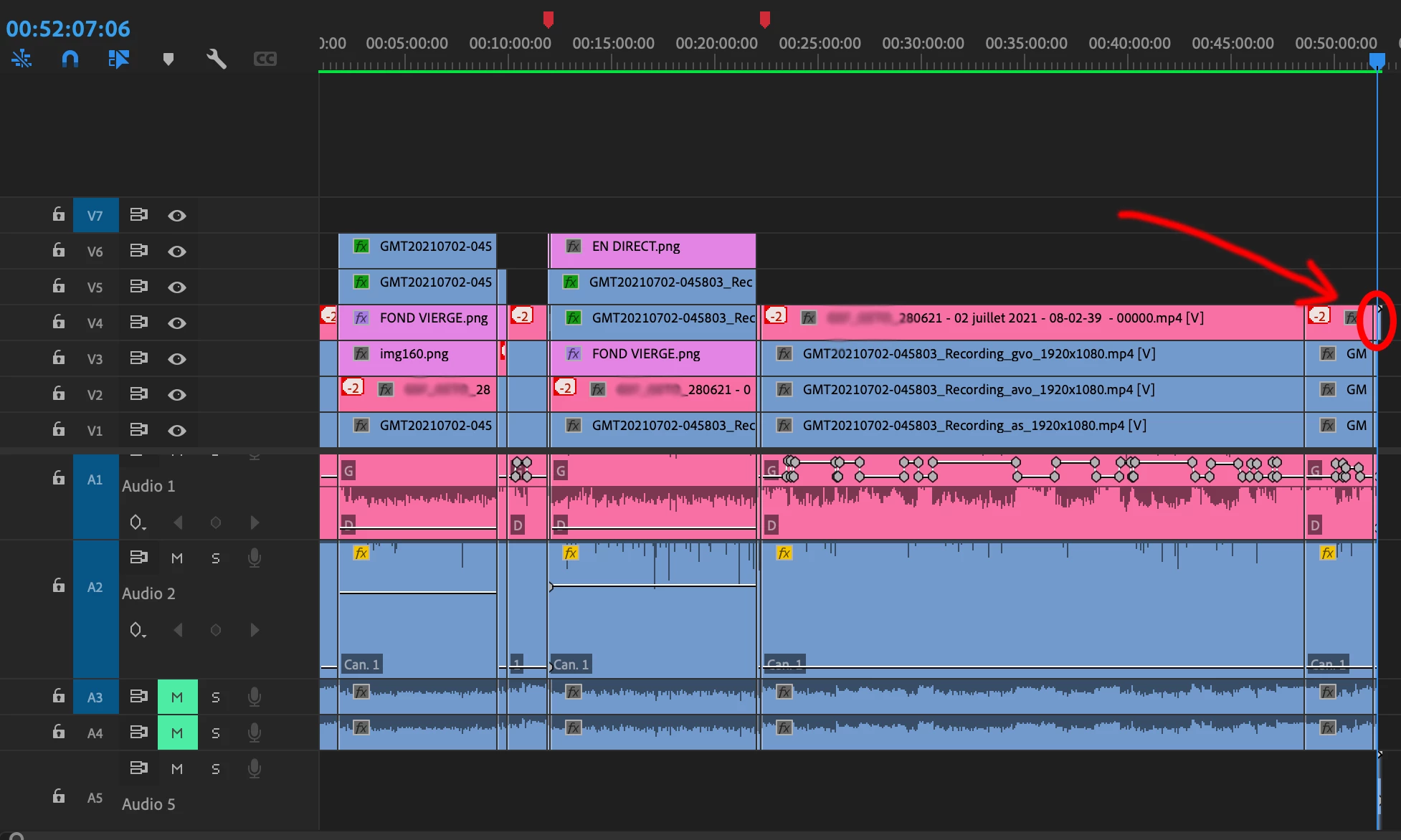
When I export my Sequence to MP4 on CBR (15MBps) all video is fine except the last two clips in the sequence. The pixelization appears just before and after the cut. It starts 2 seconds before and lasts 2 seconds after the cut.

If I export with the same settings only the problematic part, then video is clean, but when try to export all the video (approx. 50 minutes) it pixelates that part, even If I recopy over the video track already exported clean part.

If I export VBR1 or VBR2 the video is clean, but when I do CBR (even on very high bitrates), then its not good.

I tried to expand my workflow : starting to export video on  ProRes, the result was good, but when i re-encoded video afterwards on H.264 MP4 CBR result was the same bad as if i encoded directly to CBR.

Also I tried to render before and to include rendered video in export - doesn't help.

I checked and unchecked all the settings in export window which leads to maximizing quality of video - doesn't help. 

I tried to change distance between key images - doesnt help.

I use MacOS. Any Idea what could be done?
This topic has been closed for replies.

1 reply

Warren Heaton
Community Expert
Community Expert
September 6, 2021

It looks like you're running into artifacts associated with compression geneartion loss.  Low-bit rate source (usually MP4 files) do not hold up to being exported as low-bit rate delivery.  It's like opening a JPEG with a good amount of compression in Photoshop and resaving it as a JPEG with comrpession again. 


I would try transcoding the problem source clips to a CODEC that's good for editing (ProRes, DNxHD, Cineform, AVC-Intra, XDCAM) and then replace those MP4s with the transcoded files in your Timeline.  Of course, once the picture has been compressed, there's no magically brining it back.  


What's really tricky about MP4 - especially low bit-rate MP4 - is that it can look great to the eye while playing back and then completley fall apart when you use it as source.


Miras10Author
Participant
September 20, 2021

Thank you Warren,


the problem is that transcoding each clip takes a lot of time, which usually i dont have.

Anyway, I tried to transcode only the problematic region in ProRes, but it doesnt help.

Warren Heaton
Community Expert
Community Expert
September 20, 2021

I know it doesn't help directly with this issue for me to say this, but if picture quality is important as well as fast turnaround time then MP4 is a format to avoid until you're encoding an edited master for delivery.


Have you tried adding three seconds of black at the tail of your edit?  That might give the compression algorithm just enough to work with that the last clips do not pixellate.


Also, what I recommended requires changing the Sequence Video Preview to Apple ProRes as well.