
kvan_24
Inspiring
April 15, 2021
Question

How do you get a clear output from Media Encoder?

  • April 15, 2021
  • 2 replies
  • 434 views

I've literally tried 20 different settings suggested for a clear output and nothing works...

Left is what it looks like after Media Encoder, right is what it looks like before:
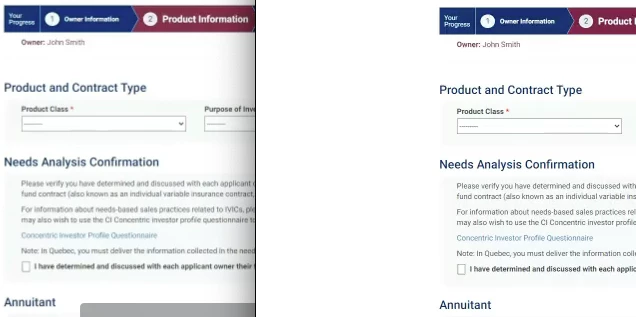
I know it's not a perfect video to start, but it's what the client provided. I need the final output to be at least as clear as the original. Why am I getting quality loss?


I'm using the latest CC programs on a MacOS Catalina. 

The Frame rate is 24

It's a small sized video so using the Youtube 1080 and 720 settings do not work since they scale the video up in size.

This topic has been closed for replies.

2 replies

Peru Bob
Community Expert
Community Expert
April 16, 2021

If you are using Hardware Encoding, try unchecking that in the export settings.

kvan_24
kvan_24Author
Inspiring
April 16, 2021

The Hardware Encoding is a dropdown menu. Software Encoding is the only other option, and I didn't notice a change.

Peru Bob
Community Expert
Community Expert
April 15, 2021

Please show a screenshot of your export settings.

What are the media pixel size and the sequence settings?

kvan_24
kvan_24Author
Inspiring
April 16, 2021

I've tried many. This is the main one:

Also the YouTube ones keeping my width and height. I tried maxing Bitrate and lowering it.