



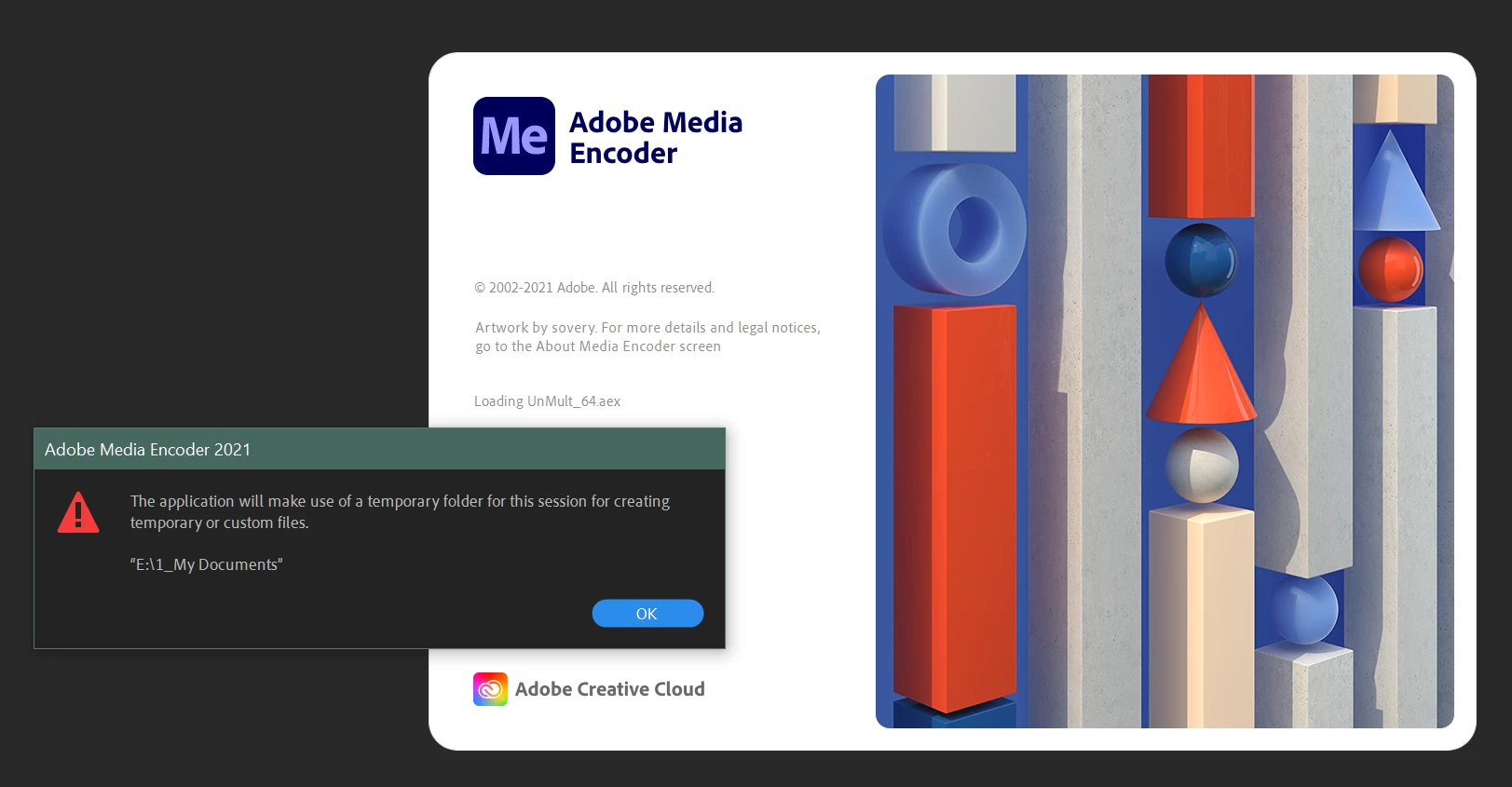
Launch Warning stops ME launch. "The application will make use of a temporary folder...."
When I open ME, currently (Version 15.1 (Build 42), I get the following message that pops up. ME will not continue until I click "OK."
"The application will make use of a temporary folder for this sssion for creating temporary or custom files."
No matter what I set in preferences to change the Cache folder locations, no difference. I've uninstalled ME and reinstalled multiple times, tried older versions (two previous to current), and nothing get's me past this. What's frustrating is that the warning that pops up gets lost behind other windows and it just makes opening ME bothersome.
I can't find any reference to this on the web or any forum. Certainly I'm not the only person this happens to.
I'm on Windows 10 Pro. Adobe Suite is not installed to the default path on the C: drive. I have it on another faster NvMe drive.
 AdChoices