


melbendi
Inspiring
March 21, 2024
Answered

Media Encoder doesn't show my User Presets

  • March 21, 2024
  • 1 reply
  • 656 views

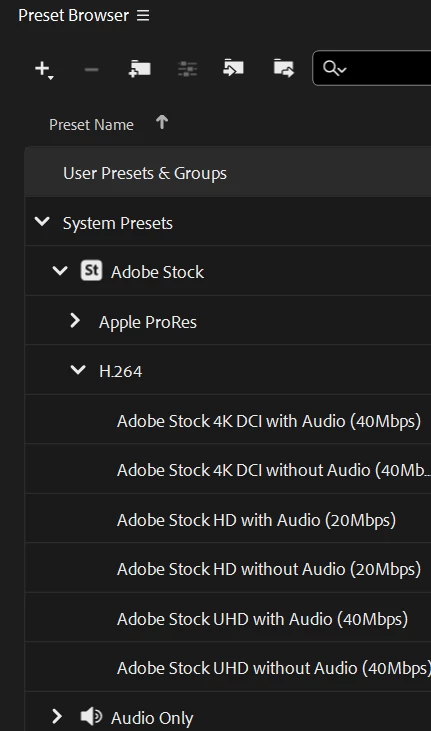
I'm using the latest version of Media Encoder on Windows 11, and I have saved a few presets, but so far they are never in my User Presets list as they used to be.  Does anyone know how to fix this, or are they listed somewhere else now?  Thanks!
This topic has been closed for replies.
Correct answer melbendi

Can you open User/<name>/Documents/Adobe/Adobe Media Encoder/ and see if one of the version folders contains your custom presets?


Fixed! It's saving my User Presets now!  The problem was the permissions for the folder you mentioned.  I found this video that explains how to take ownership from the System and that did the trick.  I'll post the link for anyone who has the same problem:  How to Fix 'You Require Permission from System to Make Changes to This Folder' Windows 11  

1 reply

EckiAME
Community Manager
Community Manager
March 26, 2024

Did you use Sync Settings for your user prefs?

melbendi
melbendiAuthor
Inspiring
March 26, 2024

I haven't set anything, so it's using default preferences.  I just tried to open the preferences to check, but they don't open.  AME opens, but when I select preferences, nothing happens. 

EckiAME
Community Manager
Community Manager
March 26, 2024

Can you open User/<name>/Documents/Adobe/Adobe Media Encoder/ and see if one of the version folders contains your custom presets?