
Media Encoder: Essential Graphics-Text background (shape) not rendered, but OK from PP
Dear PP-Community!
I am working on a project that involves bad audio quality footage. Therefore I want to insert subtitles manually as text layers, not the standard functionality for subtitles to have more flexibility.
In my sequence I have set up the following "sub title template" for all my text inserts. Text + 60-90% tansparent shape underneath
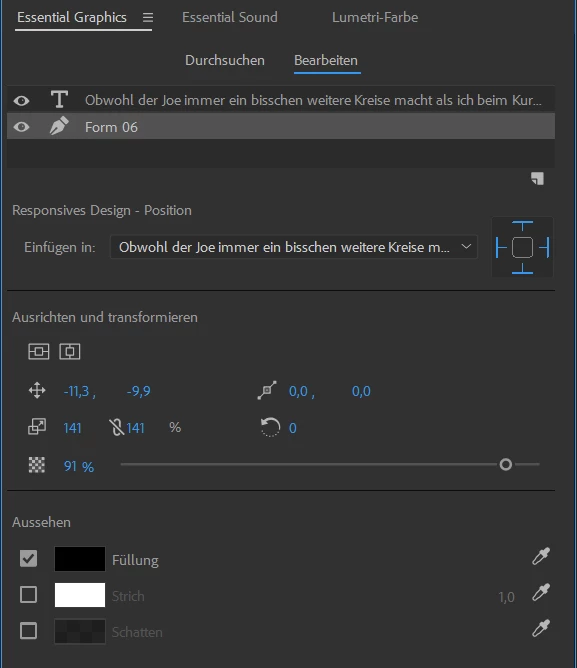
These show perfectly fine within premiere pro program, but when I render it (with AME), the dark shadowed background boxes are gone...
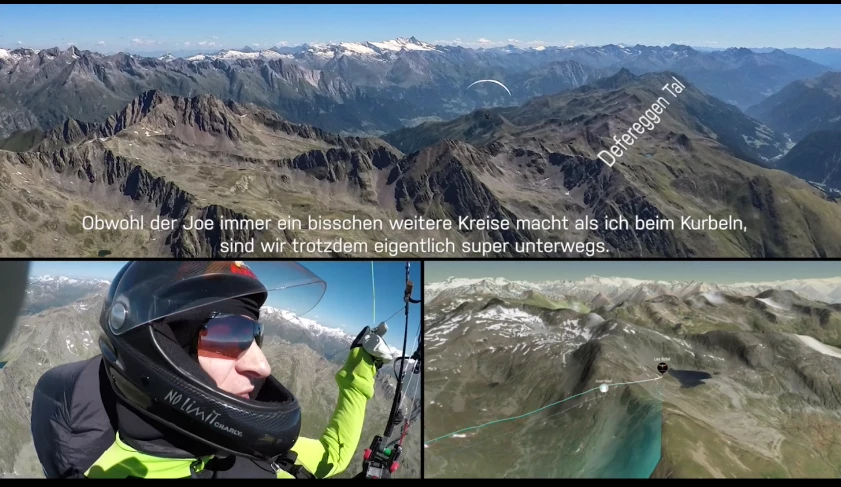
AME-Output (from PP into encoder queue):
After log tries I figured out, when directly rendering within Premiere everything OK (with exactly the same settings as before)
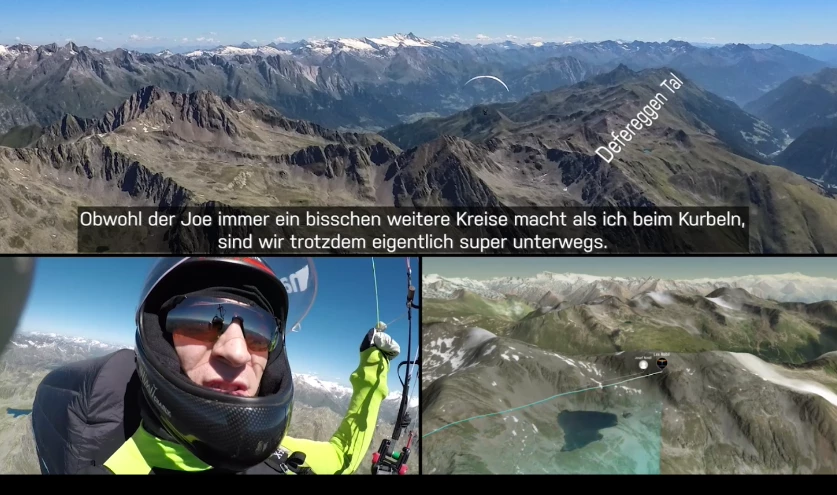
different transparency - everything OK with PP rendering
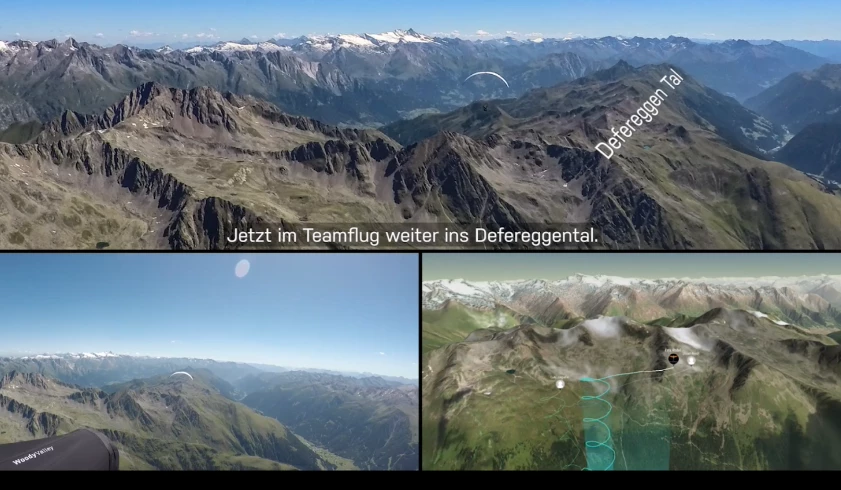
What I already tried without success:
- Nest the comp
- different resolutions & quality settings
- moved it from track 10 to track 5 (layers...)
- removed shadow / decreased transparency
I need AME to work just as "reliable" regarding output quality as PP.
Any Ideas highly appreciated!
when rendering from AME
THANK YOU!
p.s.: @Moderators - feel free to move into more suitable category


 AdChoices