


Participant
Feb 23, 2017 4:18 AM UTC
Answered

"Media offline" error after last update

Good evening,

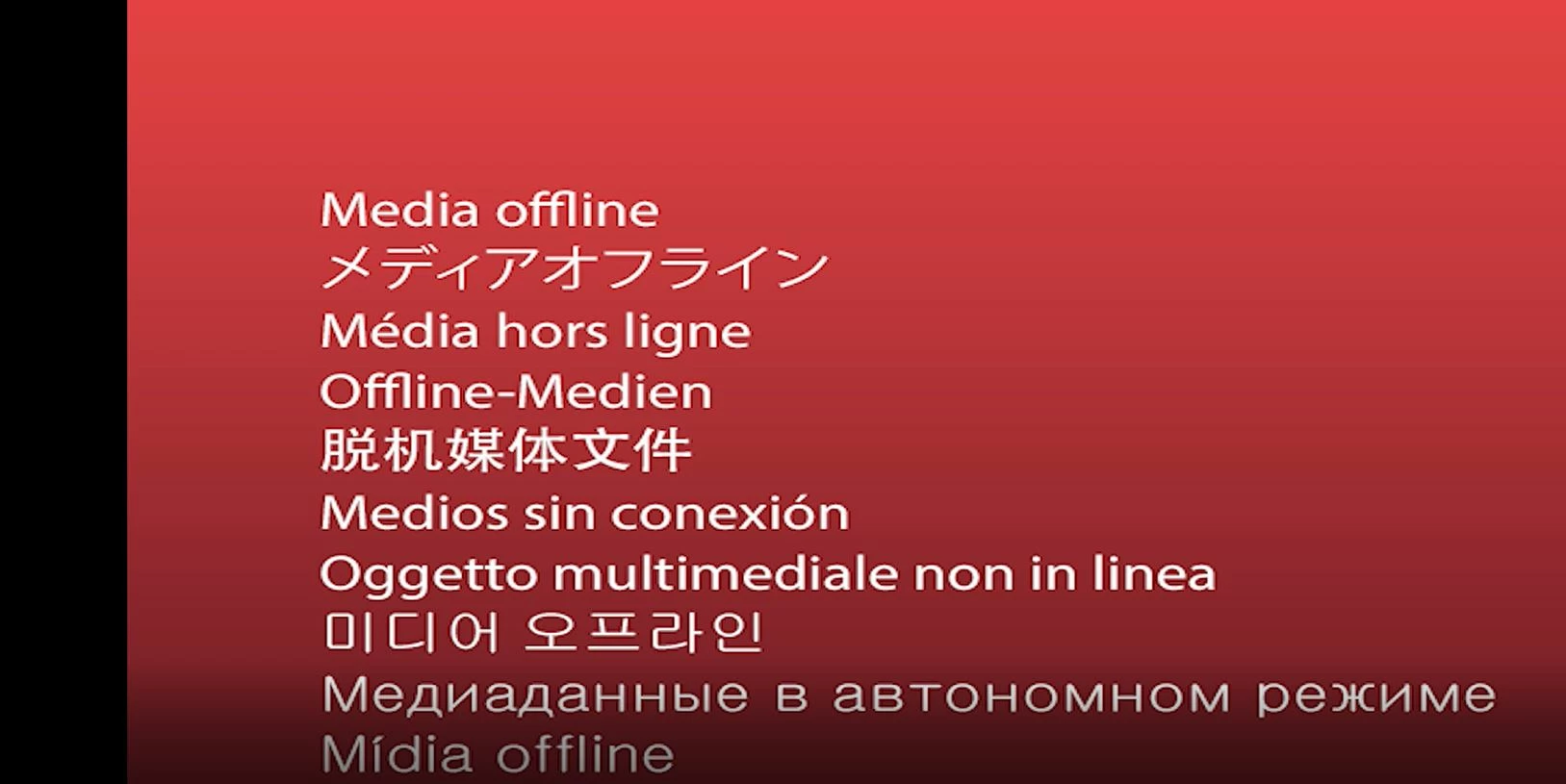
Ever since the latest update, as of 22 February 2017, when I queue items from Adobe Premiere Pro to be exported as H.264 .mp4 files via Media Encoder, when I later open up those files, I just get the intended length of the file with a message in a dozen languages saying "Media offline."

Did the settings that I need to set change upon update? Or was this software update released before it was fully tested, and it is no good?

Please update and/or advise.
This topic is closed to new replies. Start a new post to keep the conversation going.
kulpreet singh
kulpreet singhCorrect answer
Inspiring
Feb 24, 2017 2:26 PM UTC

Hi reubenc74523759,

I apologize for this trouble.

What is the source and location of your media files?

Please clean the media cache in Premiere Pro and then queue your sequence in AME.

FAQ: How to clean media cache files?

Thanks,

Kulpreet Singh

6 replies

Participant
Mar 2, 2017 10:53 PM UTC

Thank you for support. Clearing the cache seems to have solved the problem.

-RC

Translate
kulpreet singh
Inspiring
Mar 3, 2017 4:25 PM UTC

You are welcome, RC.

Translate
Participant
Apr 26, 2018 8:59 AM UTC

Hi Guys,

I have the same issue on Mac Pro.

I open my project and selected clips are "OFFLINE", when I try to sync the file again they remove the clips completely...

Please advise on a fix/update.

My deadlines are now having to be pushed out!

Translate
Vidya Sagar
Participating Frequently
Mar 2, 2017 6:02 AM UTC

Hi reubenc74523759,

Have you tried the steps suggested by Kulpreet? Have you resolved the issue?

In addition to Kulpreet step, If you are in Windows operating system, try the following

1. In Media Encoder Preferences > Media > Uncheck "Enable Accelerated Intel h.264 decoding(requires restart).

2. Restart Media Encoder

3. Queue export again & test the export.

Please let us know the status.

Thanks,

Vidya Sagar.

Translate
kulpreet singh
kulpreet singhCorrect answer
Inspiring
Feb 24, 2017 2:26 PM UTC

Hi reubenc74523759,

I apologize for this trouble.

What is the source and location of your media files?

Please clean the media cache in Premiere Pro and then queue your sequence in AME.

FAQ: How to clean media cache files?

Thanks,

Kulpreet Singh

Translate
