
May 21, 2017
Answered

.mov file from Animate isn't importing into the queue

  • May 21, 2017
  • 1 reply
  • 882 views

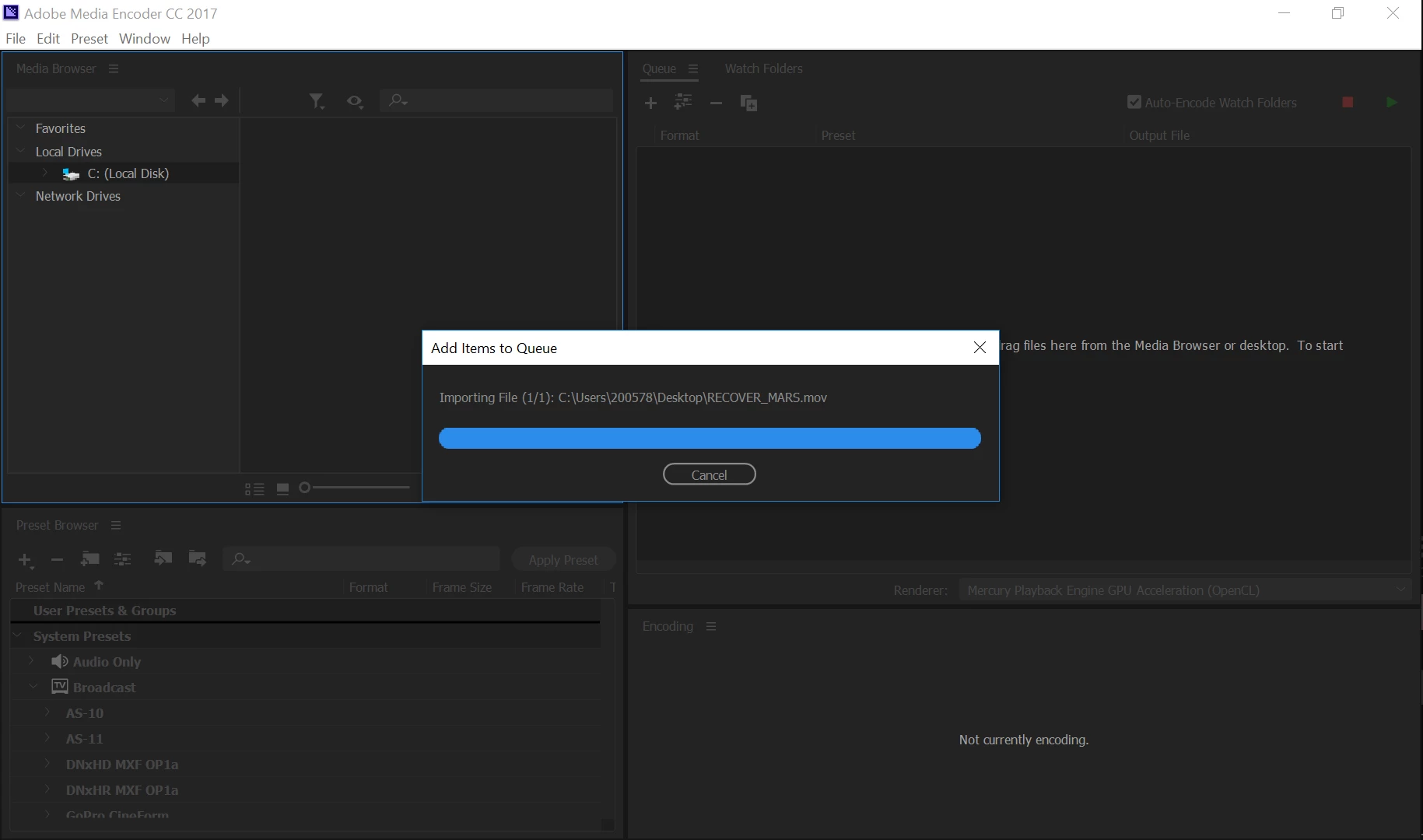
I've probably just made a stupid mistake with this, but I've just finished exporting my animation into a video and had ticked the box saying to open it in AME once it's finished but when I did it just loaded forever. I left it for an hour or two and nothing changed so I reopened AME and tried to import the .mov file into the queue by going through the Local Drive part and the same thing happened:
Is there something I should be doing or am I just impatient?
    This topic has been closed for replies.
    Correct answer

    Hi Vidya,

    I think the problem is actually with my laptop because I tried to import it on a different (larger and better) computer and it worked. The only problem was that all of the audio was over lapped and the video was a full minute shorter than it should've been. (I took it to IT at school and this is what they suggested I do).

    I'll still try your suggestions as well, though, because I would really like to have a copy that's actually working properly.

    1. I tested it with another .mov file (185 MB) and that imported easily

    2. The file is 1.36 GB

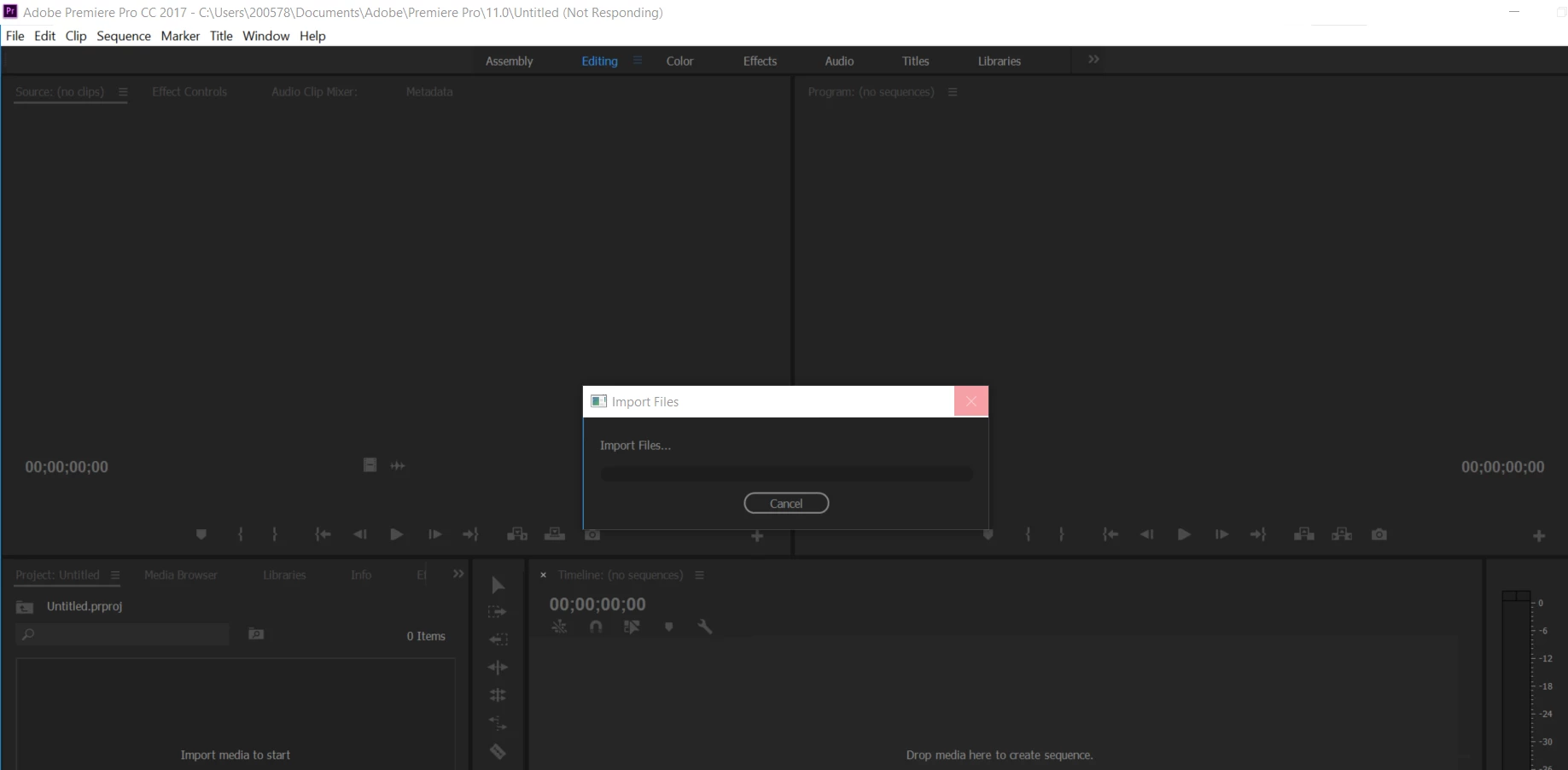
    3. I tried to but after leaving it for a few hours it still looked like this:

    And wouldn't respond

    4. I moved it and it still wouldn't import

    I think I may need to somehow make the file smaller.

    1 reply

    Vidya Sagar
    Adobe Employee
    Adobe Employee
    May 22, 2017

    Hi Gracefrompluto,

    Sorry for the import issue.

    1. Is this happening with all MOV files? Please test with another MOV file.

    2. What is the file size of the MOV file?

    3. Have you tried to import the file into Premiere Pro for a test?

    4. Change the location of the MOV file & try the import.

    Thanks,

    Vidya.

    Correct answer
    May 27, 2017

    Hi Vidya,

    I think the problem is actually with my laptop because I tried to import it on a different (larger and better) computer and it worked. The only problem was that all of the audio was over lapped and the video was a full minute shorter than it should've been. (I took it to IT at school and this is what they suggested I do).

    I'll still try your suggestions as well, though, because I would really like to have a copy that's actually working properly.

    1. I tested it with another .mov file (185 MB) and that imported easily

    2. The file is 1.36 GB

    3. I tried to but after leaving it for a few hours it still looked like this:

    And wouldn't respond

    4. I moved it and it still wouldn't import

    I think I may need to somehow make the file smaller.

    Vidya Sagar
    Adobe Employee
    Adobe Employee
    May 30, 2017

    Hi Gracefrompluto,

    Thanks for the reply. Please make sure the file is on a hard disk at 7200 RPM, it the minimum requirement.

    Vidya