


Question
preparing audio taking too long and lag the project editing
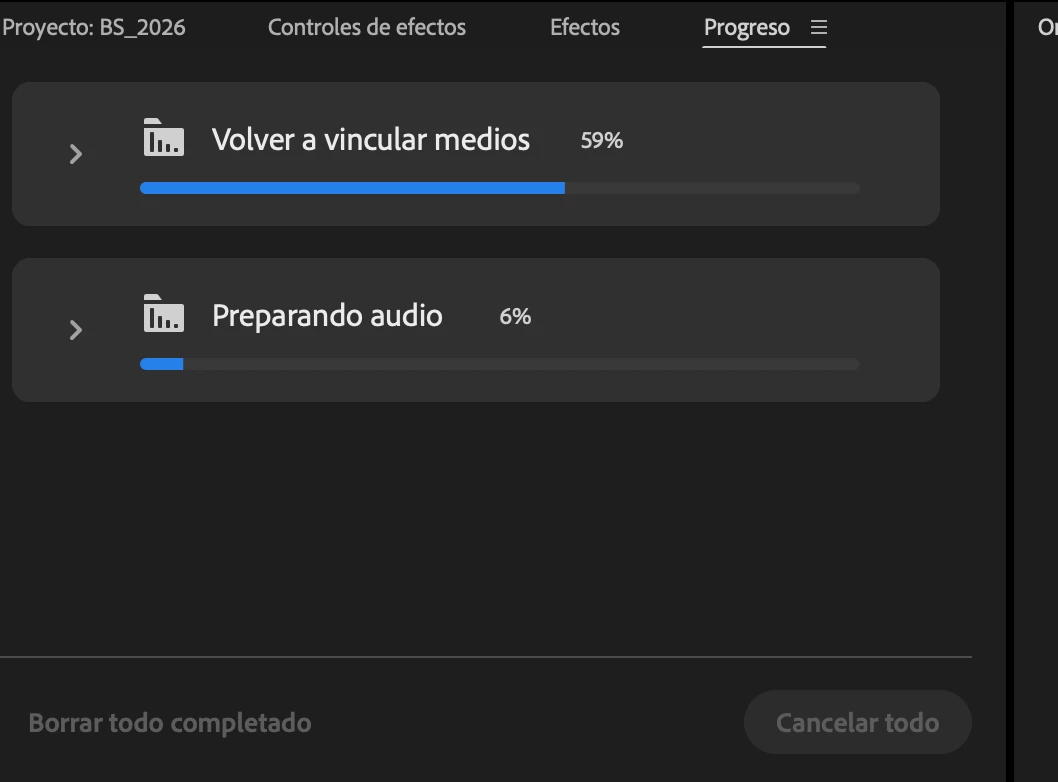
I’m having a very frustrating issue where every time I open a project, the progress panel in Adobe Premiere Pro starts “relinking media” and “generating audio” and “preparing audio”
which takes many hours to complete and severely slows down my editing process.
I’m currently using version 26.0.2 and working on a large project with a lot of footage. I’m working from a 14TB external USB-C drive. I’ve already cleared the cache that was linked to the external drive and reassigned it to my computer’s internal drive.
I need help solving this problem. Thank you.
 AdChoices