


Participating Frequently
September 15, 2022
Question

Queueing to media encoder does not respect aspect ratios

  • September 15, 2022
  • 3 replies
  • 494 views

I have a lot of sequences, some 1x1, some 4x5 and some 9x16.

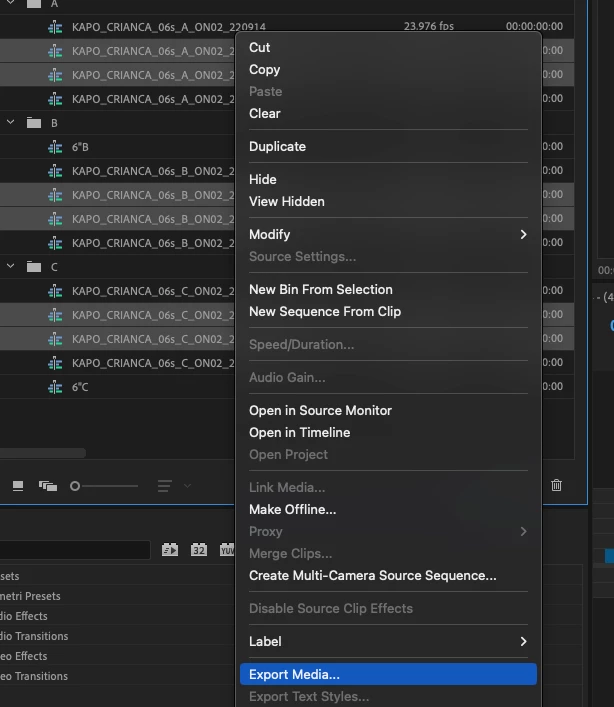
For some reason, when queueing all of them to media encoder by selecting the sequences in the project panel and going export media it looks like it doesn't export it properly.

Step 1:

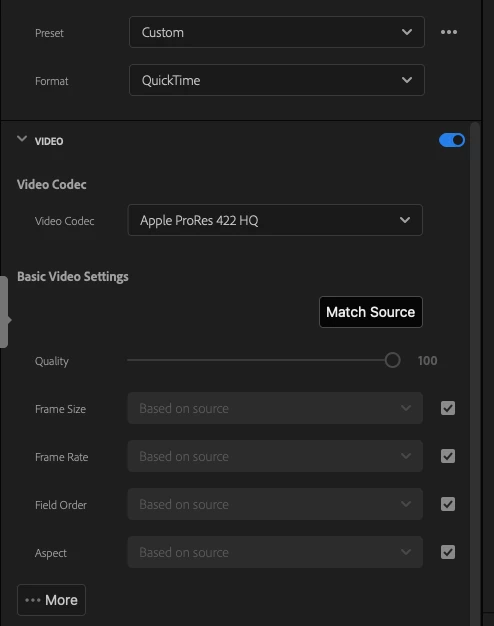
Step 2, clicking "match source":

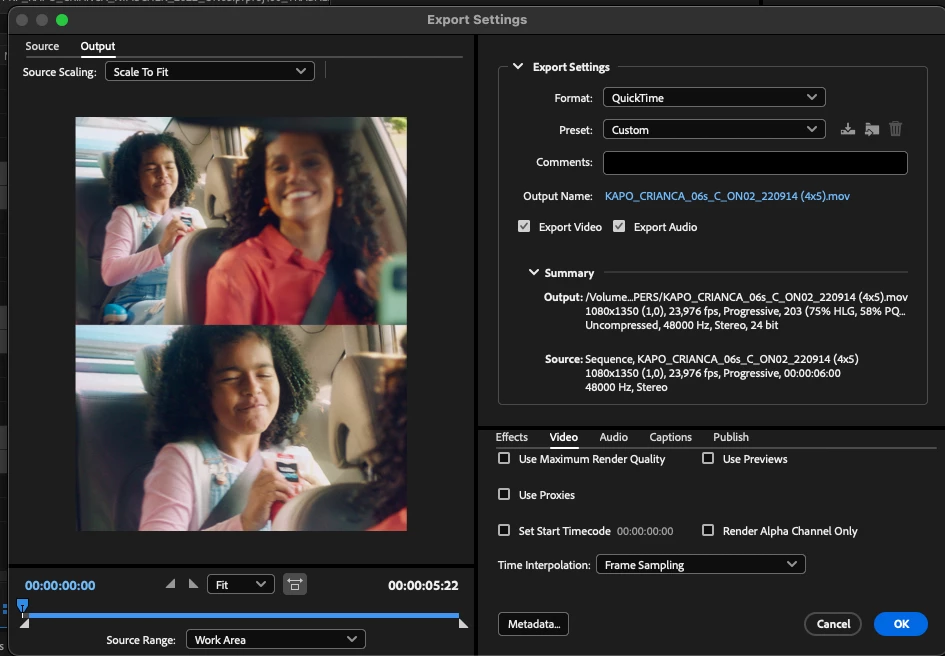
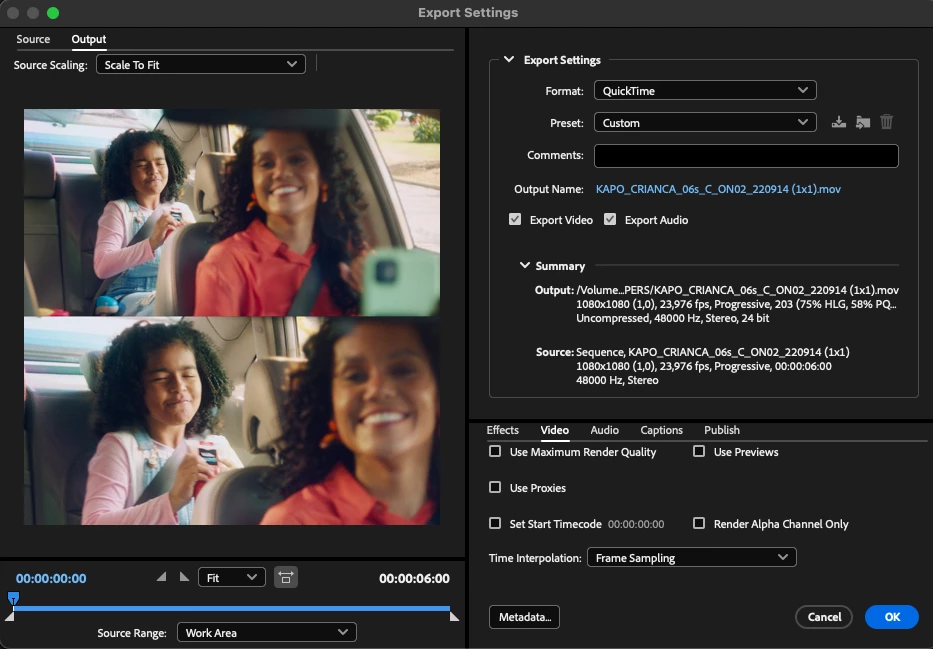
Previews are fine:
(4x5)
(1x1)

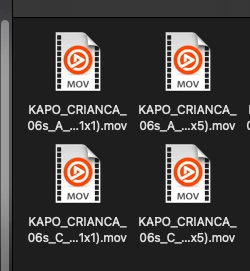
I suspect there's something wrong with metadata.. because the files don't show a thumbnail on macos.

And using Switch to view these files metadata:
1x1 reads as 9x16, which was the last one that I was able to export succesfully after closing media encoder and premiere
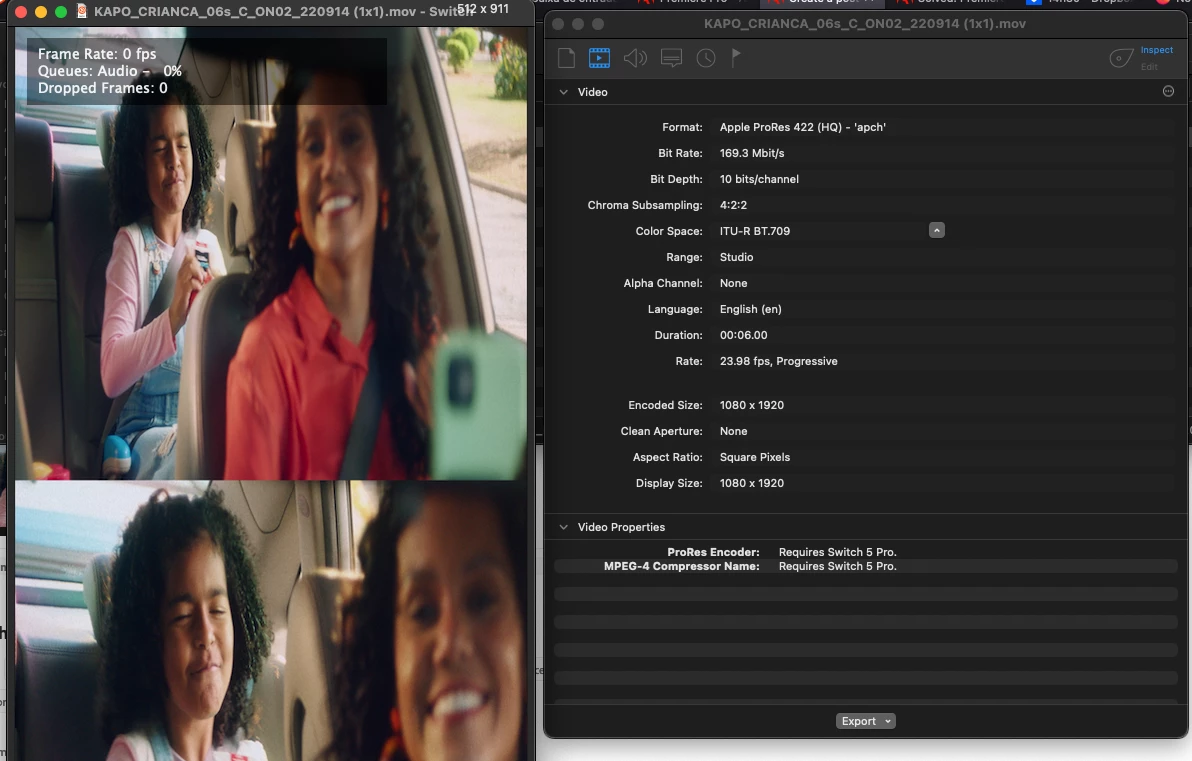

The 4x5 does the same.

There's something going on, because after a Media Encoder restart I can export fine one non 16x9 aspect ratio. Then the other queued exports get the same resolution as the one that was first exported successfully.

Premiere v 22.6.2 build 2
Media encoder 22.6 build 65
Mac Air M1 OSX 12.5

This topic has been closed for replies.

3 replies

Adobe Employee
September 23, 2022

I believe this has been fixed already, if you try the same steps in the latest PPro & AME Beta builds (23.0) it should work correctly.

Participating Frequently
September 23, 2022

Hi Larry,

Unfortunately I will have to wait then for the beta to hit a stable release and then try to work around the inevitable new bugs introduced.

Can you please answer me if there's any sort of testing done, at all? How many people are on that team?

How does Premiere ship with the "DVA Export Queue Panel" when it isn't supposed to be there? What about the UI inconsistency I provided above?

It really looks like Adobe does not care. It really does.

Participating Frequently
September 22, 2022

Happening again, now with a different kind of error on export.


Closing media encorder, clearing the queue and queueing it again does not fix it.

Exporting directly from Premiere works.
Queueing a single sequence from Premiere to Media encoder also doesn't work.

I thought it might be a problem exporting directly to Dropbox, but I tested it here and it isn't the issue, happens exporting to the local SSD too.

Happens on Media encoder using Metal and Software only.

So, does Adobe do any sort of unit testing or any testing at all before releasing updates? Because Media Encoder is unusable right now. I'd figure with 4.1 billion in net profit in 2021 you all would be able to hire a few test engineers, right? Or am I out of touch here?

Do you know how I know you all don't do any sort of testing? Look at the export interface when selecting multiple sequences on a ultra wide monitor. Decreasing the window width fixes that UI.


I've been working so long in Premiere that I feel like I know all the bugs and why they happen, more so than the product heads.


I know you guys are migrating the panels to UXP, but come on, guys. Responsive designs have been figured out for more than a decade. 4.1 billion dollars in profit.

@Kevin-Monahancan you please help me out? I have 40 sequences to export and I don't feel like doing it one by one. I'm paying monthly for something that does not work.

Participant
September 20, 2022

Same thing here, when trying to export 4x5 (1080x1350) via Media Encoder. The image is squeezed with a black bar at the bottom. And sometimes the output is totally black. There is definitely a bug since the latest update.


My version: 22.6 build 65

Kevin J. Monahan Jr.
Community Manager
Community Manager
September 20, 2022

Hi,

I moved this post to the Media Encoder forum. I hope that's OK.


Thanks,
Kevin

Kevin Monahan - Sr. Community and Engagement Strategist – Adobe Pro Video and Audio
Participating Frequently
September 22, 2022

Thank you, Kevin.

I just had typed out another post giving more info, and it disappeared from this topic 😮

Is that normal?