


Participant
Mar 25, 2021 8:44 PM UTC
Question

Render Media Encoder 2020

Make a simple sequence of videos to post on Facebook and Instagram.
São 4 takes in MP4, takes one in MOV and Texts. Everyone uses transparency.

When I tried to render the problem that I illustrate in the images below.

I only succeeded in rendering it correctly when I used another computer (youtu.be/i-msbyC6hH4).

Can anyone help me / guide me how to fix this problem?
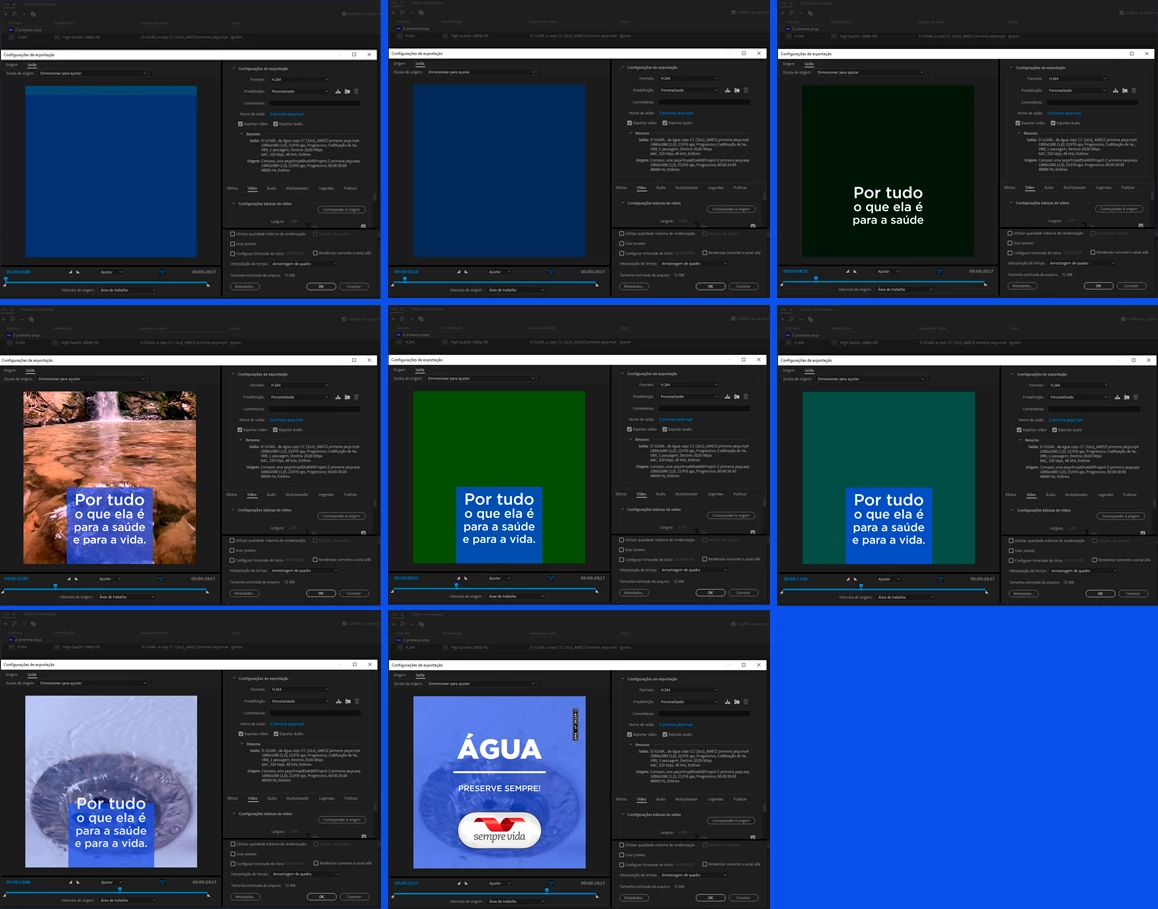


This topic is closed to new replies. Start a new post to keep the conversation going.

3 replies

Jeff Bugbee
Community Expert
Community Expert
Mar 25, 2021 10:11 PM UTC

Your screenshot montage is a bit too low quality to make out the details. Can you reupload in a readable format?

Translate
Participant
Mar 26, 2021 12:11 PM UTC


Translate
Participant
Mar 26, 2021 12:17 PM UTC

I WAS ABLE TO SOLVE AS FOLLOWS
- I started deleting comp video files one by one and tried to render, and the error remained.
- "ctrl+z" came from war (hehehe) ...and I started deleting groups of comp video files... and the error disappeared when I erased almost all of them. Only MOV stayed.
- so I converted all mp4 files to MOV, replaced them in the COMP timeline and tried to render again. Both in MOV and MP4... and they both worked.
I believe it was some kind of error in the files. But I still have the question of the "why on the other PC in the office rendered good"?

Translate