
Unable to get good render quality
I've been trying to render out a gameplay video, but every time I render it out, the quality is extremely bad. It gets very discolored, pixelated, and blurry. I've attached two screenshots, one of the source material(I know it's not that good to begin with) and one of the rendered product. Any setting that I change from the render settings have no effect on the outcome of the render quality. I've tried setting the bitrate to absurd levels and tried different video formats, but nothing changes. Each and every render, no matter what program(Vegas, AME, or even straight out of After Effects) produces the same results. I've watched several videos that claim to fix issues like this, but even those don't fix it. Every thread I've come across yields no solution, either.
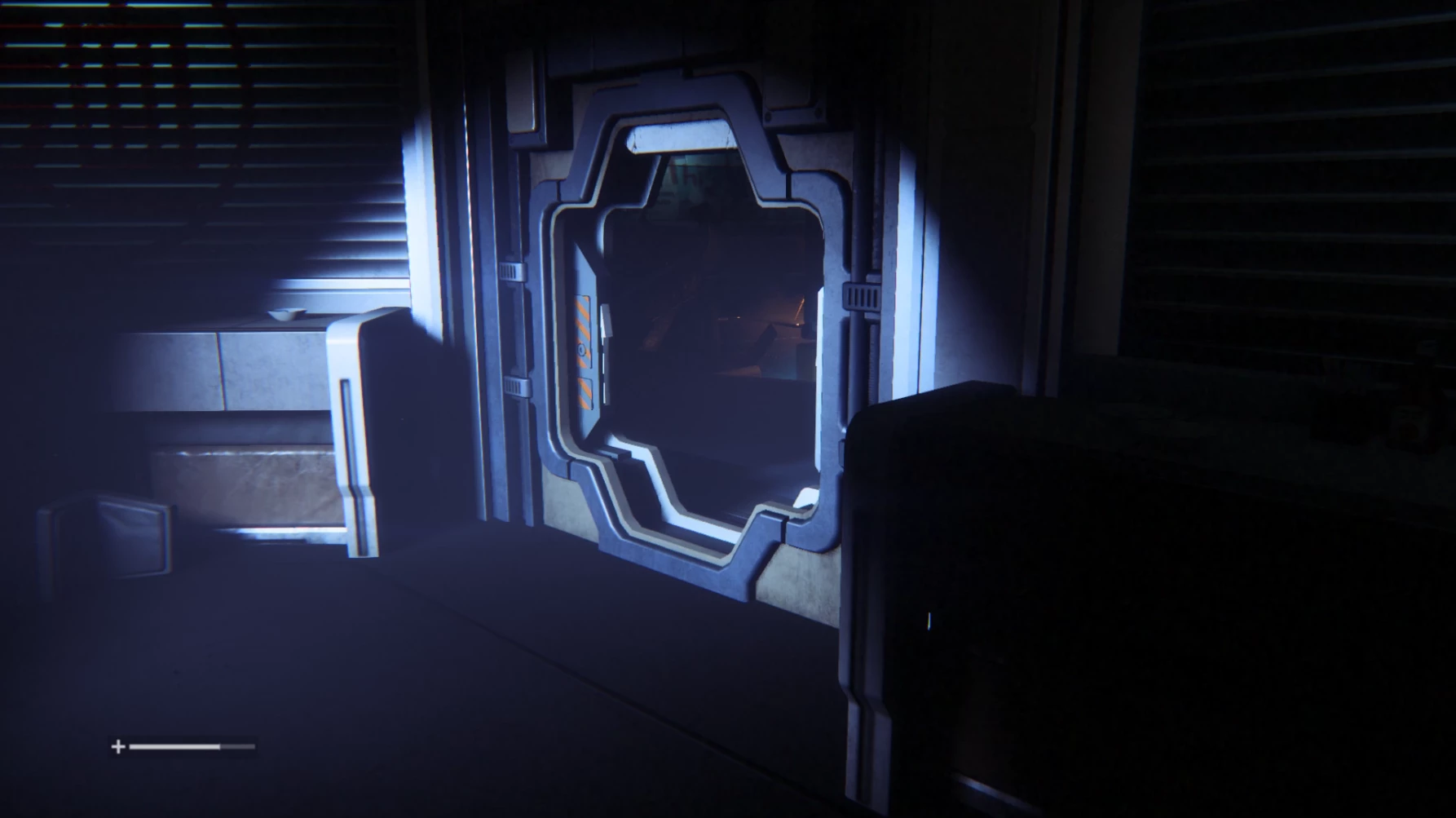
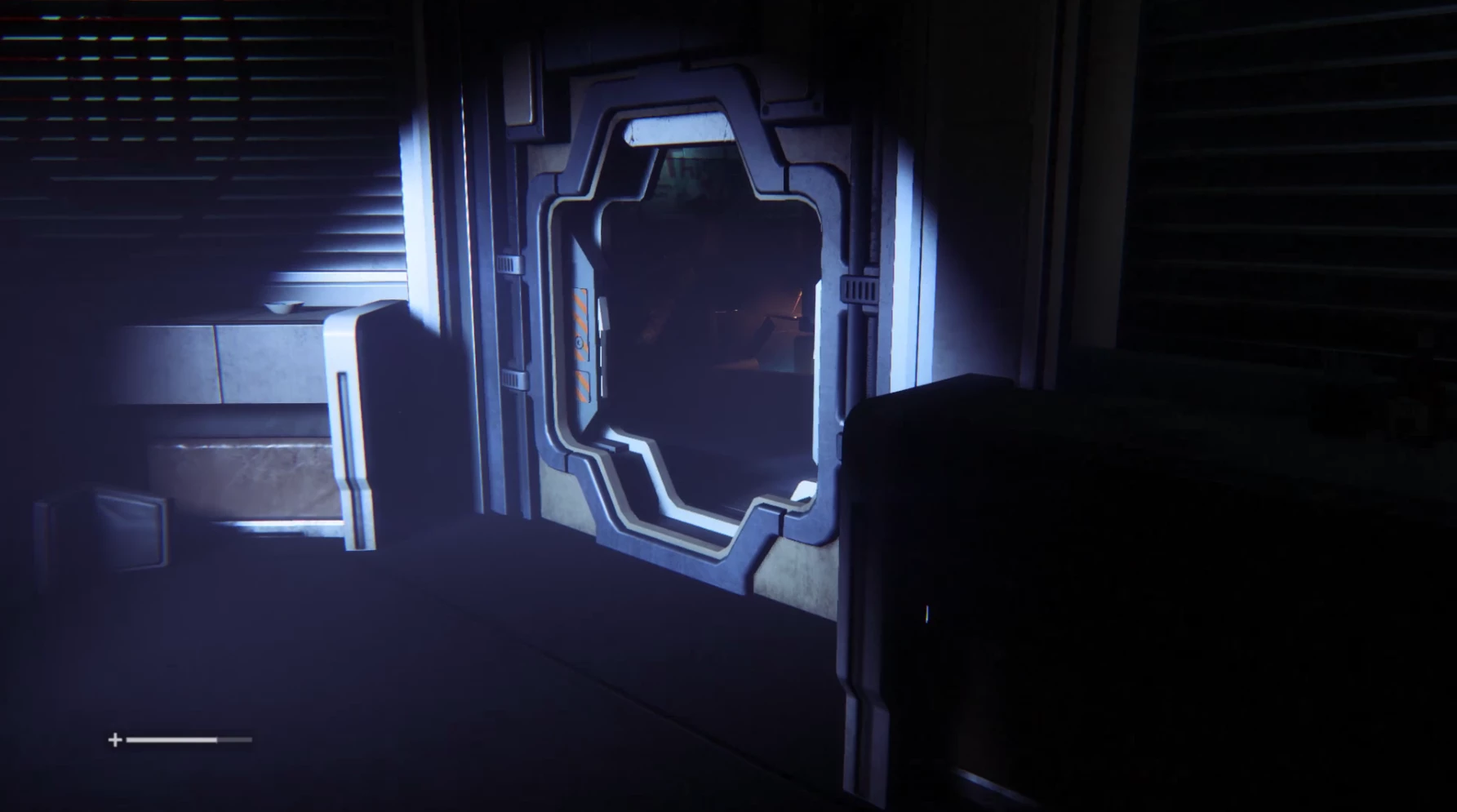
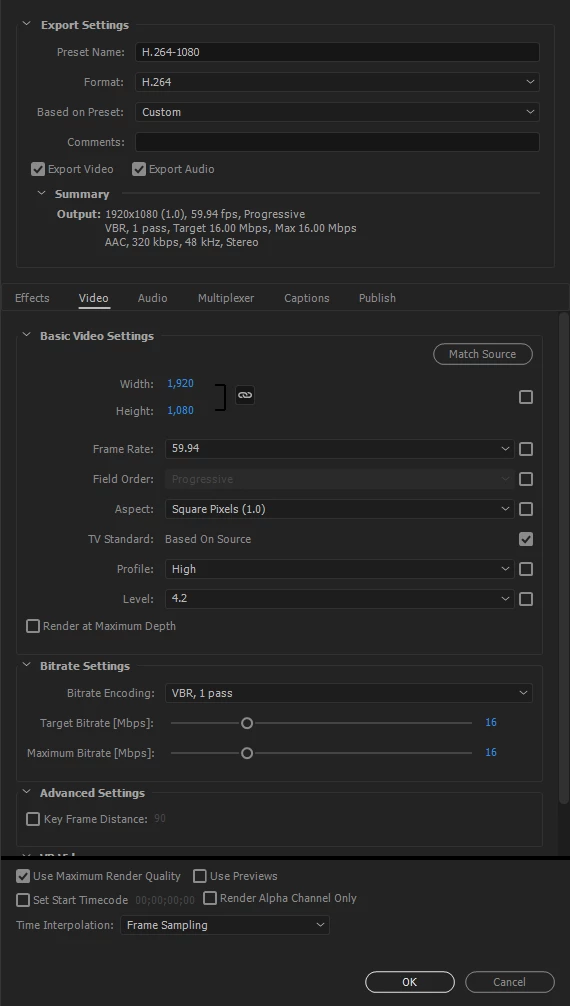
The source material was recorded with Nvidia Shadowplay, and it is 1080p 60fps MP4.
My basic PC specs are as follows:
Windows 64 Bit
GTX 1080
i5 6600k
16 GB of RAM
2 TB HDD
Any suggestions are very much appreciated. I would like to find out if it's an issue with my machine somehow, or just a few settings that need to be tweaked. Thank you.


 AdChoices