dashbarkhuss
Participant
Jul 2, 2020 11:23 PM UTC
Answered

Video File Has Pixelated Glitches and Green Flashed When scrubbing and exported.

I'm getting glitches when scrubbing through videos and exporting them. These videos are screen recordings on my Macbook Pro.


Examples:


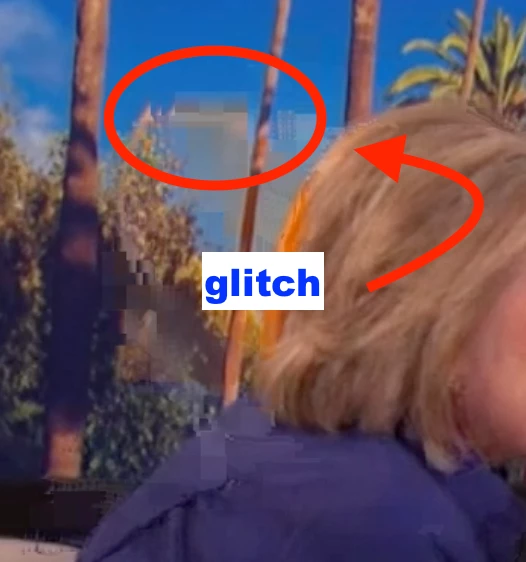
Here a glitch appears behind Hillary's head

Original, No Glitch:



Exported Glitch:



The Same Glitch When Previewing/Scrubbing:
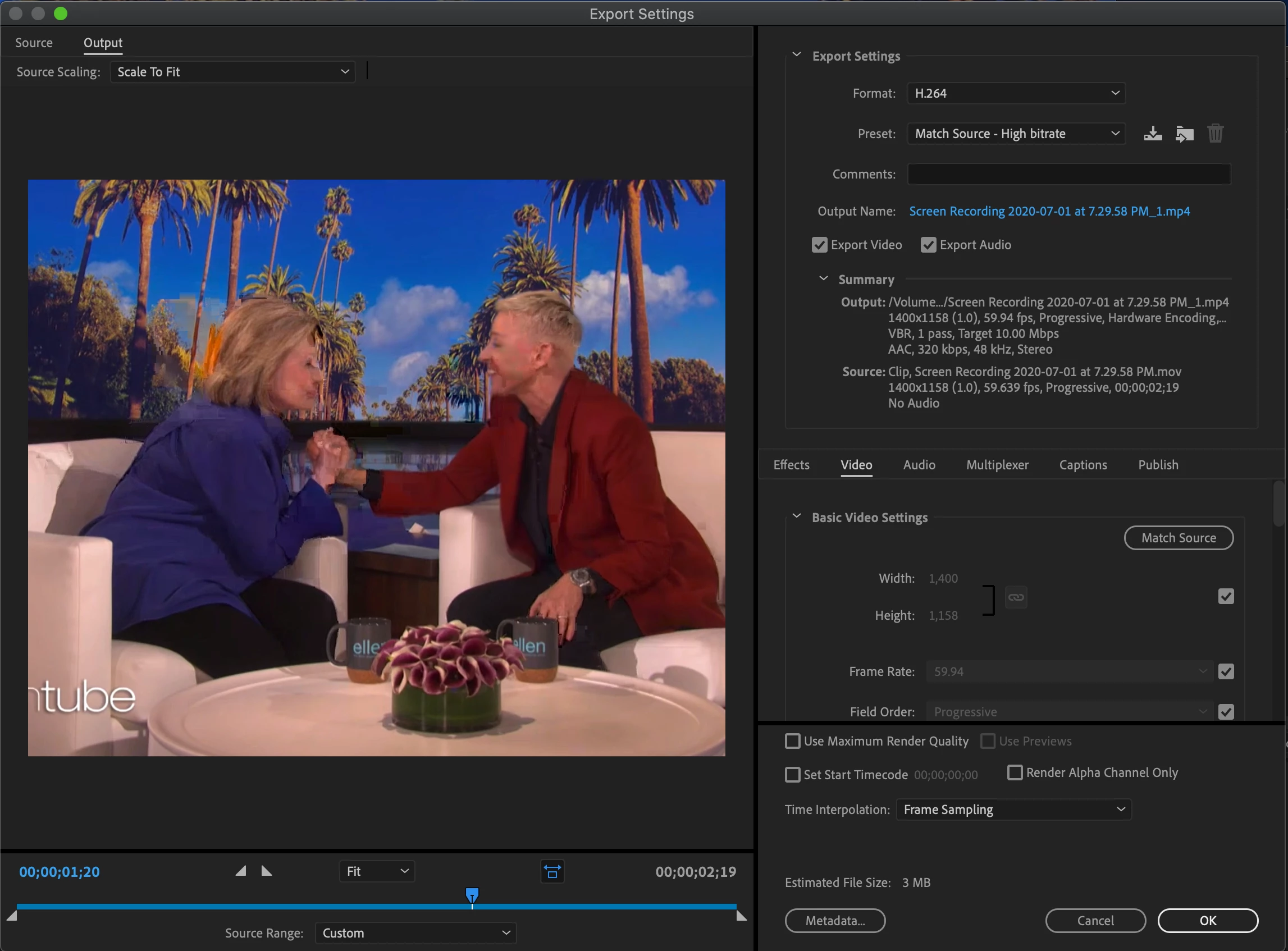


Another glitch I see is a green flash
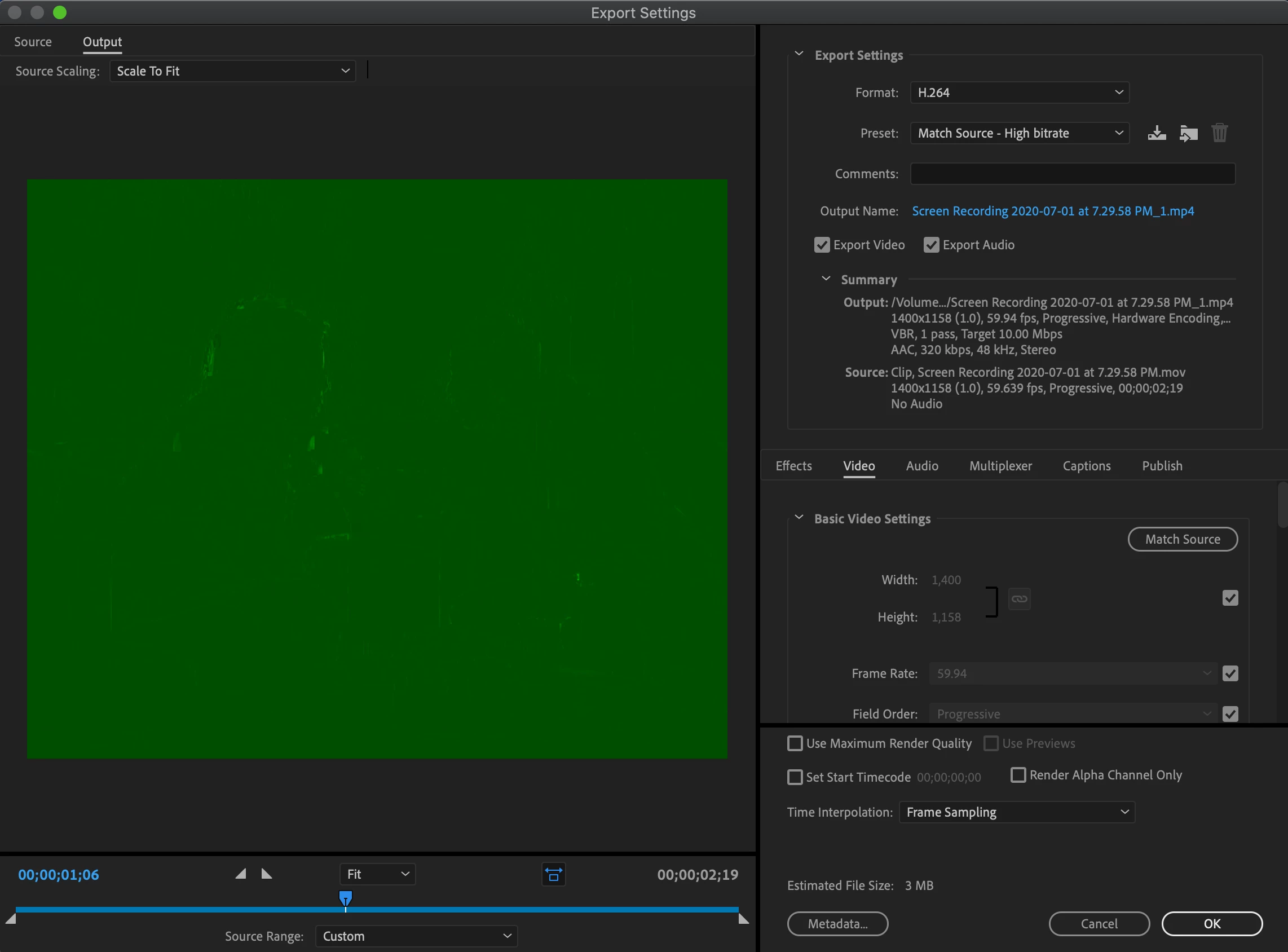


This green flash appears whether previewing or after exported.


How do I get rid of these glitches?


This topic is closed to new replies. Start a new post to keep the conversation going.
dashbarkhuss
dashbarkhussCorrect answer
Participant
Jul 3, 2020 2:09 AM UTC

Adobe solved this for me:

Download Handbrake and under the video tab select Constant Framerate and then export.

1 reply

dashbarkhuss
dashbarkhussAuthorCorrect answer
Participant
Jul 3, 2020 2:09 AM UTC

Adobe solved this for me:

Download Handbrake and under the video tab select Constant Framerate and then export.

Translate