

Question
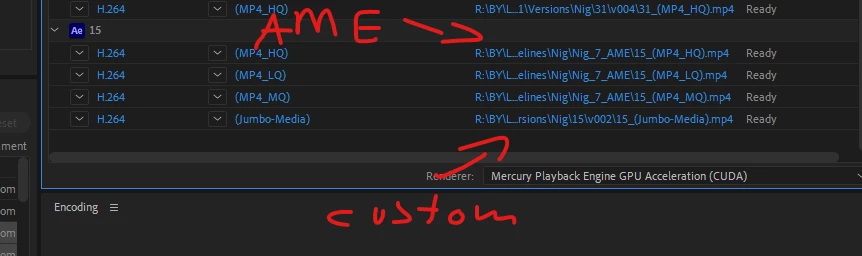
when applying preset, the file location defaults to AME folder and not the selected folder
Hi, maybe there's a workaround for this or possible feature request.
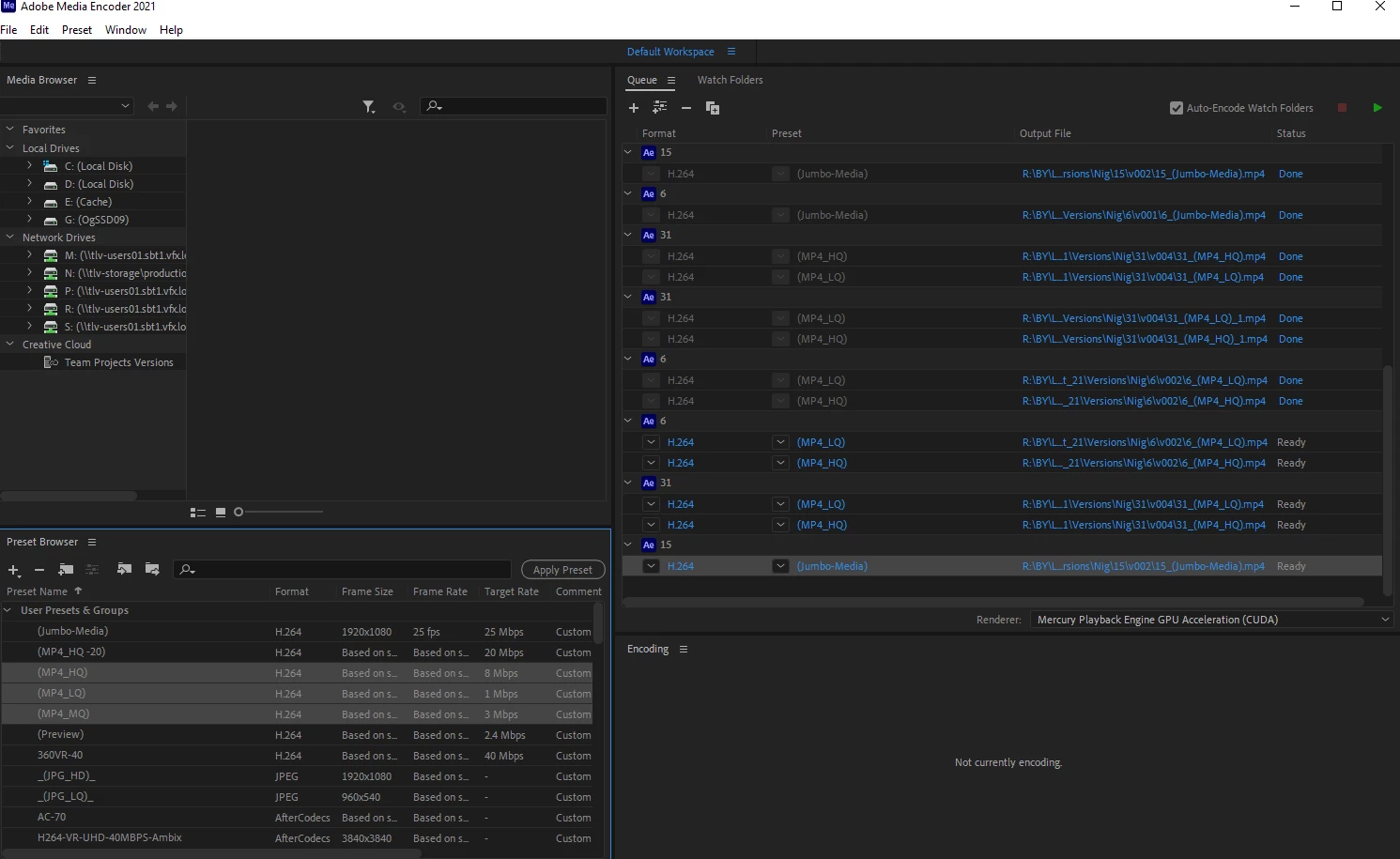
I have items in my render queue, and I want to apply presets to them. it seems that if you hit "apply preset" the custom location changes to the AME folder. I wish to retain the custom location when I apply presets. it seems the only way to do that is to drag and drop manually one by one carefully under and existing preset (not on the name). dragging on an existing preset or on the name of the task or hitting apply preset changes the custom location to the default.
I thought maybe a modifier key would retain existing. if that's not available, that's would be my feature request


 AdChoices