
Participant
July 16, 2022
Answered

Add iPhone frame to the desk top preview

  • July 16, 2022
  • 1 reply
  • 1510 views

Hey talented people, 


Hope you are all well. 


Just wanted to ask, is there anyway that I can add an iPhone frame to the destop preview when I presenting to the clients like the Figma below. I can not find a way, is there any XD pluging that I can download to solve the issue. 
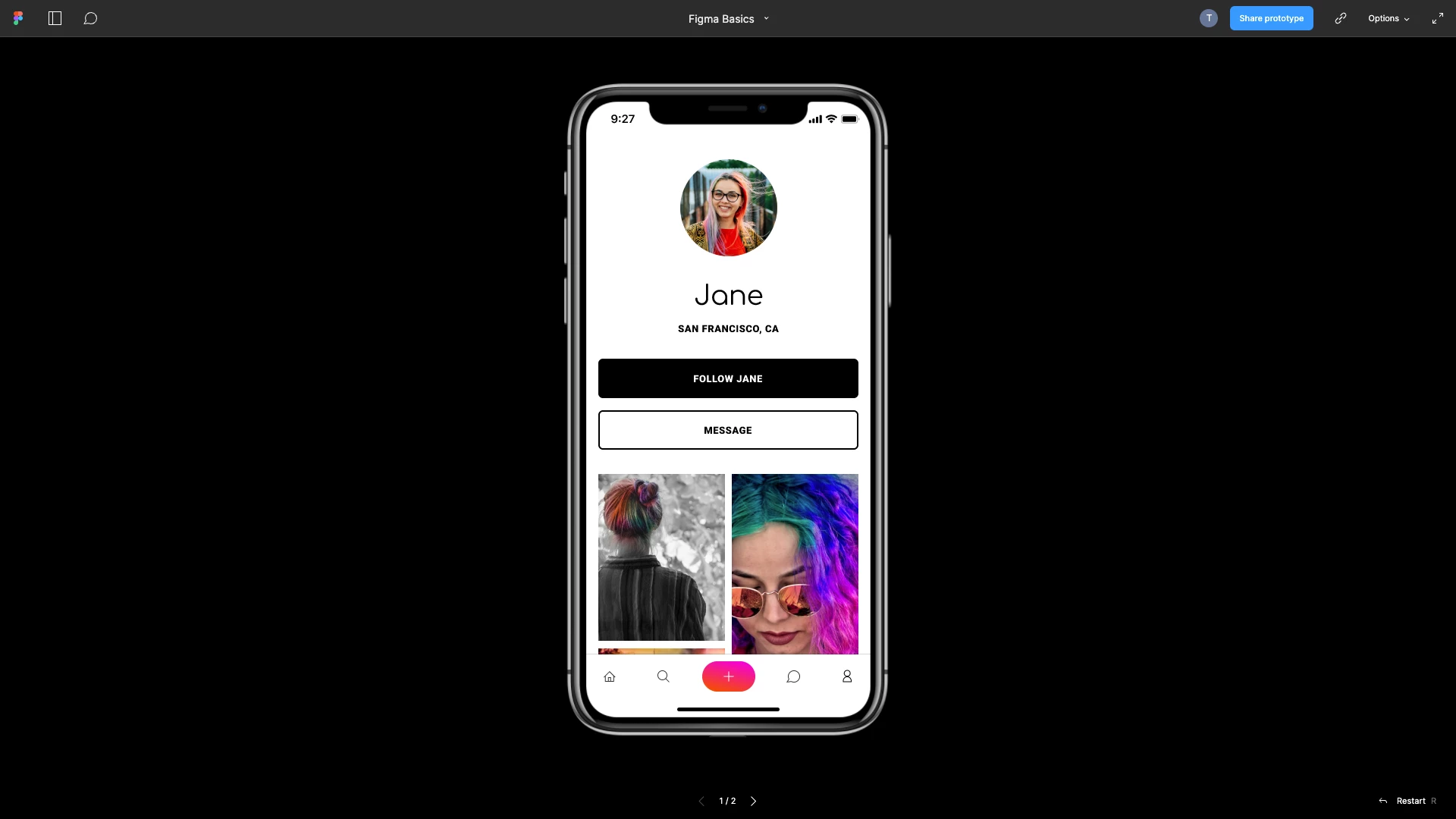


Much appriciated.  

    This topic has been closed for replies.
    Correct answer Tianle252748247gmb

    Try to search iPhone mockups for Adobe Xd like this Free iPhone 13, 13 Pro Max, Mini and XR Mockups (PSD, Figma, AI, Adobe XD) - Designmodo

    but this templates must be added in project before presenting. That's not a solution but can be used...


    it's ok now. i find the way to solve it by using final cut pro. 

    Adobe needs get this feature updated. 

    1 reply

    Ares Hovhannesyan
    Community Expert
    Community Expert
    July 17, 2022
    Participant
    August 5, 2022

    Hi Ares, 


    That post does not solve my issue. What I meant was I want to add a iphone frame when I am presenting my work via desktop preview. 


    Currently the XD only represent your work in original artboard shape without any iphone frame on it. 


    Any other post I should be looking at? 


    Thank you


    Ares Hovhannesyan
    Community Expert
    Community Expert
    August 6, 2022

    Try to search iPhone mockups for Adobe Xd like this Free iPhone 13, 13 Pro Max, Mini and XR Mockups (PSD, Figma, AI, Adobe XD) - Designmodo

    but this templates must be added in project before presenting. That's not a solution but can be used...