
Participant
October 4, 2021
Question

Adobe XD 44 : eye dropper not working

  • October 4, 2021
  • 1 reply
  • 620 views

Hi,

Since I have downloaded creative cloud and installed adobe xd (2 days ago), I am unable to use eye dropper. When I click on eye dropper icon or press I, a black circle surrounds my cursor.
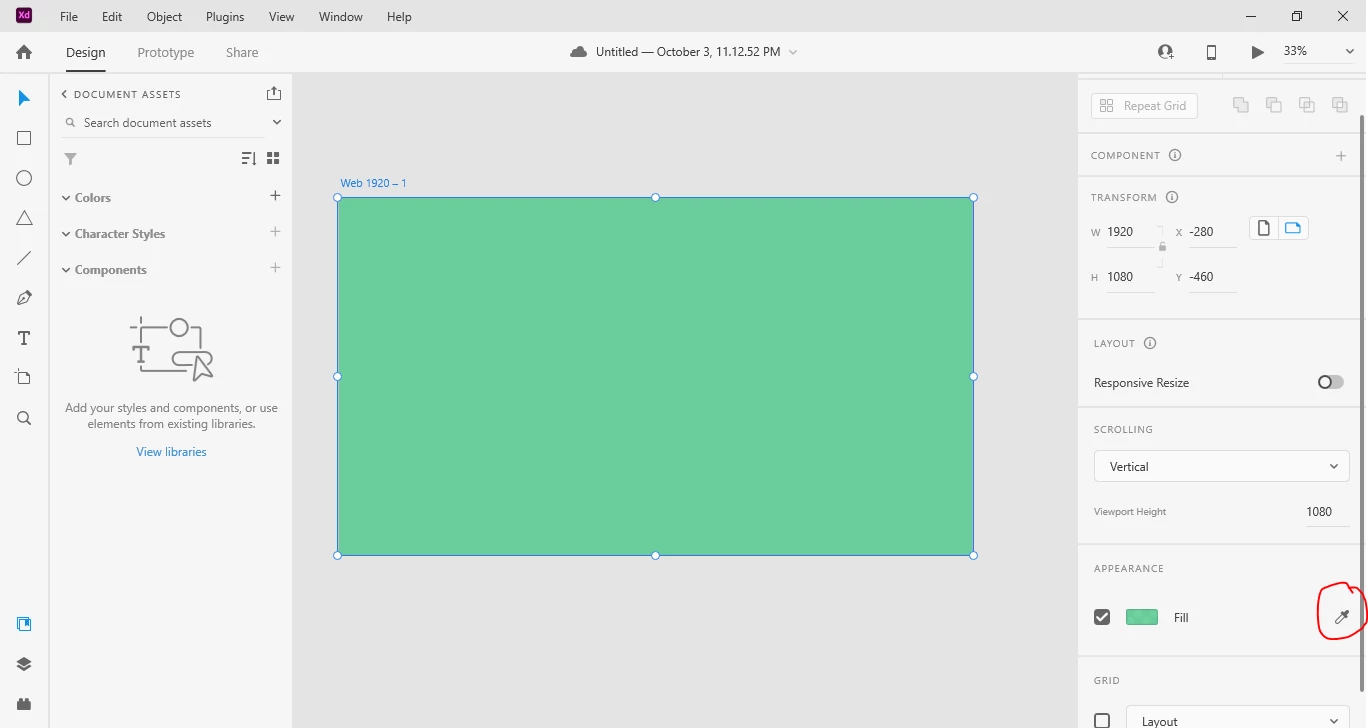
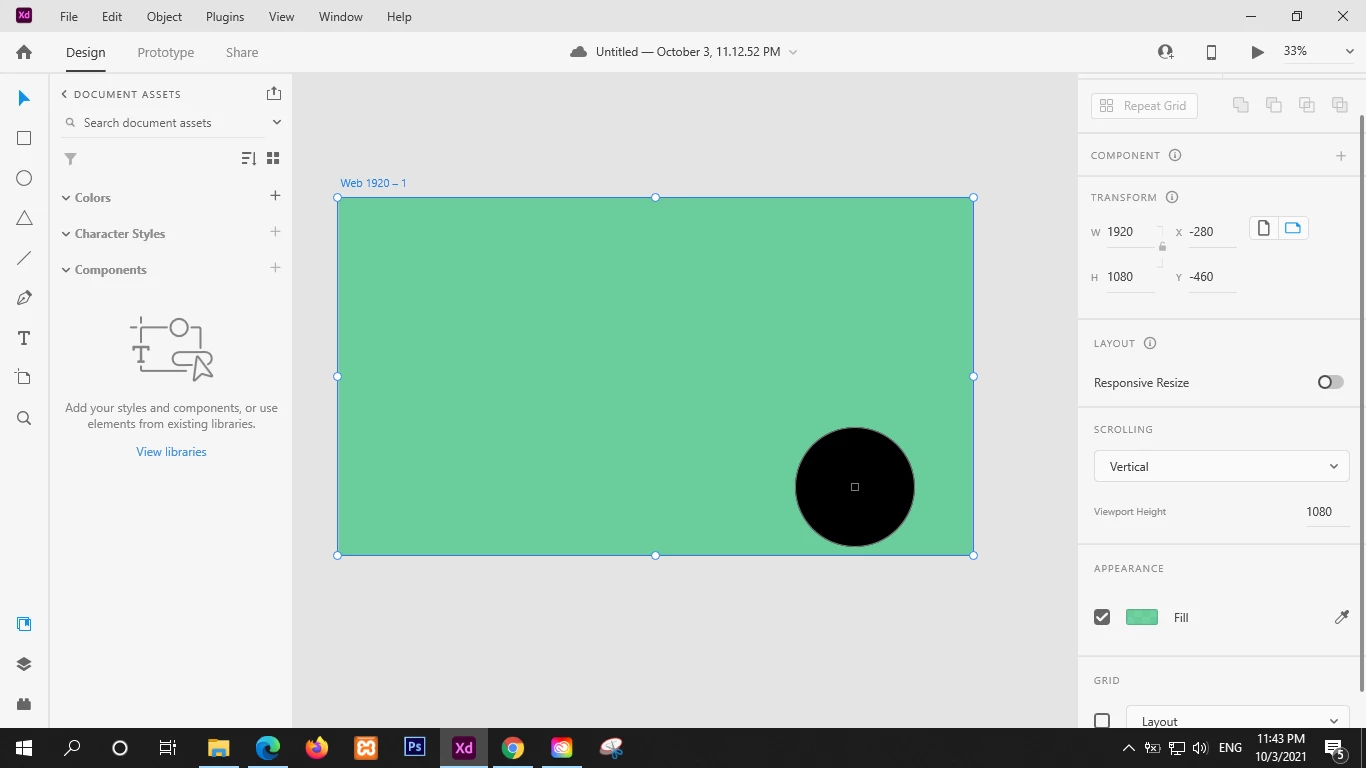
 

{Title Renamed by MOD}

And when I click for any color on my file, color becomes black and opacity drops to 0%.
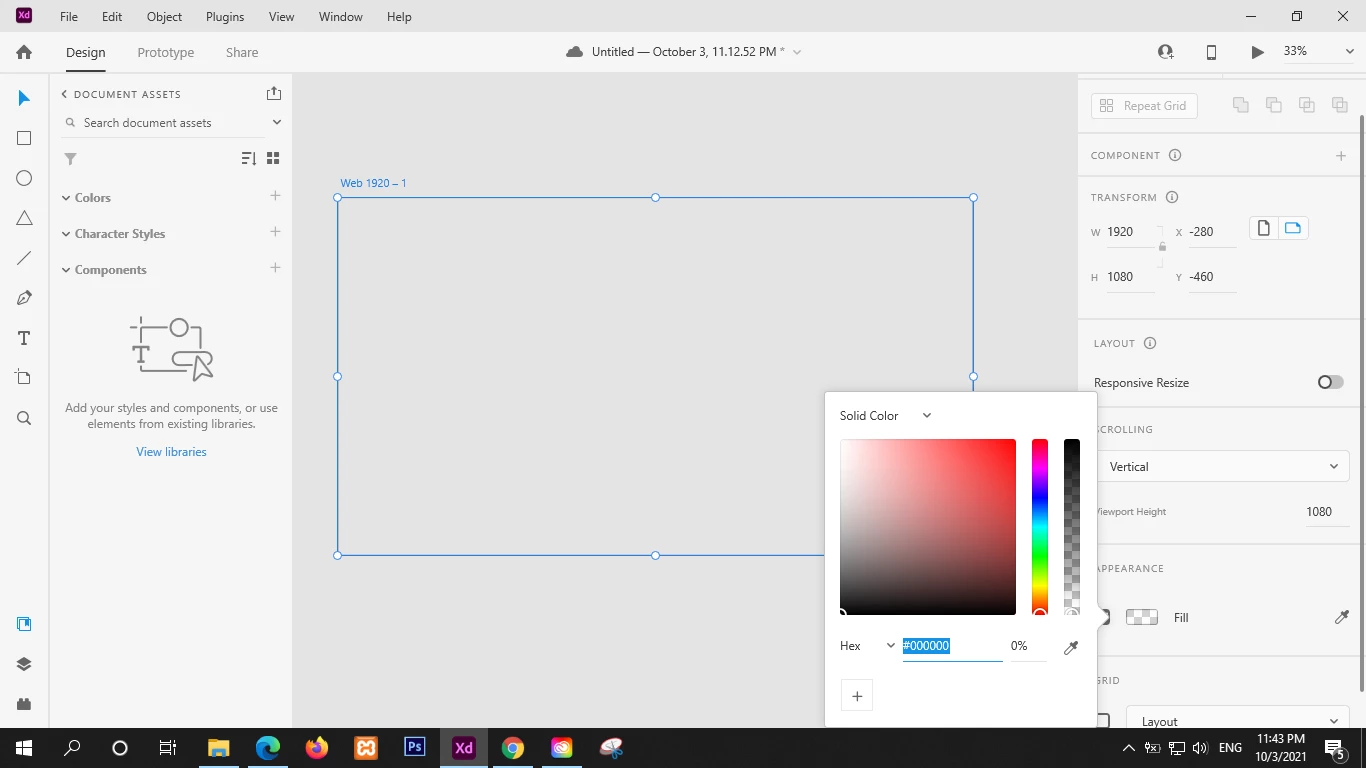
 

Im using following versions:

creative cloud: 5.5.0.617

adobe xd: 44.0.12.7 (starter plan)

windows 10 home 64-bit (unlicensed and uncracked)


This topic has been closed for replies.

1 reply

Spas K.
Community Expert
Community Expert
October 4, 2021

Are your graphics card drivers up to date? Have you tried reinstalling Xd?

M. YousufAuthor
Participant
October 4, 2021

Yes, my graphic card driver is up-to-date. My laptop is hp pavilion dv6 with radeon graphics.
And im sorry, i forgot to mention i have performed following steps:

1. uninstall adobe XD and restart the laptop

2. install XD and restart it again

3. after second restart, launch XD.
results were still same. eye dropper not working

Spas K.
Community Expert
Community Expert
October 6, 2021

I see, can you please run dxdiag and post a screenshot from the Display tab like this: