weno41508033
Participant
November 20, 2019
Answered

Adobe XD Assets Panel Bug with Naming Components (states) on Layers and Relocating it on Assets

  • November 20, 2019
  • 1 reply
  • 699 views

Hi Adobe XD Support team,

After I create and name a component on the layers panel and create different default states for them, I can't find them on the assets panel under components. Also, any way you can merge naming labels of components that are on the layers panel to also be the same on the assets component panel? Is there a way to fix this or an easier method? Thank you.


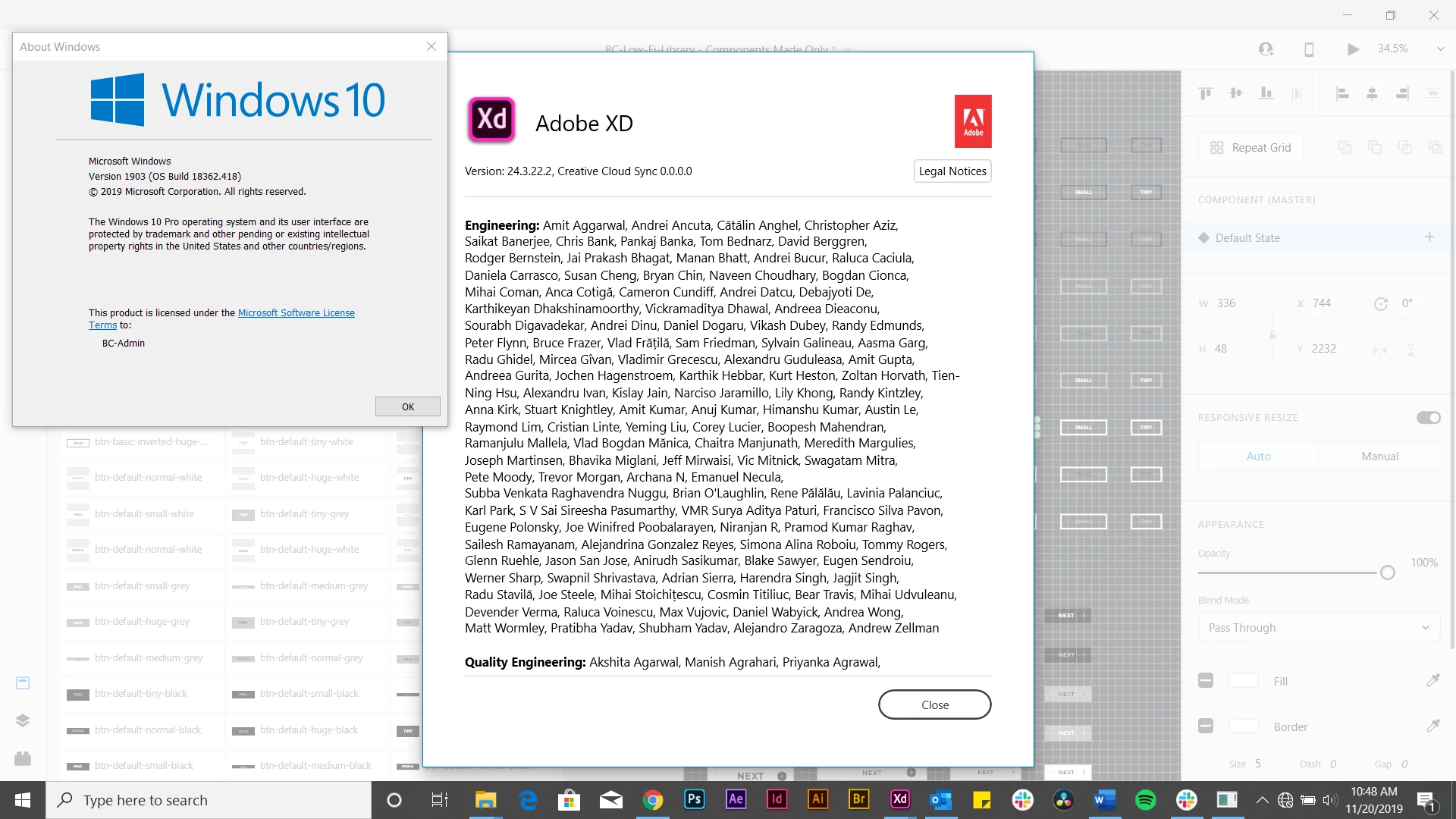
Attached is my XD and Window's version number.


This topic has been closed for replies.
Correct answer Atul_Saini

Hi Weno41508033, 


Thanks for bringing this up, a similar feature has been request here: - https://adobexd.uservoice.com/forums/353007-adobe-xd-feature-requests/suggestions/36746851-create-and-name-symbol-on-layers-panel-should-also. Please upvote it to add your voice and share your comments as well. 


Thanks,

Atul_Saini

1 reply

Atul_Saini
Atul_SainiCorrect answer
Legend
November 26, 2019

Hi Weno41508033, 


Thanks for bringing this up, a similar feature has been request here: - https://adobexd.uservoice.com/forums/353007-adobe-xd-feature-requests/suggestions/36746851-create-and-name-symbol-on-layers-panel-should-also. Please upvote it to add your voice and share your comments as well. 


Thanks,

Atul_Saini