superfucker
Participant
March 15, 2019
Answered

Adobe XD CC - There was a problem creating a new cloud document

  • March 15, 2019
  • 2 replies
  • 1720 views

Hi,

I try everything on forum - nothing works.
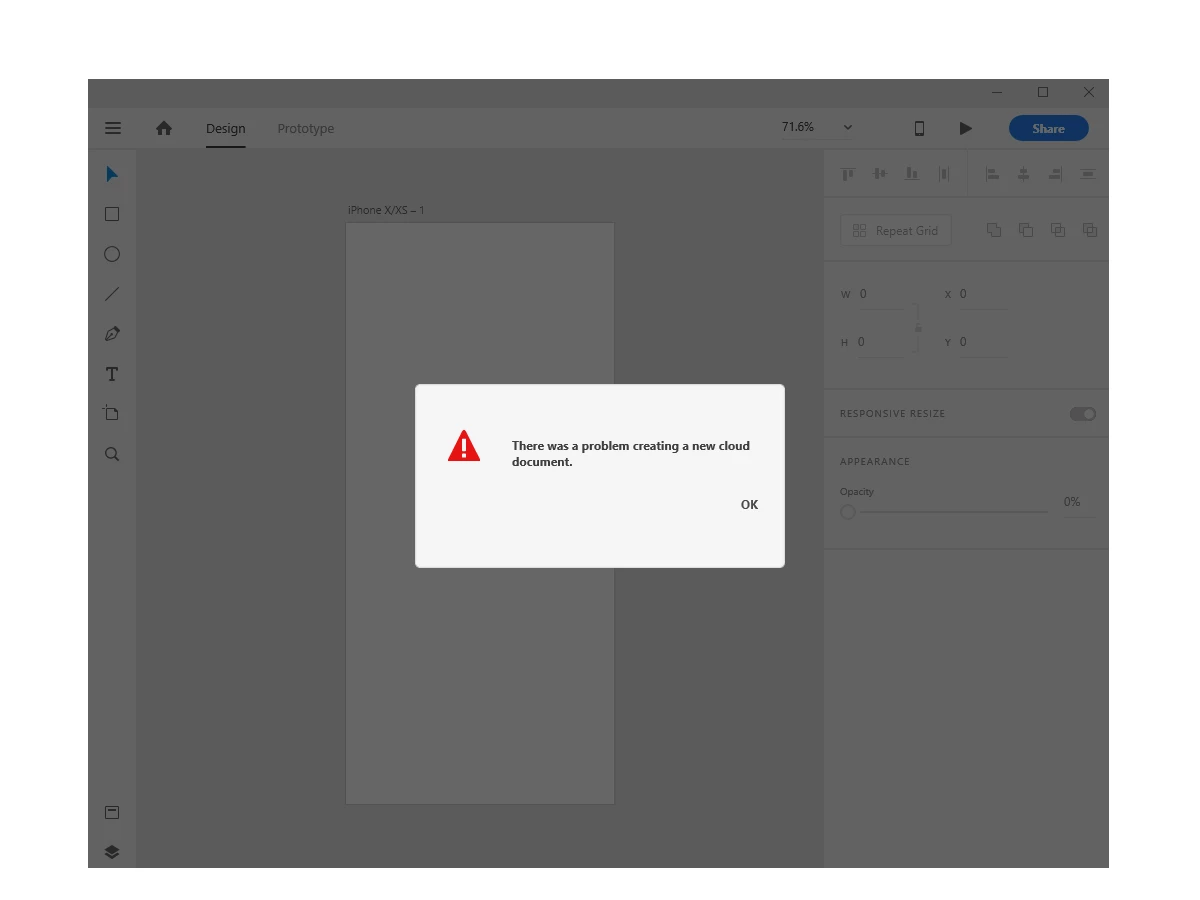
This topic has been closed for replies.
Correct answer AliAkhtari

Hi,

I've tried so many ways and finally one of them worked!

Follow these steps and Adobe XD will work properly:

1) Close all tasks related to adobe in windows task manager ( if you don't do it properly,can't do next steps)

2) Go to C:\Program Files (x86)\Adobe then delete "Adobe Creative Cloud" and "Adobe Creative Cloud Experience" and "Adobe Sync"

3) Download Adobe Creative Cloud and install it , But DO NOT LOGIN, just open the app and make sure installed properly

4) reboot your computer

5) run Adobe Creative Cloud but DO NOT LOGIN, then click exit and close the app

6) run Adobe XD, after you run it, the login page will appear, then login to your account through the window shown in Adobe XD

7) After you login, you can Create your new project, go ahead and use it.

You don't have to reinstall your adobe XD or your windows,

Just follow above steps, it worked for me and I hope that it will be work for you.

Best Regards.

2 replies

AliAkhtari
AliAkhtariCorrect answer
Participant
March 19, 2019

Hi,

I've tried so many ways and finally one of them worked!

Follow these steps and Adobe XD will work properly:

1) Close all tasks related to adobe in windows task manager ( if you don't do it properly,can't do next steps)

2) Go to C:\Program Files (x86)\Adobe then delete "Adobe Creative Cloud" and "Adobe Creative Cloud Experience" and "Adobe Sync"

3) Download Adobe Creative Cloud and install it , But DO NOT LOGIN, just open the app and make sure installed properly

4) reboot your computer

5) run Adobe Creative Cloud but DO NOT LOGIN, then click exit and close the app

6) run Adobe XD, after you run it, the login page will appear, then login to your account through the window shown in Adobe XD

7) After you login, you can Create your new project, go ahead and use it.

You don't have to reinstall your adobe XD or your windows,

Just follow above steps, it worked for me and I hope that it will be work for you.

Best Regards.

Atul_Saini
Community Manager
Community Manager
March 15, 2019

Hi there,

Thanks for sharing the screenshot, please try the steps mentioned her: - Issue saving xd files to creative cloud and update this discussion with the results. Could you please share the version of Adobe XD along with the OS build which you are using?

Thanks,

Atul_Saini

superfucker
Participant
March 18, 2019

Hello,
version 4.8.1.435

superfucker
Participant
March 18, 2019

Nope Im trying Issue saving xd files to creative cloud

nothing works.

Guys, I think this is very bad situation when I cant work but I pay for this product.

Regards
