


Participant
March 31, 2023
Question

Adobe XD Cloud file lost my previous versions in history

  • March 31, 2023
  • 2 replies
  • 296 views

I've been working all afternoon on the Adobe XD file and I lost connection with internet for a minute and all my work dissappeared.

When I try to revert to the previous version of the file I can only see a version from 4h ago (image attached).
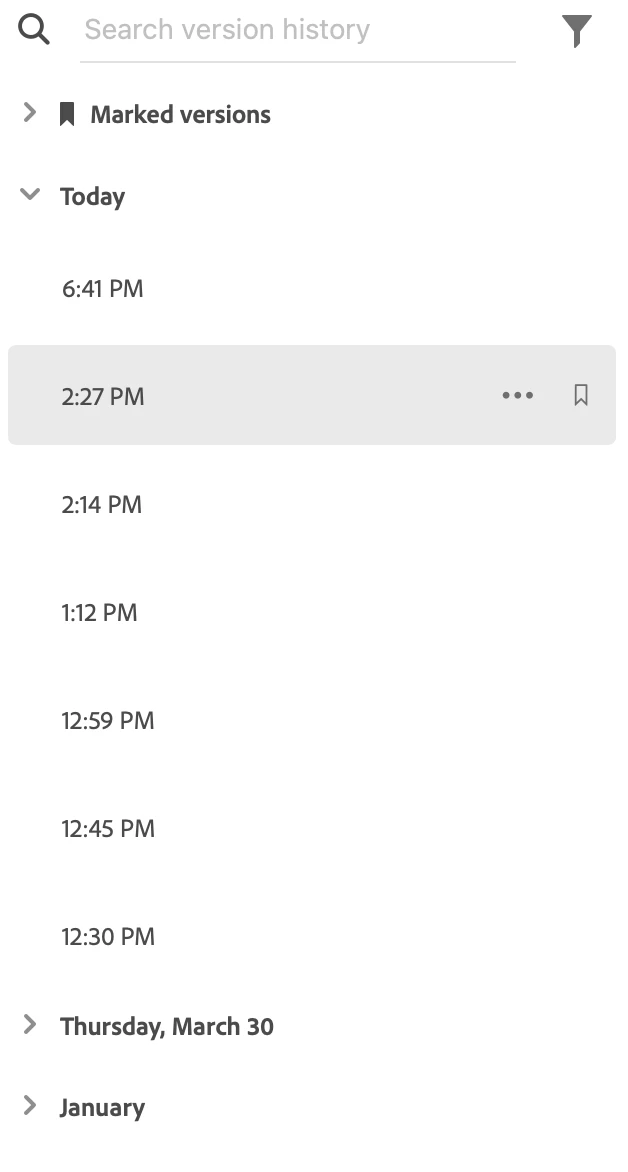
 

Please help me find my lost work.

    This topic has been closed for replies.

    2 replies

    Rishabh_Tiwari
    Community Manager
    Community Manager
    April 5, 2023

    Hi @Aleksandra22515288kub3 ,


    We're so sorry to hear about the trouble. You can also check the auto-save folders to look for the files. You can find these folder at these locations:


    Windows: \Users\username\AppData\Local\Packages\Adobe.CC.XD_adky2gkssdxte\LocalState


    macOS: ~/Library/Application Support/Adobe/Adobe XD


    The best way to look for the files is through time-stamp as the file may not exist with the actual file name.


    Thanks

    Rishabh

    Ares Hovhannesyan
    Community Expert
    Community Expert
    March 31, 2023

    I think it hasn't been saved as Internet connection has been lost.