


Participant
June 30, 2020
Answered

Adobe XD crashing after latest v30.2.12 update

  • June 30, 2020
  • 1 reply
  • 597 views

Hi there! Just updated Adobe XD to latest v30 version, and thats it! Its crashing again and again! Its stuck at the starting page with a loading spinner!

I am currently running on latest Windows 10 2004 build! 
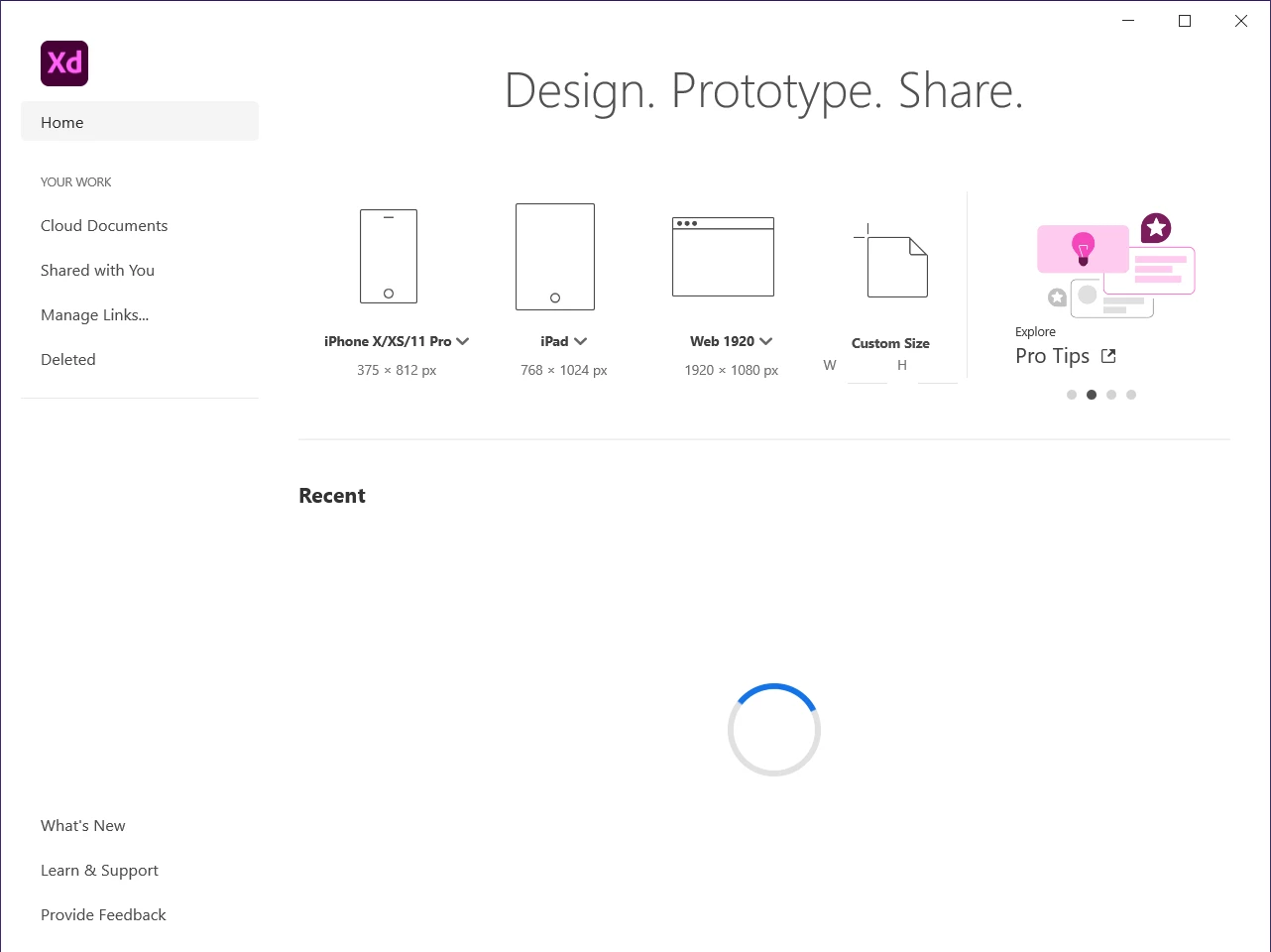


Event Viewer catched this from the error -

Faulting application name: XD.exe, version: 30.2.12.3, time stamp: 0x5ef403e8
Faulting module name: CONCRT140_APP.dll, version: 14.22.27810.0, time stamp: 0x5cfe4737
Exception code: 0xc0000005
Fault offset: 0x0000000000015290
Faulting process id: 0x26e8
Faulting application start time: 0x01d64e95834768fd
Faulting application path: C:\Program Files\WindowsApps\Adobe.CC.XD_30.2.12.3_x64__adky2gkssdxte\XD.exe
Faulting module path: C:\Program Files\WindowsApps\Microsoft.VCLibs.140.00_14.0.27810.0_x64__8wekyb3d8bbwe\CONCRT140_APP.dll
Report Id: 12fb5bc8-5767-4f76-8359-f7f2dea40eb7
Faulting package full name: Adobe.CC.XD_30.2.12.3_x64__adky2gkssdxte
Faulting package-relative application ID: App

This topic has been closed for replies.
Correct answer Rishabh_Tiwari

Hi there,


Sorry to hear about the trouble, we'll try our best to help you with it. Could you please try the steps shared below:


  1. Please sign out of XD and CC Desktop app.
  2. Close CoreSync and all Adobe related processes from the Task Manager.
  3. Sign back in on the CC Desktop app and launch XD from there and check if it loads.


If that doesn't help, please try re-installing the application and let us know how it goes.


Regards

Rishabh

1 reply

Rishabh_Tiwari
Rishabh_TiwariCorrect answer
Legend
June 30, 2020

Hi there,


Sorry to hear about the trouble, we'll try our best to help you with it. Could you please try the steps shared below:


  1. Please sign out of XD and CC Desktop app.
  2. Close CoreSync and all Adobe related processes from the Task Manager.
  3. Sign back in on the CC Desktop app and launch XD from there and check if it loads.


If that doesn't help, please try re-installing the application and let us know how it goes.


Regards

Rishabh