Answered
Adobe XD gets stuck when i open it
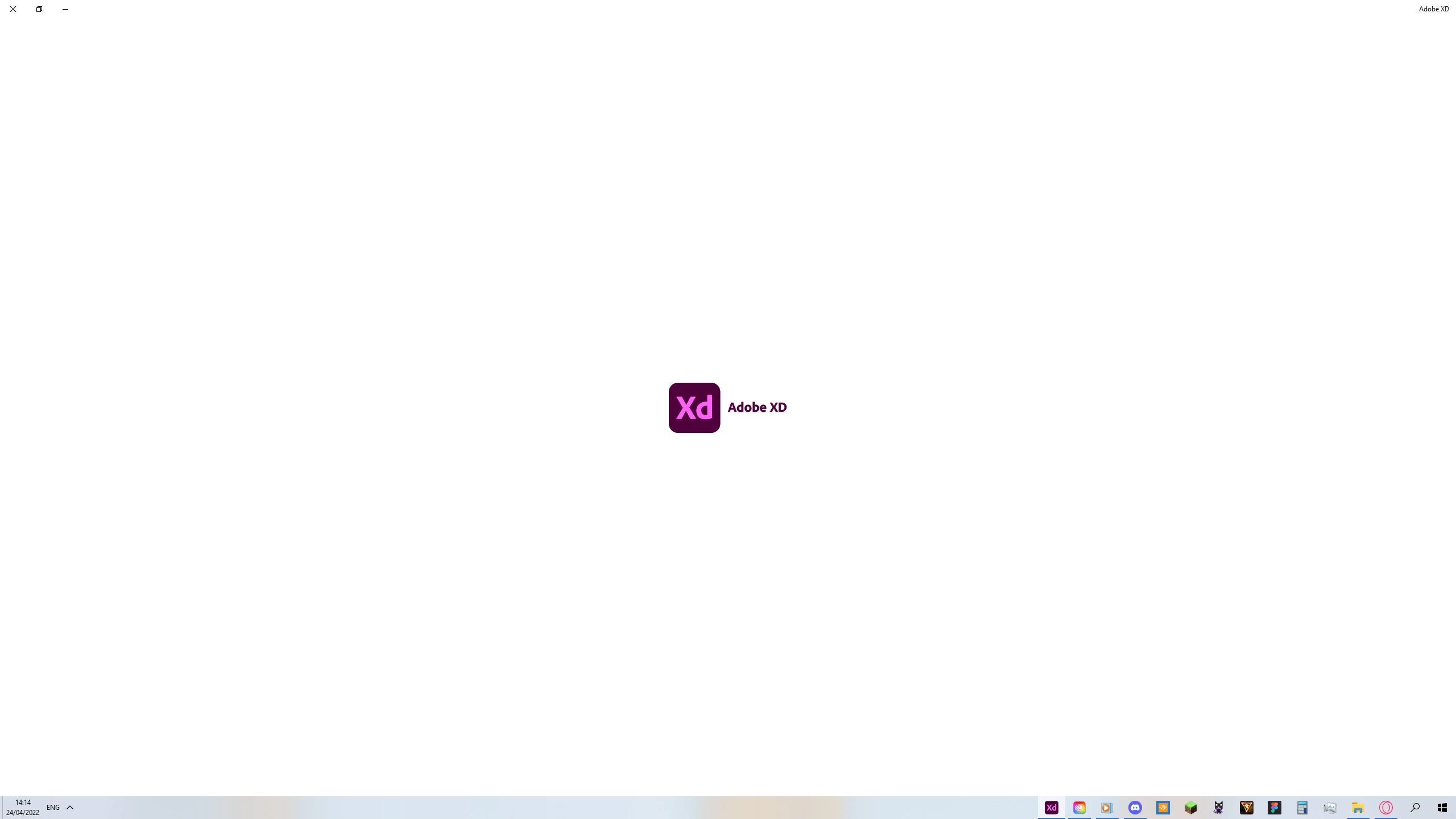
It opens like that and stays like that as if it's stuck...

It opens like that and stays like that as if it's stuck...
Hi @Oshri Faibish , thinking what I'd do, if you haven't tried, I think I'd uninstall and reinstall XD (and Creative Cloud app) to see if it resolves the issue. I'd also pay attention if this is happening while opening the app directly or while trying to open a specific file and would try the other way to see. Also as I'm seeing in this conversation ( https://community.adobe.com/t5/adobe-xd-discussions/get-stuck-when-open-file-in-adobe-xd/td-p/9889591 ) I'd make sure my system requirements are capable of running XD (which probably is but still a check might be a good idea here https://helpx.adobe.com/xd/system-requirements.html 😉 Lastly I'd make sure the operating system I use is up to date. Feel free to update us here about the results, hope this helps!
Already have an account? Login
Enter your E-mail address. We'll send you an e-mail with instructions to reset your password.


 AdChoices