
Participant
November 3, 2021
Question

Adobe XD keeps crashing

  • November 3, 2021
  • 1 reply
  • 325 views

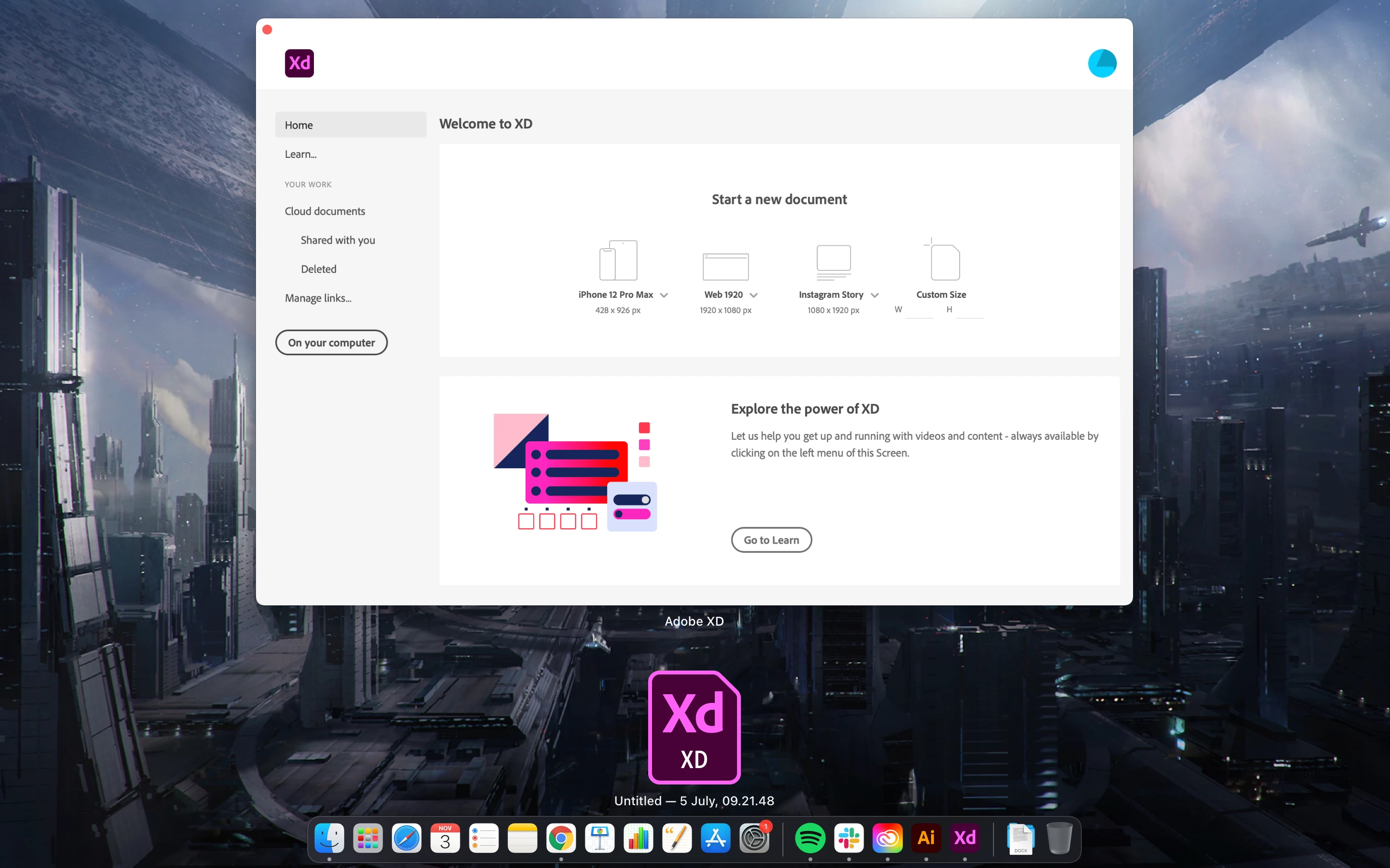
When I try to open XD it opens up a file with it that I have no access to since it was a file in my cloud - the file has been deleted, but it keeps opening with the program. I cannot choose the file or close it down.

I have tried uninstalling everything, use earlier versions, delete my cache etc and nothing works.


Anyone who knows what to do to fix this issue? Because right now I am completely unable to use XD. I can't create new files, and I cannot open and edit existing ones.
    This topic has been closed for replies.

    1 reply

    Ares Hovhannesyan
    Community Expert
    Community Expert
    November 3, 2021

    Please review these notes. https://helpx.adobe.com/xd/help/migrate-design-systems-to-creative-cloud-libraries.html


    Did this solve your problem?

    LauraGrvAuthor
    Participant
    November 4, 2021

    Hi thanks for the link, but no it doesn't solve the issue. XD still keeps crashing/not responding whenever I create a new document, or want to edit an existing one.