
Participant
January 9, 2022
Answered

Adobe XD layer problems when creating hover

  • January 9, 2022
  • 1 reply
  • 513 views

I have a school project. I study webdevelopment and all that and for the xmas break we all had to create a website in Adobe XD of any kind so we can learn later in school what we did wrong and stuff.


I chose to make a website for a bar and for the gallery part I wanted to make something more advanced. When hovering a picture, I wanted a bigger one to appear, which worked fine, but since I wanted to create a realistic picture wall on a bamboo wall, the pictures are sort of close together. So, when the hover picture appears, the layers kinda start battling over who is on top. 


Can I somehow bring the hovering pictures out of the group and and make them all equal? So they dont cover the default pictures. I also included 2 pictures to give you the idea of what is going on.
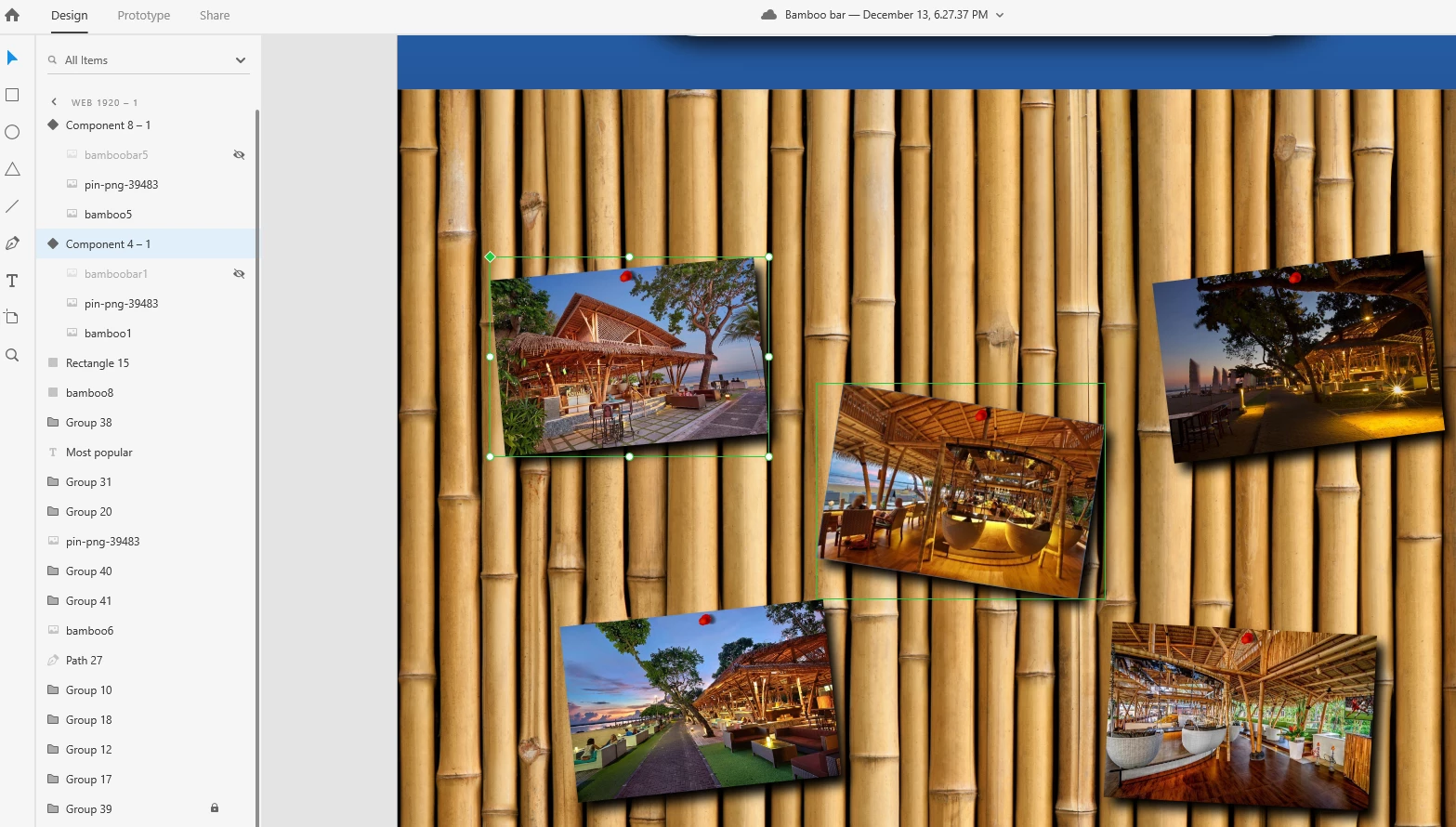
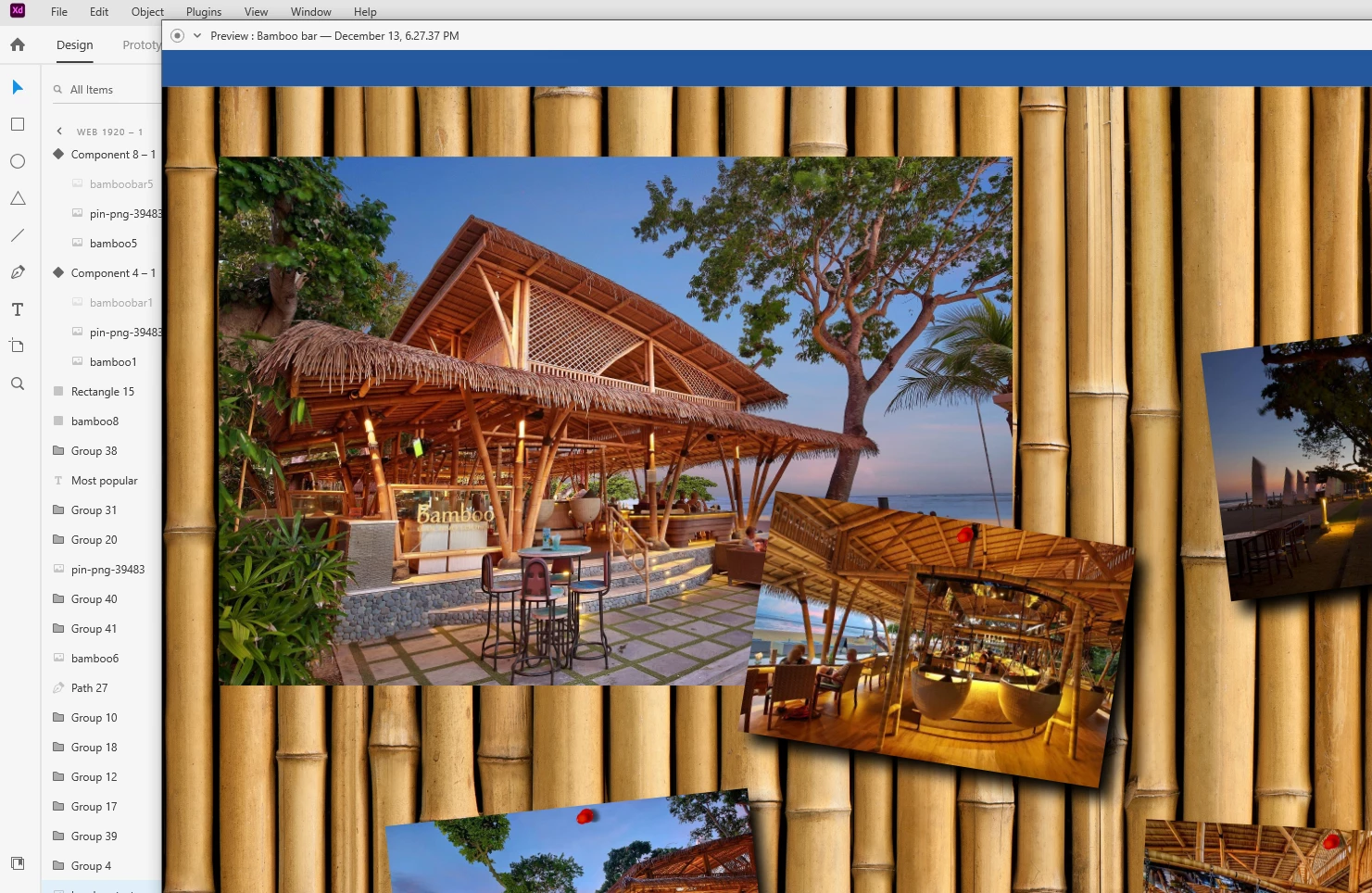
    This topic has been closed for replies.
    Correct answer AkinGn

    Hi @caps_ , right now only solution I can think of is creating different target/destination art boards for each image, in which the image being hovered is on top. If you'd like to learn about some other solution that I can't think of, you can also try asking on XD discord: https://discord.com/invite/adobexd in ask a question channel: https://discord.com/channels/557579652294639616/557629801050013729 Hope this helps 🙂

    1 reply

    AkinGn
    Community Expert
    AkinGnCommunity ExpertCorrect answer
    Community Expert
    January 9, 2022

    Hi @caps_ , right now only solution I can think of is creating different target/destination art boards for each image, in which the image being hovered is on top. If you'd like to learn about some other solution that I can't think of, you can also try asking on XD discord: https://discord.com/invite/adobexd in ask a question channel: https://discord.com/channels/557579652294639616/557629801050013729 Hope this helps 🙂