

Andrea5C7A
Known Participant
Sep 8, 2021 6:12 PM UTC
Answered

Adobe XD Plugin for Visual Studio Code is not authenticating

I am a designer working with a developer, trying to encourage him to use this plugin to save lots of effort. He tells me that he is unable to authenticate or get a token to authenticate.


  • I sent him my shared libary file link
  • He has installed the Adobe XD plugin
  • He has an Adobe ID

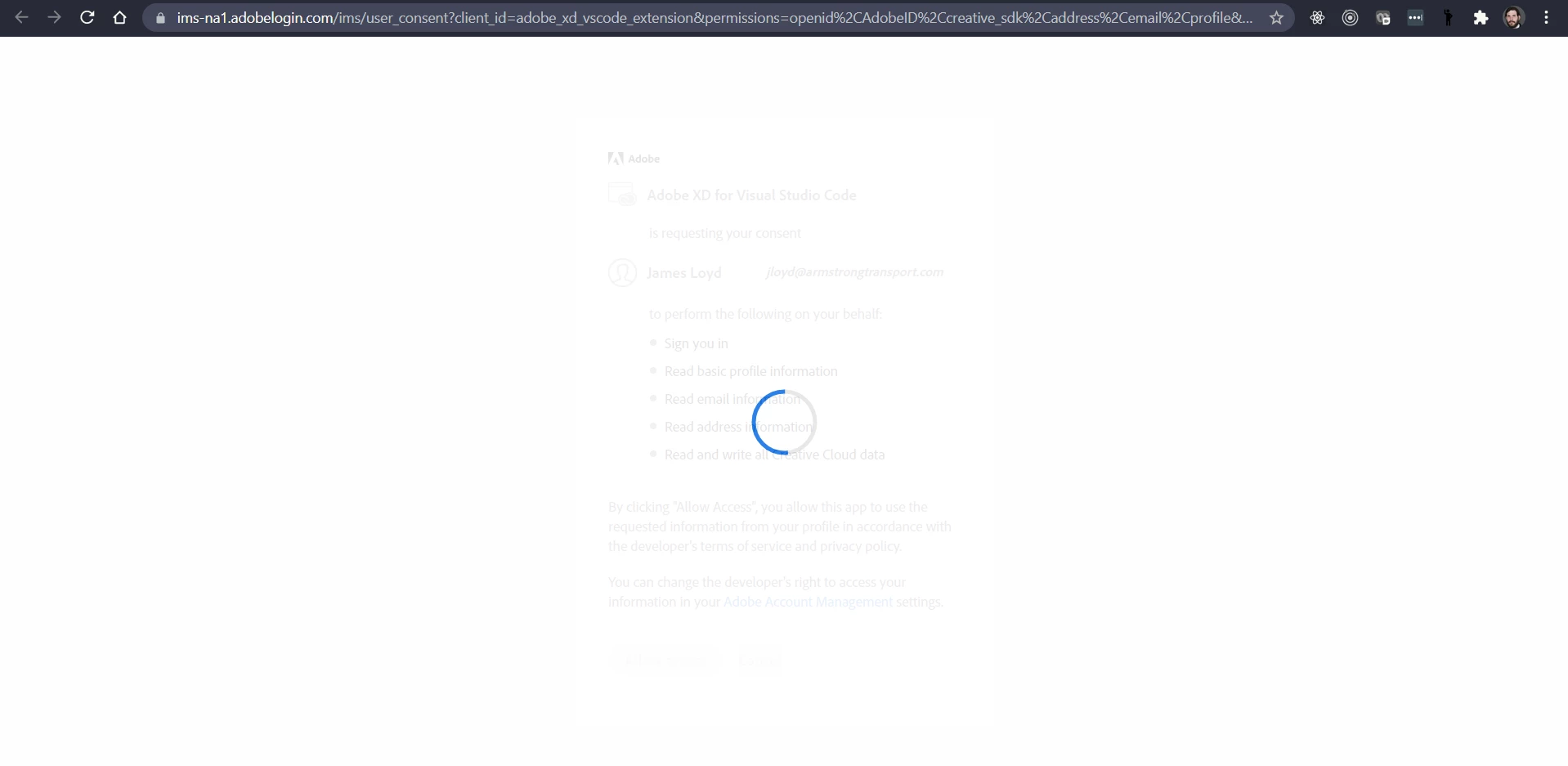
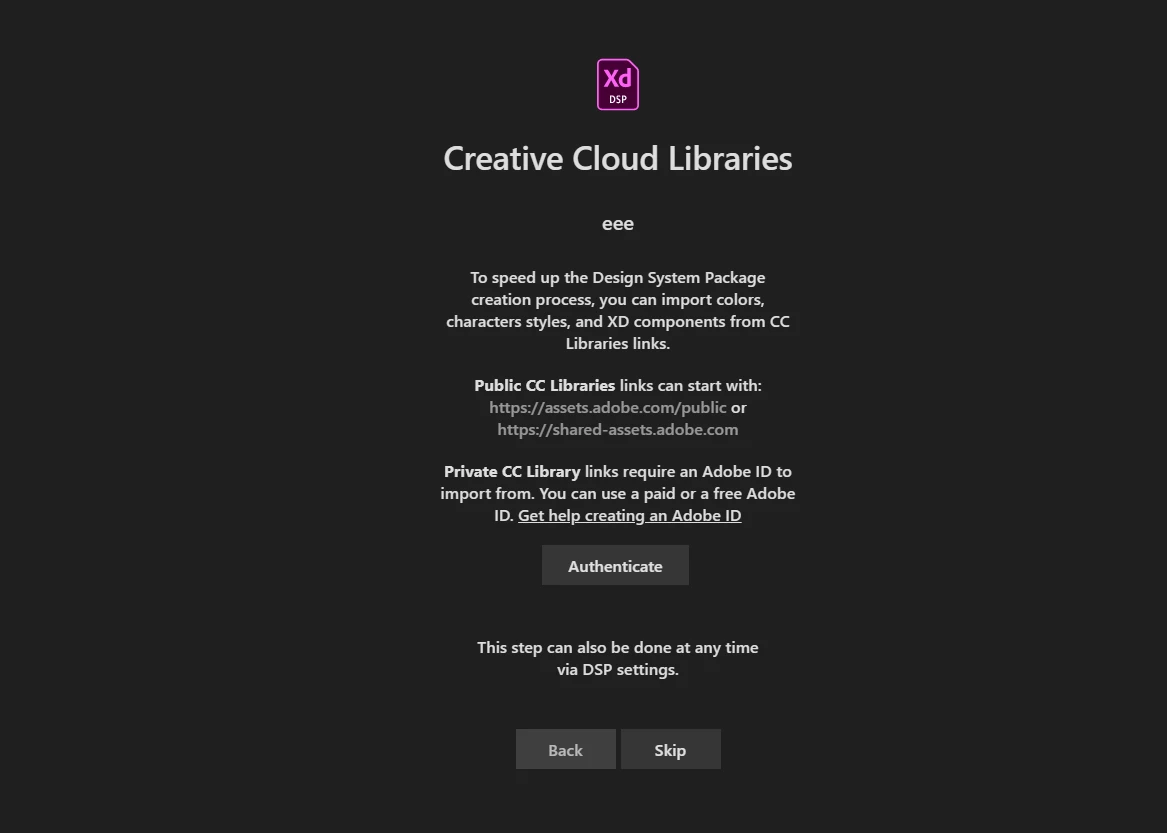
When he tries to authenticate, it fails, he gets the progress indicator and then eventually ends up on the screen he started on. Neither Authenticate or Skip result in anything. Screens appear below.
 

This topic is closed to new replies. Start a new post to keep the conversation going.
Harshika Verma
Harshika VermaCorrect answer
Community Manager
Jan 5, 2023 9:45 PM UTC

Hi @mattcaspertfg,


Sorry for the frustration. Our engineering team has tried investigating the issue previously, and they found that this issue is with the VS code Plugin itself and not XD. The plugin is actually hosted in the Visual studio marketplace, so nothing can be done from our XD side.

However, the team is trying to look for the owner of the plugin so that he (the owner) can fix the issue.


We are sorry for the inconvenience.


Thanks,

Harshika

<Marking this response as correct to highlight the future community user>


36 replies

Participant
Oct 28, 2022 6:51 PM UTC

any updates I'm also facing this same exact issue


Translate
Participant
Jan 5, 2023 8:50 PM UTC

same here! help

i guess all this is just dead.

Translate
Harshika Verma
Community Manager
Harshika VermaCommunity ManagerCorrect answer
Community Manager
Jan 5, 2023 9:45 PM UTC

Hi @mattcaspertfg,


Sorry for the frustration. Our engineering team has tried investigating the issue previously, and they found that this issue is with the VS code Plugin itself and not XD. The plugin is actually hosted in the Visual studio marketplace, so nothing can be done from our XD side.

However, the team is trying to look for the owner of the plugin so that he (the owner) can fix the issue.


We are sorry for the inconvenience.


Thanks,

Harshika

<Marking this response as correct to highlight the future community user>


Translate
Participant
Aug 10, 2022 1:34 PM UTC

Same authentication issue here. Library is properly published and shared. Extension won't authenticate.

No response on the VSCode extension page. Is it still being developed at all?

Translate
Participant
Oct 10, 2022 12:21 PM UTC

I am also getting authentication issues when trying to authenticate via Visual Studio Code. Are there any updates or fixes in the works? (I have also posted a comment to VS marketplace. This issue is effecting a few users).

Translate
Participant
Oct 17, 2022 3:39 PM UTC

I'm also having the same problem. Adobe should make a tutorial about this. 

Translate
Participating Frequently
Jul 28, 2022 5:28 PM UTC

I have the same problem, were you able to solve it?

Translate
Harshika Verma
Community Manager
Community Manager
Aug 2, 2022 10:15 PM UTC

Hi @stephh20422608,


We are sorry to hear you're experiencing a similar problem. Have you tried connecting with the plugin support team to confirm if there is any issue at their end? If yes, and it didn't help, could you please elaborate on your workflow so that we can help you better?


Thanks,

Harshika

Translate
Participant
Oct 17, 2022 4:24 PM UTC

They say it's not with them. That they only can help around the software itself. This makes me want to cancel my suscription and go an use Figma again...


Translate
Andrea5C7A
Known Participant
Sep 28, 2021 9:27 PM UTC

Regretably I was sharing the wrong link from XD with the developer. From your XD library file, use the Share icon to proceed to get the link that the Adobe XD plugin for Visual Studio Code will recognize.


We got my libary into Visual Studio Code but there are other issues arising. Will share updates if we have a breaktrhough, but the developer expressed several concerns about the viablity of our following this process.


Translate
Harshika Verma
Community Manager
Community Manager
Sep 29, 2021 2:51 PM UTC

Glad to hear you're able to figure out what went wrong with the link. Please keep us posted with the next issues and we will try our best to investigate and assist you further.


Thanks,

Harshika

Translate
Andrea5C7A
Known Participant
Oct 6, 2021 10:13 PM UTC

Thank you so much for the message, I am sorry I did not see it until now. The Adobe XD plugin for Visual Studio Code looked so very promising! However, my dev team has determined that there have been no recent updates and they have concerns about the reliability of this approach to meet our needs to build out our library. We are going to pivot to another solution.

Translate
Rishabh_Tiwari
Legend
Sep 8, 2021 7:17 PM UTC

Hi there,


Sorry to hear about the trouble. For Adobe XD Plugin for Visual Studio could you please post your query here: https://marketplace.visualstudio.com/items?itemName=Adobe.xd&ssr=false#qna


Feel free to reach out if you need any further assistance.


Regards

Rishabh 

Translate
Andrea5C7A
Known Participant
Sep 9, 2021 8:49 PM UTC

Thank you Rishbh, for your kind offer. No replies yet. I will give it a little more time and see if any answers come back. 

Translate
