JoãoCésar17023019
Community Expert
Community Expert
November 20, 2020
Question

Adobe XD Rendering Bug in Desktop Preview and in Browser Preview

  • November 20, 2020
  • 1 reply
  • 624 views

Hi.


Some rendering problems have been happening in the last three or four versions.


1 - In the desktop preview, in a mobile flow, when the user clicks on an element to go to another screen, this screen is not resized correctly;
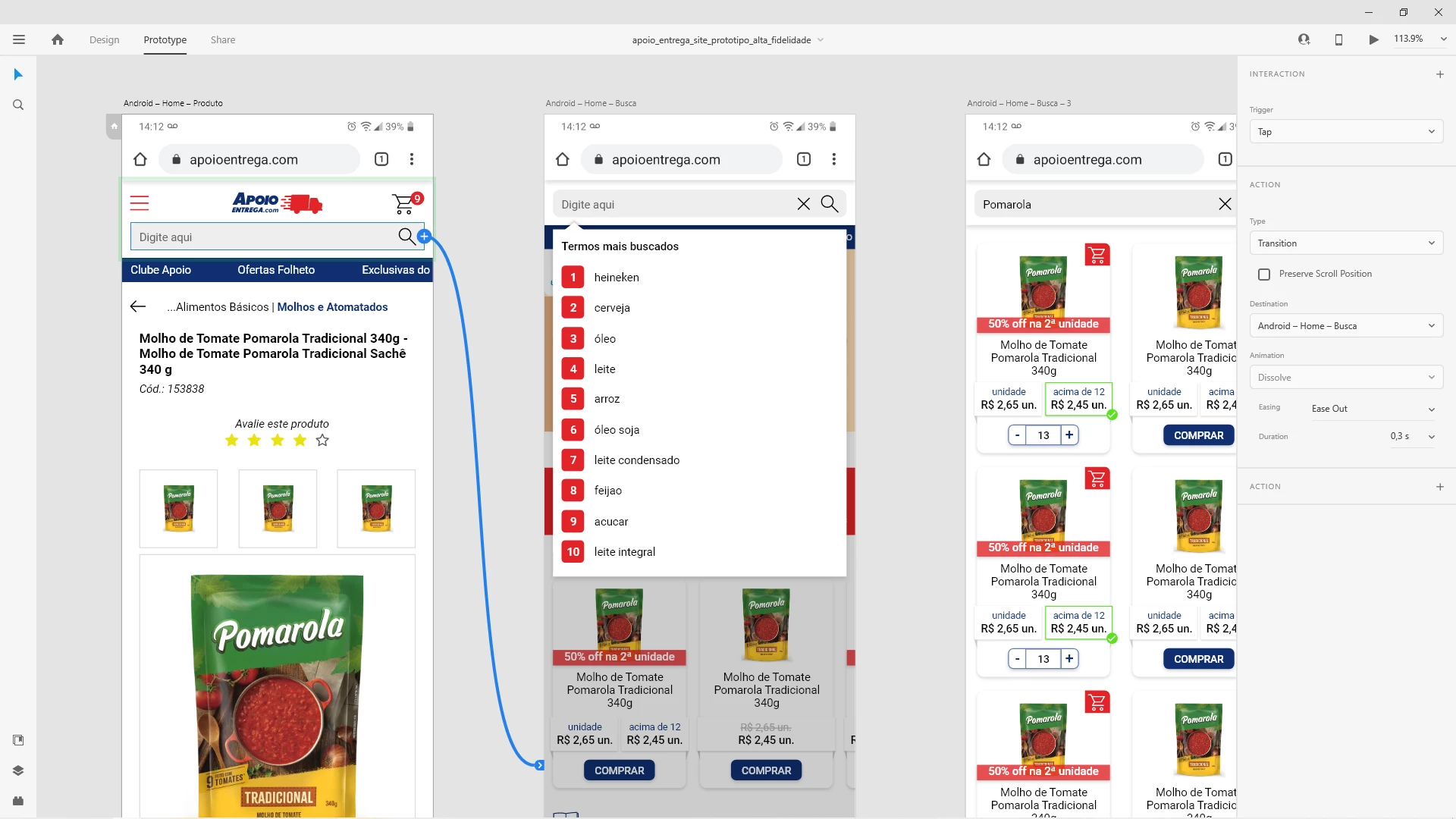
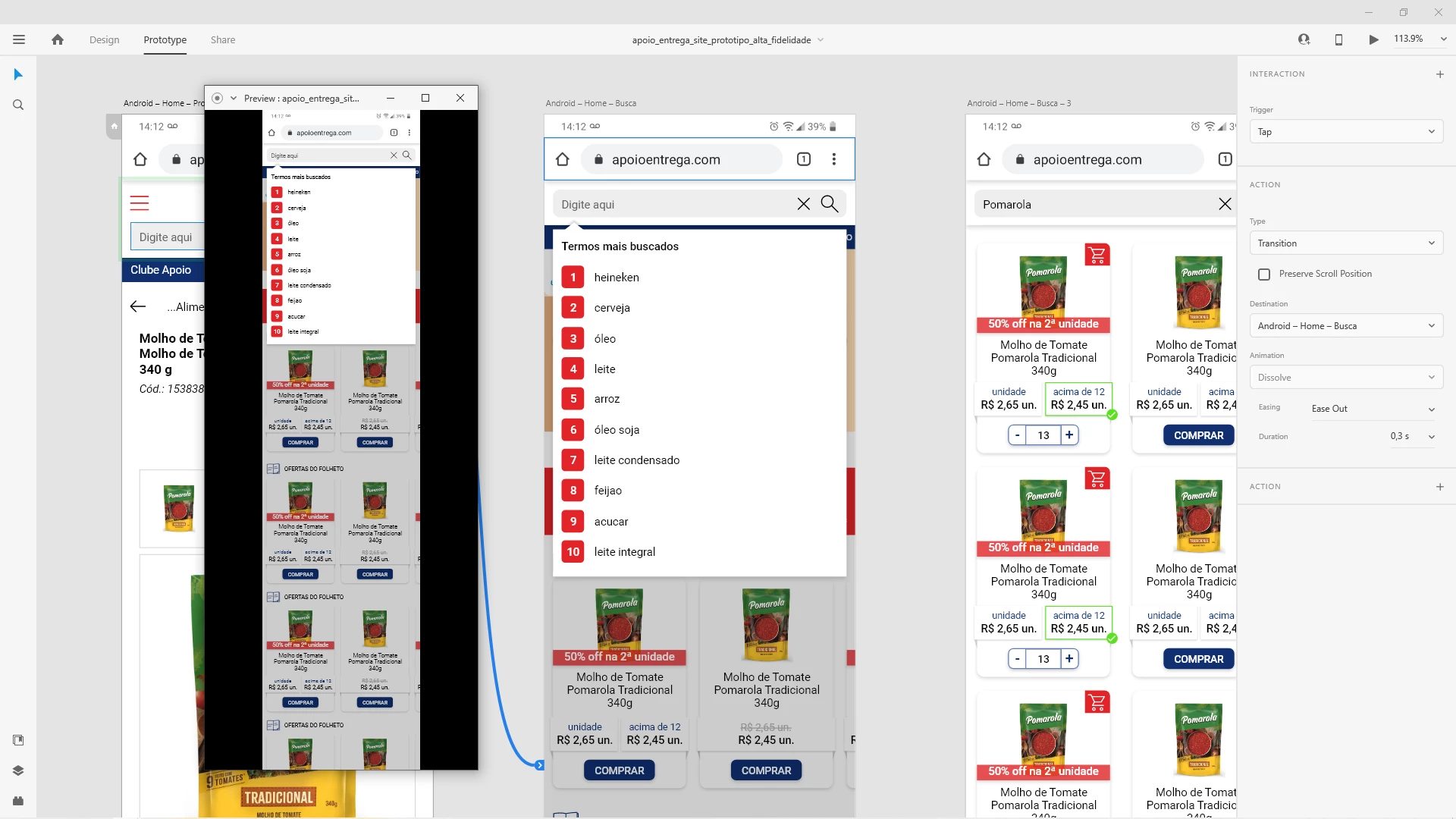
 

2 - On this same screen, a white rectangle is not rendered correctly in the browser preview;
 

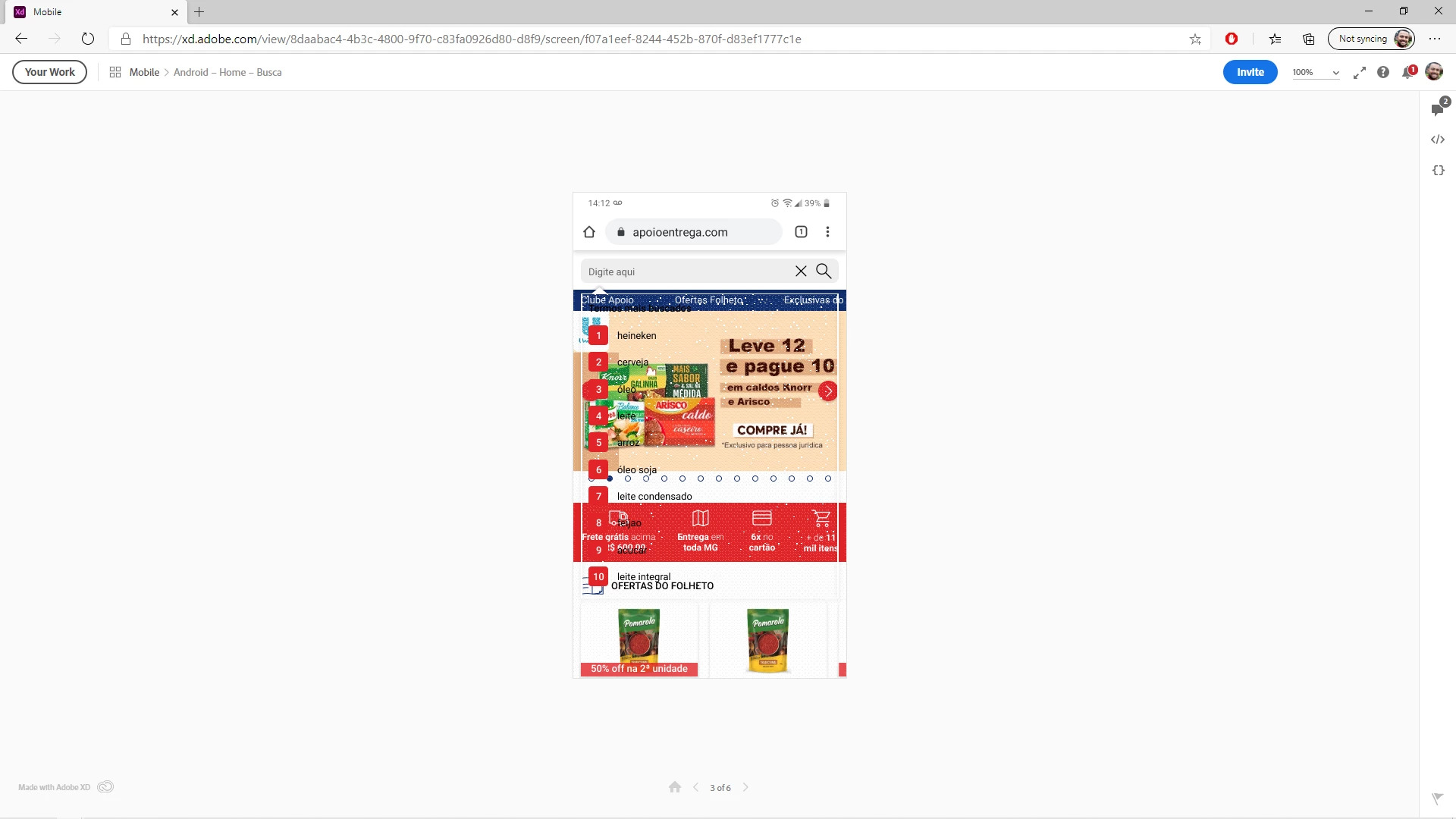
3 - Still in the browser preview, in desktop flow, a red rectangle that I have in the footer is also not rendered correctly.
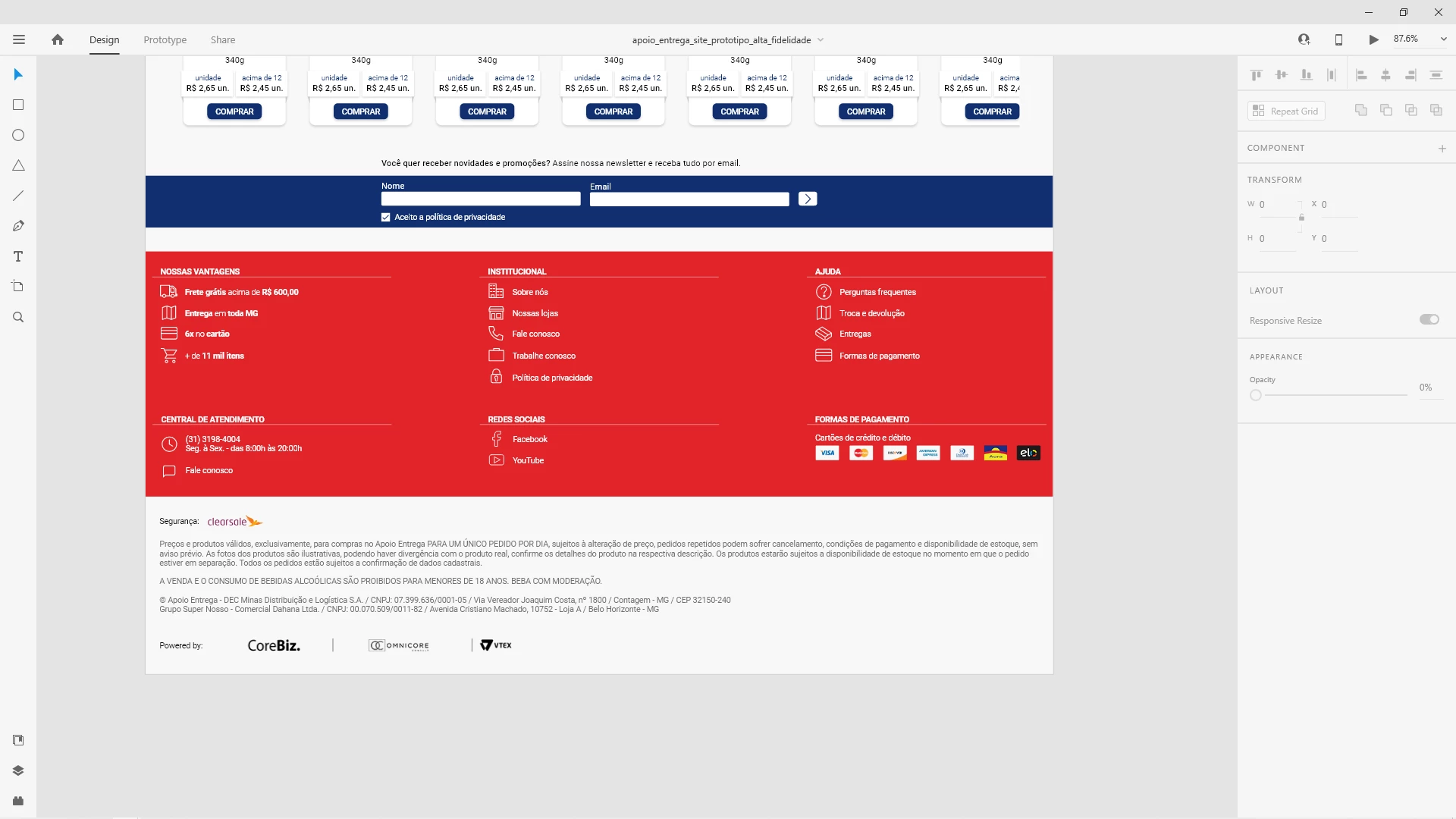
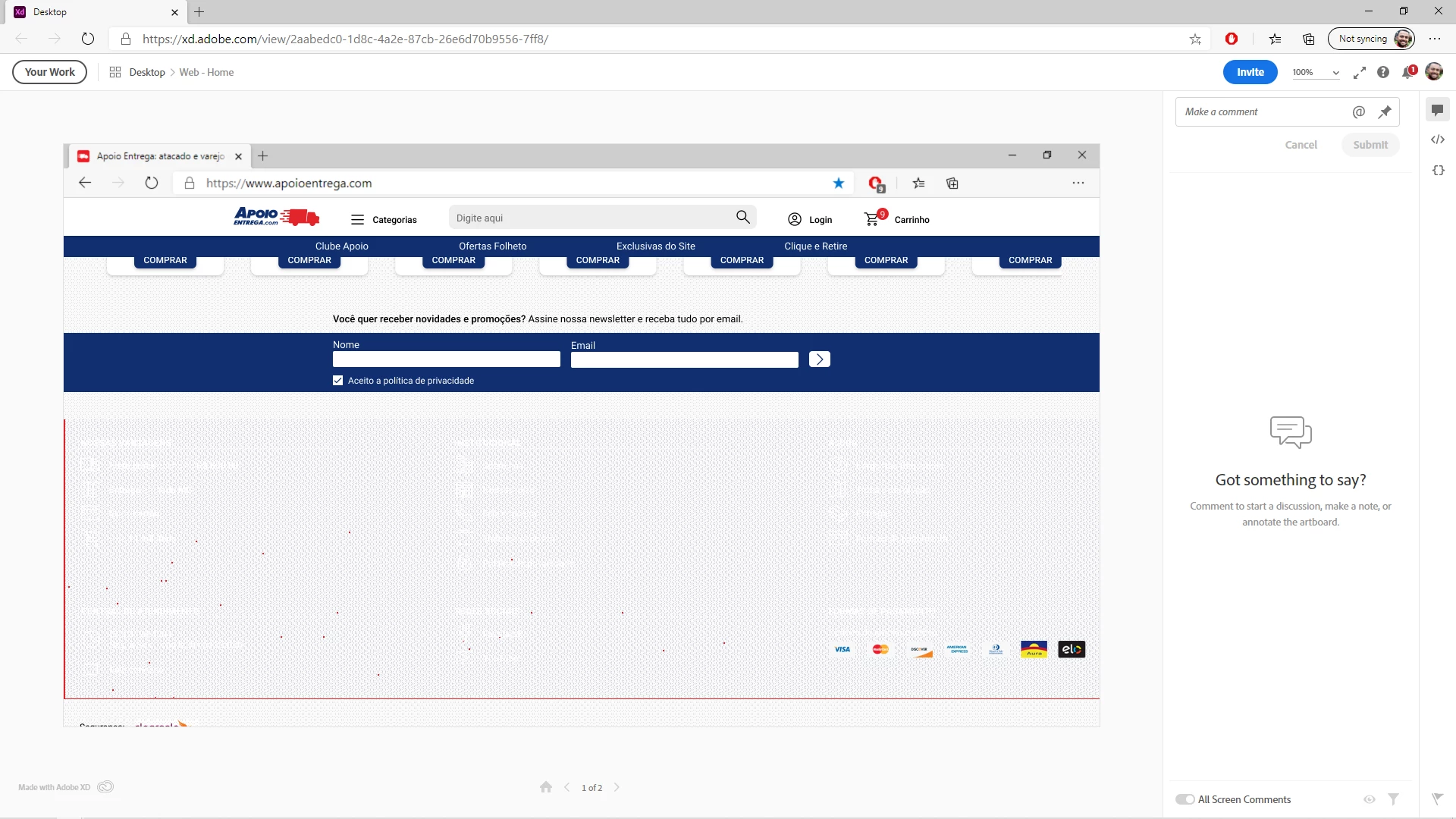
 

Video showing the problems:


XD Version: 35.0.12.14, Creative Cloud Sync 4.3.61.1


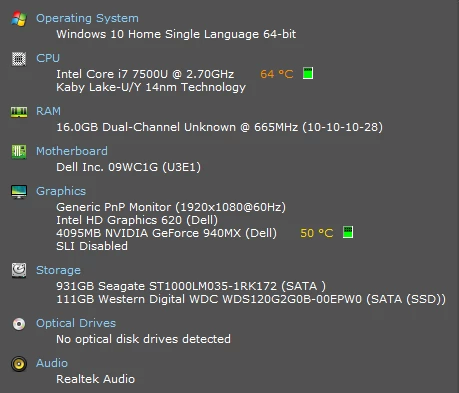
My notebook specs:
 

I don't know what else to do. My co-workers need these screens ASAP.


Regards,

JC

    This topic has been closed for replies.

    1 reply

    Rishabh_Tiwari
    Legend
    December 3, 2020

    Hi there,


    We're so sorry for the delay in response. Could you please test the prototype on a different browser and check if renders correctly or not? If it still doesn't work, will it be possible for you to share the file with us so that we can test this on our end? If yes, please add the file to the shared location and share the link through DM by clicking on my name.


    Notes: While sending DM, please add this discussion link in the subject.


    Regards

    Rishabh

    JoãoCésar17023019
    Community Expert
    Community Expert
    December 4, 2020

    Hello, Rishabh!


    Thank you very much for responding.


    The scaling problem has been solved, but I'm still not sure if it was a bug or not. I don't know why, but the scrolling property of my artboard was set to none, but I don't remember changing this option ... Anyway.


    The second problem has not been solved. It happens in the footer that is in the file that I'm going to send you. This problem happens in the new Edge, Chrome and Firefox, but it does not happen in Brave.


    I'll send you the link via DM then.


    Thank you!

    Dan Rodney
    Community Expert
    Community Expert
    December 4, 2020

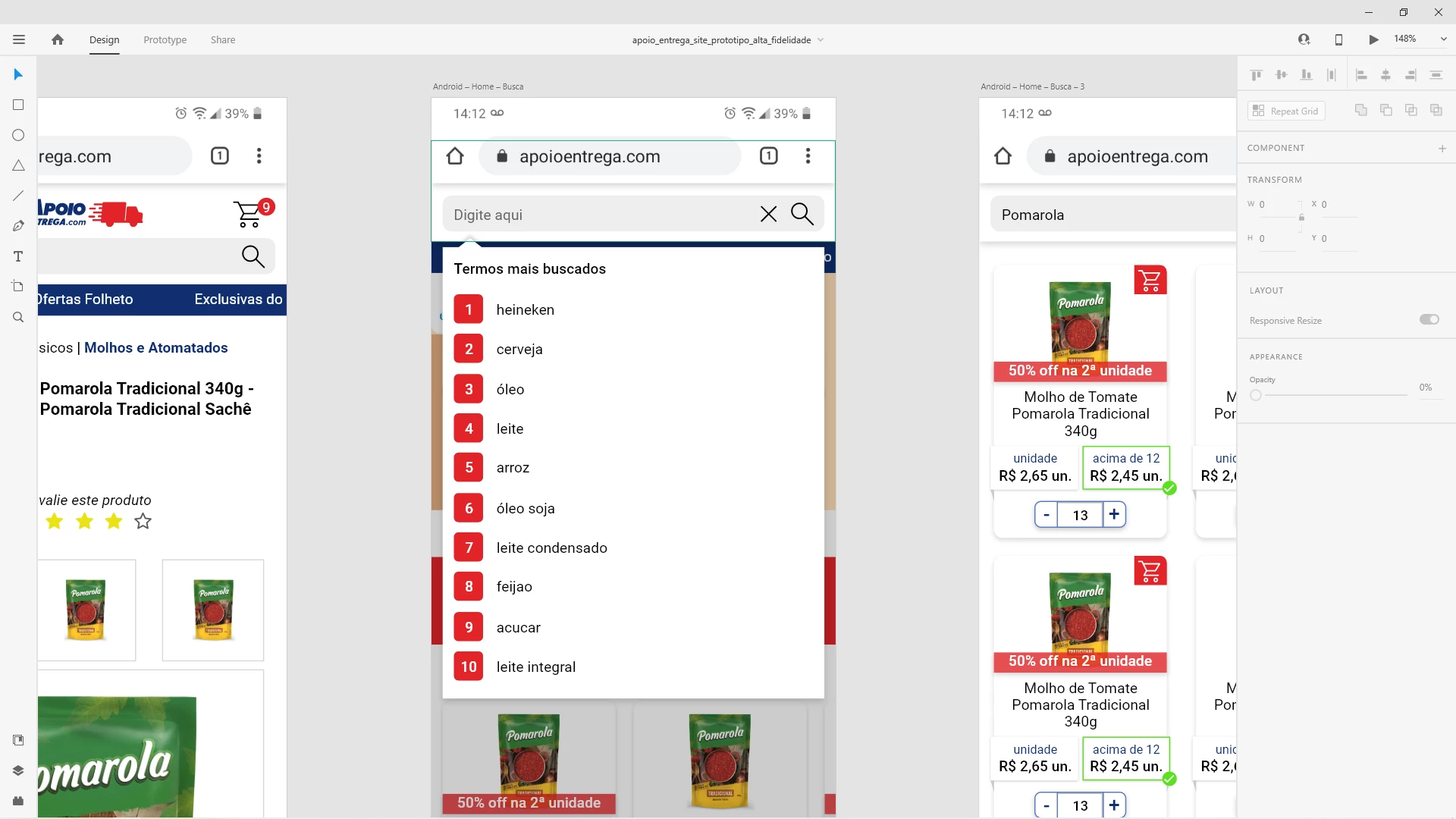
    In Design mode, make sure all artboards have the same Viewport Height. The one artboard that was extra tall may have had a different Viewport Height.

    — Adobe Certified Expert & Instructor at Noble Desktop | Web Developer, Designer, InDesign Scriptor