



jeison_to
Participant
December 22, 2022
Answered

Adobe XD se queda en la pantalla inicial y no arranca

  • December 22, 2022
  • 2 replies
  • 1317 views

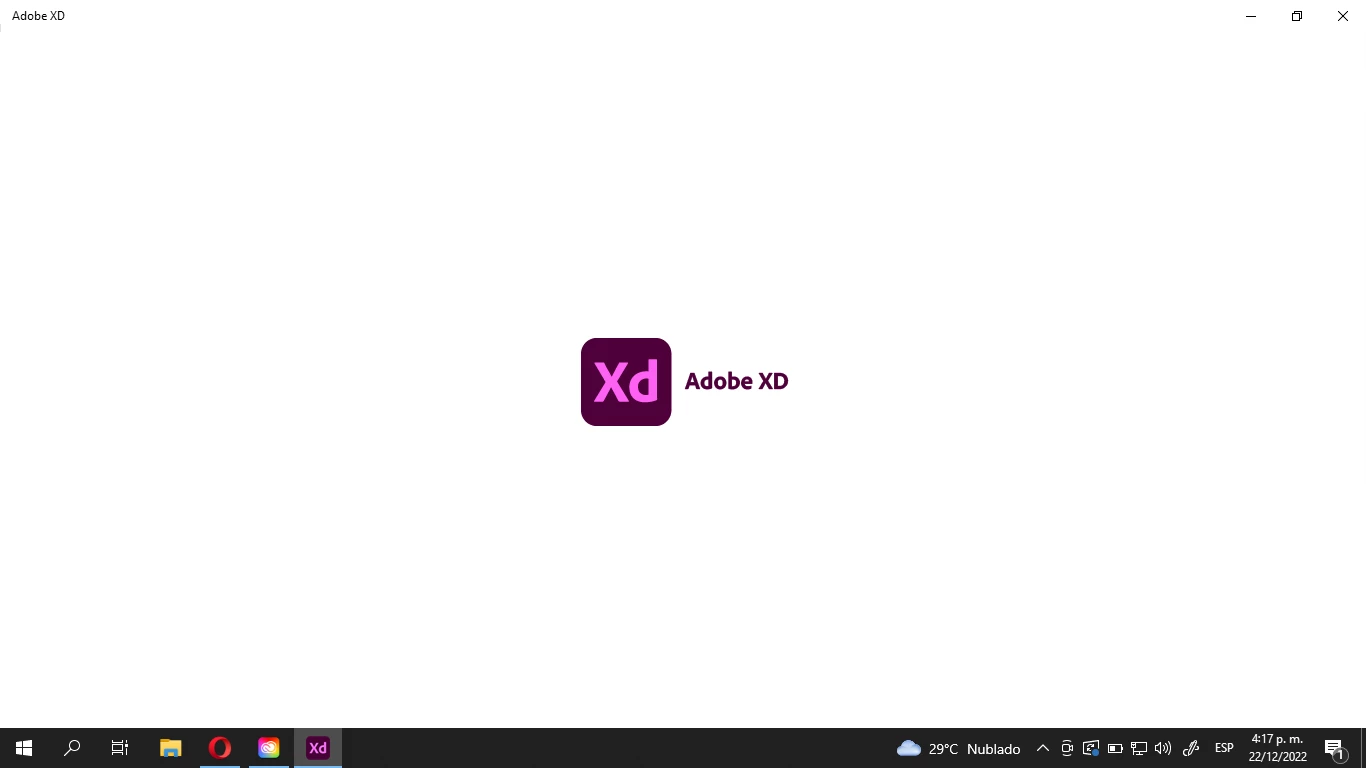
Durante un día entero he buscado la manera de que pueda funcionar el Adobe XD. Lo he desinstalado y reinstalado, he reiniciado la laptop, he desconectado el internet, he cerrado todas las actividades en segundo plano... Nada. Adobe XD permanece en su pantalla en blanco, mostrando el logo, y no avanza a ningún lugar. ¿Qué me recomendarían hacer en esta situación?
¡Espero su valiosa ayuda!

This topic has been closed for replies.
Correct answer kglad

if you can install it, uninstall it "including preferences".  removing preferences is the most likely thing to fix a malfunctioning adobe app.


then reinstall.

2 replies

Participant
May 2, 2023

Hola un gusto saludarte, pudiste en algún momento solucionar este problema? 

Estoy teniendo el mismo inconveniente

kglad
Community Expert
Community Expert
May 2, 2023

@MelinaVane 


uninstall xd (including preferences), and then reinstall it.  https://helpx.adobe.com/creative-cloud/help/uninstall-remove-app.html

kglad
Community Expert
Community Expert
December 22, 2022
jeison_to
jeison_toAuthor
Participant
December 22, 2022

Hi kglad!


As far as I can see, my laptop acomplish all the requirements according to the article. In fact, I've been using Adobe XD during the last month with no inconveniences, and I updated my computer back on November. I'm not pretty sure if there's something that is preventing me from using this specific software since all the others that I have installed (Ps, Ai, Id, Fe, Pr and Ae) are working properly.


What I can do is give it a new try later, because everything looks perfectly all right in my device.

kglad
Community Expert
kgladCommunity ExpertCorrect answer
Community Expert
December 22, 2022

if you can install it, uninstall it "including preferences".  removing preferences is the most likely thing to fix a malfunctioning adobe app.


then reinstall.