


richydb
Participant
August 10, 2021
Answered

Adobe XD stuck loading all files and becomes unresponsive.

  • August 10, 2021
  • 1 reply
  • 1534 views

I'm attempting to use XD on my Mac but everytime I try to open any file(on my computer or on the cloud) the file opens then XD gets stuck. It also becomes stuck when trying to start a new file. Nothing shows up on the screen and I my cursor is the spinning wheel forever. Here's a image of it because you can't screenshot your cursor.
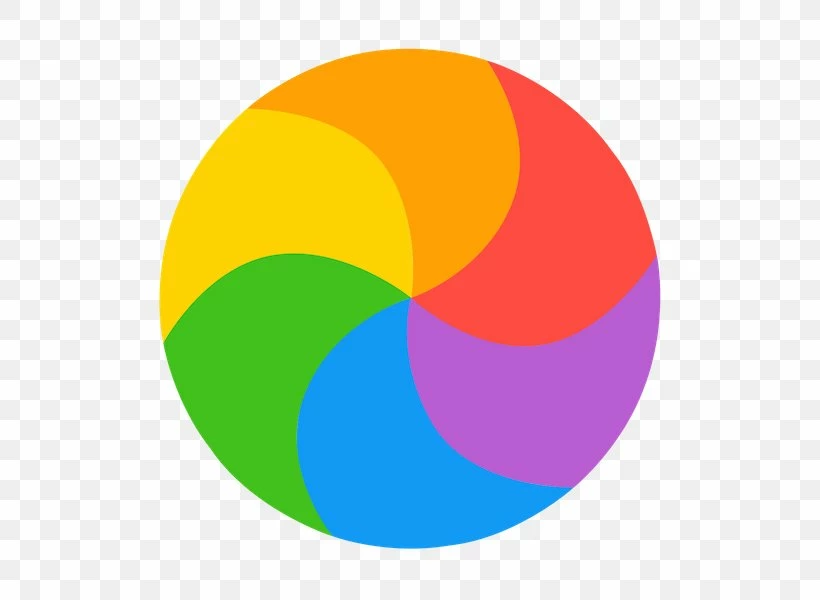
 

And here's a screenshot of my screen.
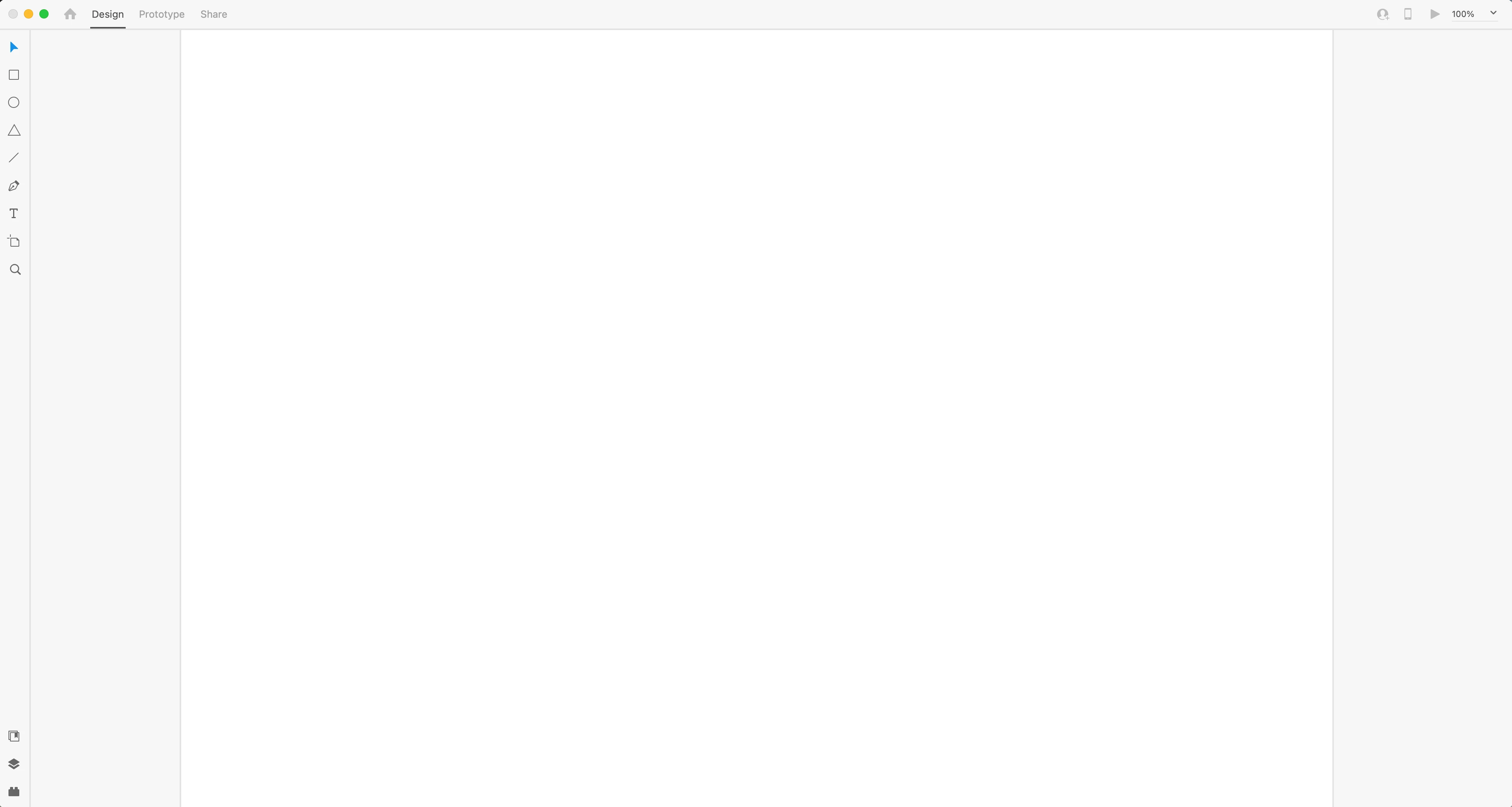


I've checked Activity Monitor and it's also XD( Not Responding)



I'm really trying to give XD a fair shake but I don't have this issue with Sketch and Figma. So this makes it very difficult to want to use the app when it's so unreliable. 

If anyone has any solutions, I'm all ears.

This topic has been closed for replies.
Correct answer Deepika5FDD

Hi there,


Please ensure you are using the latest version of Adobe XD. If you need help with updating the app, see- Update apps to the latest release of Adobe Creative Cloud.


If you have the latest update, or if updating did not solve the issue, try the following solutions in the order in which they are listed:


  1. Perform a clean install:
    • Uninstall XD using the Adobe Cleaner Tool and re-install the application. Open XD to see if the issue has been resolved.
  2. Boot your computer in the safe mode
    • Try booting the system into Safe Mode (https://helpx.adobe.com/in/x-productkb/global/start-safe-boot-mode-mac.html) and check how it works there. Booting the system in safe mode performs certain checks, and prevents third-party software/ services from automatically loading or opening. If it works fine in Safe mode, then there is some third party service or application like antivirus, plugins, or web extensions on your computer which are possibly causing this issue.
  3. Log in to the root account and see if the application works
  4. If nothing helps, then please share the system logs by following the steps shared here: https://helpx.adobe.com/creative-cloud/kb/cc-log-collector.html. We’ll investigate and share the next course of action.


Just in case, if you aren’t comfortable performing these procedures on your own, you can contact Adobe Tech Support using this link https://adobe.ly/2WYE62mUse the chat button on the page to get started.


Regards

Deepika

1 reply

Deepika5FDDCorrect answer
Participating Frequently
August 10, 2021

Hi there,


Please ensure you are using the latest version of Adobe XD. If you need help with updating the app, see- Update apps to the latest release of Adobe Creative Cloud.


If you have the latest update, or if updating did not solve the issue, try the following solutions in the order in which they are listed:


  1. Perform a clean install:
    • Uninstall XD using the Adobe Cleaner Tool and re-install the application. Open XD to see if the issue has been resolved.
  2. Boot your computer in the safe mode
    • Try booting the system into Safe Mode (https://helpx.adobe.com/in/x-productkb/global/start-safe-boot-mode-mac.html) and check how it works there. Booting the system in safe mode performs certain checks, and prevents third-party software/ services from automatically loading or opening. If it works fine in Safe mode, then there is some third party service or application like antivirus, plugins, or web extensions on your computer which are possibly causing this issue.
  3. Log in to the root account and see if the application works
  4. If nothing helps, then please share the system logs by following the steps shared here: https://helpx.adobe.com/creative-cloud/kb/cc-log-collector.html. We’ll investigate and share the next course of action.


Just in case, if you aren’t comfortable performing these procedures on your own, you can contact Adobe Tech Support using this link https://adobe.ly/2WYE62mUse the chat button on the page to get started.


Regards

Deepika