


Participant
April 1, 2021
Answered

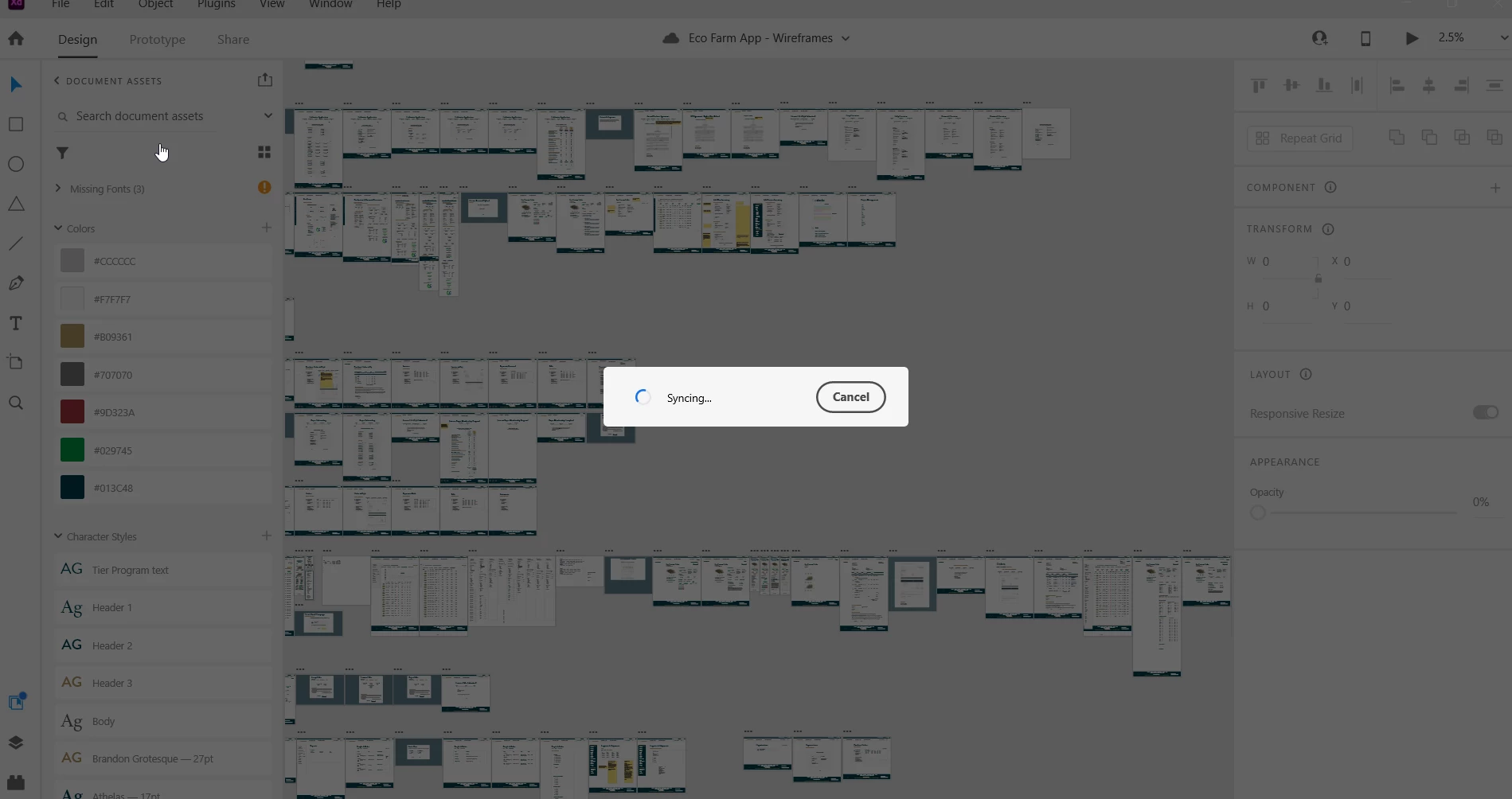
Adobe XD Stuck Syncing When Opening a Shared Work File

  • April 1, 2021
  • 1 reply
  • 1687 views

Adobe XD is stuck in a sync loop when I open a shared work file. I have tried the suggested fixes online -- Deleting the .db files in CoreSync folder in Temp folder of Windows 10. I have also tried uninstall and reinstall. 

This issue also occurs for my coworkers on their computers which are Macs.
 

    This topic has been closed for replies.
    Correct answer Rishabh_Tiwari

    Hi there,


    Sorry to hear about the trouble. Please try the steps shared below:


    1. Please ensure that all the collaborators are on the latest version of XD which is 38.1.
    2. If you are already on the latest version, please try the steps shared below:
    • Sign out of XD and CC desktop app.
    • Close CoreSync and all Adobe-related processes from the Task Manager.
    • Reboot the computer.
    • Sign back in on the CC Desktop app and launch XD from there and check if you are able to open the file or not.


    If it still doesn't work, please share a screenshot of the About XD info page.


    Regards

    Rishabh

    1 reply

    Rishabh_Tiwari
    Rishabh_TiwariCorrect answer
    Legend
    April 1, 2021

    Hi there,


    Sorry to hear about the trouble. Please try the steps shared below:


    1. Please ensure that all the collaborators are on the latest version of XD which is 38.1.
    2. If you are already on the latest version, please try the steps shared below:
    • Sign out of XD and CC desktop app.
    • Close CoreSync and all Adobe-related processes from the Task Manager.
    • Reboot the computer.
    • Sign back in on the CC Desktop app and launch XD from there and check if you are able to open the file or not.


    If it still doesn't work, please share a screenshot of the About XD info page.


    Regards

    Rishabh
