


Participant
June 19, 2018
Answered

Adobe XD : Unable to connect to Creative Cloud Libraries

  • June 19, 2018
  • 7 replies
  • 11083 views

Creative Cloud Libraries can not work on Adobe XD (but can work on illustrator and photoshop), when I drag an image from libraries, the images keeps loading forever:
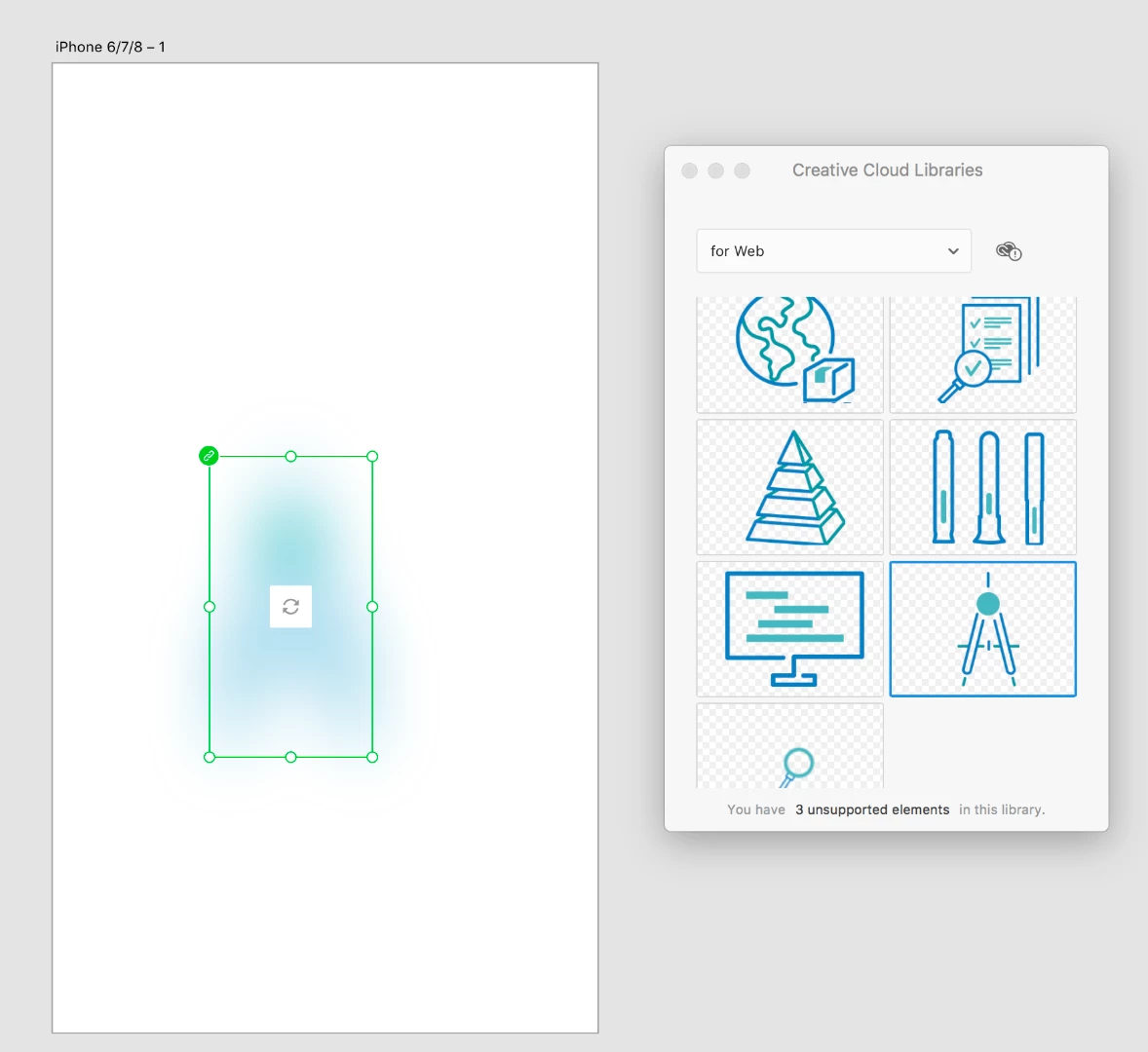
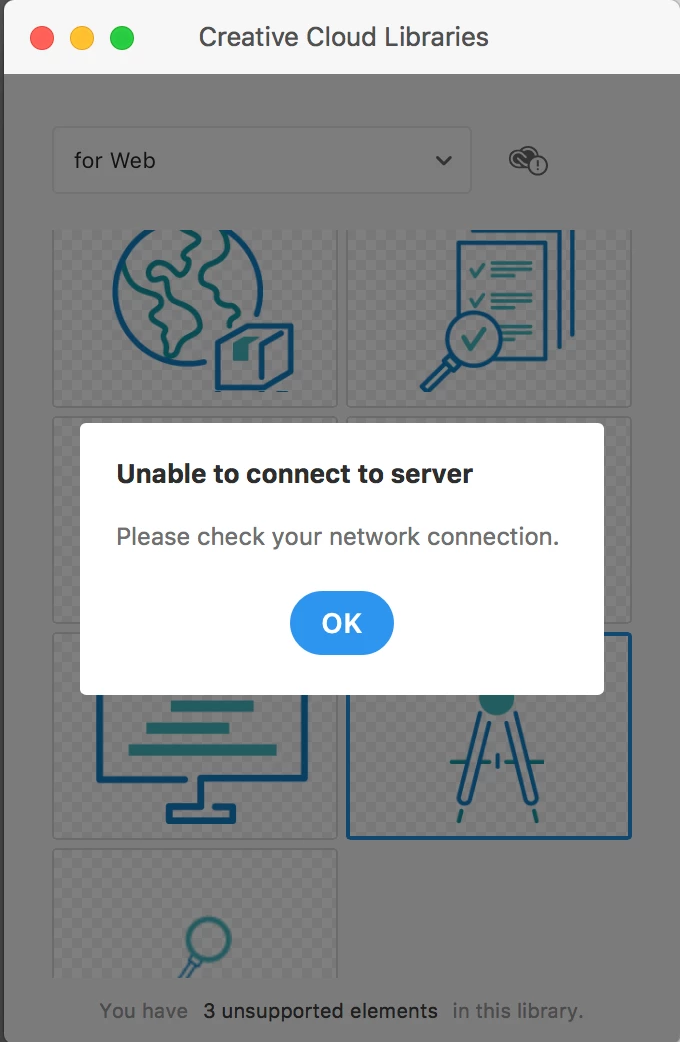
 

Does any genius know how to fix it? Thanks.


{Title renamed by MOD}

This topic has been closed for replies.
Correct answer keenanc87686967

The adobe company I contacted got the answer, the problem has been solved, I hope this method can also help you.

Please follow the step below which should fix the issue:

1. Close XD and CCDA.

2. Run Command Prompt as Administrator

3. Copy paste the command below and press enter:

CheckNetIsolation LoopbackExempt -a -n=adobe.cc.xd_adky2gkssdxte

4. Launch XD and try loading cc library.

keenan.c

7 replies

HARSHIKA_VERMA
Community Manager
Community Manager
January 7, 2022

Hi rebeccaharris,


We are sorry to hear you are facing the trouble. We would suggest you to please connect with us directly using our contact us page and initiate a chat with our support team so that they can help you directly.


Let us know if you face trouble connecting with the team.


Thanks,

Harshika


Participant
December 18, 2020

CheckNetIsolation returns a "command not found", so this supposed remedy is unusable for me. Where should it be and what should it have been installed by?

Participant
December 22, 2021

I encounter this issue for several days and have tried most of the trick that has been posted on adobe community one by one. In the end i still got and issue.

but i searching more and try it once more carefully. until got the trick that most of this u guys recommend. but you forget one small detail things.

the trick that i talking about is run a command prompt:

CheckNetIsolation.exe LoopbackExempt -a -n="Adobe.CC.XD_adky2gkssdxte"

i emphasize two things here

1. before you enter a command you need to make sure your adobe_xd identifier or package. In my experience there are some small thing about naming though in many case one machine have difference name compare to another machine. but you can find yours in C:\Users\[UserProfile]\AppData\Local\Packages.

2. some time you need to wrap your adobe_xd with quote just like above "Adobe.CC.XD_adky2gkssdxte"


that's it

Participant
January 6, 2022

I'm still trying to figure this out – I'm on a mac and can't find that file you're referring to to check the name. Any help? 

Participating Frequently
July 27, 2020

这是我的日志,按照官方的方法还是不能解决,希望有人能帮我处理一下。https://drive.google.com/file/d/13OWzhczD6Zb17AfD1vlm9uyyrM3QbYIp/view?usp=sharing

HARSHIKA_VERMA
Community Manager
Community Manager
July 30, 2020

Hi there,


I am sorry for the trouble. I saw you created a new post here: https://community.adobe.com/t5/adobe-xd/unable-to-use-creative-cloud-libraries-in-adobe-xd/td-p/11316772?page=1 for the same issue.

Could you please reply to the Mariia questions on the same post and we will take it from there?


Thanks,

Harshika

Participating Frequently
August 18, 2020
I have already replied, please check it out
arnaudf6989291
Participant
May 13, 2019

Hi, I have the same issue. I was never able to open CC library from Xd.

I tried loging out  from CC Library and back in without any result.

My pop up windows says "something went wrong with initializing CCL. Please make sure the CCL application is installed."

keenanc87686967
Participant
May 15, 2019

I also encountered the same problem. If you solve it, can you tell me the solution?

Thanks

Participant
May 23, 2023

I will flag that i had been having this issue for a week. 
My current solution when everything else failed was to force quit CC library sync in activity monitor. 

cdyson
Participating Frequently
March 19, 2019

I am also having a problem using a CC Library in XD but it works file in PS and Illustrator.

In XD I am getting the error message, File sync is turned off. To sync your libraries, please turn on Creative Cloud File Sync. The Enable button is blue, No Thanks is gray. I click on Enable and nothing happens. Library is showing behind the message spinning. I have to X out of CC Library in XD to move on.

I have checked my CC app and CC sync is turned on, I can sync in other programs has I mentioned. What is the fix for this? Thanks.

Participant
February 7, 2019

***This solution no longer works***

Atul_Saini
Community Manager
Community Manager
June 21, 2018

Hi there, sorry for the delay in response. Could you please confirm if you are still facing this issue with Creative Cloud Libraries?

Thanks,

Atul_Saini

Participant
June 22, 2018

Hi, I'm still has this problem, need help~ thanks for asking.

Preran
Community Manager
Community Manager
June 22, 2018

You can try going to the Creative Cloud app > Gear icon > Preferences and try Signing out and Signing In. Also make sure that File Syncing is turned on.

Let us know if you need more help.