



Loic De Tudigo
Participant
November 12, 2021
Answered

Adobe XD v.45 : Lottie animation not showing on sharing link

  • November 12, 2021
  • 2 replies
  • 1798 views

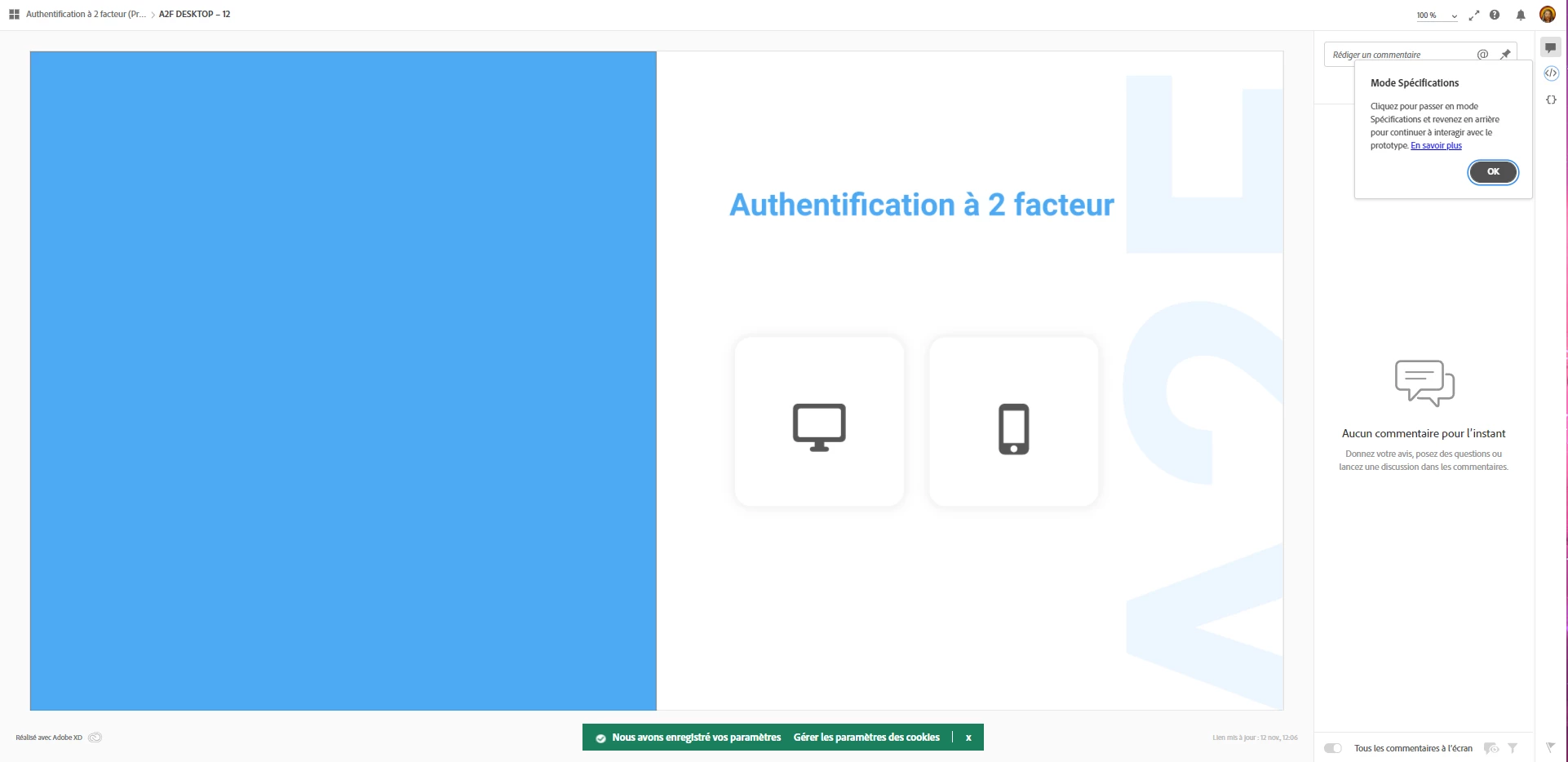
Hello everyone, I have a problem with lottie animation, it does not play or show when I create a test link, but everything is fine in Adobe XD itself!


Here is some of the spec that you may want :
- Windows Pro 21H1

- Adobe Xd v45.0.62

- Google Chrome (but the bug is still present on Edge.)
- Screen sharing option :
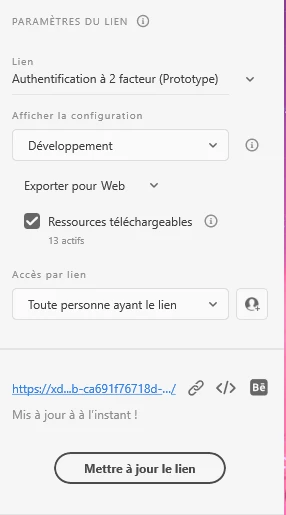
 

Screen of my prototype in Xd :

Screen of the prototype web page :
 

Can someone help me ? I'm doing something wrong ?

This topic has been closed for replies.
Correct answer Jenny Schmidt

I was able to fix it, since I convertetd my text-layers to path. Now the Animation is displayed. Maybe this will help you as well.

2 replies

Jenny Schmidt
Participant
January 5, 2022

Hi

I have the same issue. Any updates on that?


Loic De Tudigo
Participant
January 5, 2022

Sadly no.

I founded a way out put it wasn't optimal. So actually the bug come from the preview. By skipping the screen where the animation is and comming back it seems to work 1 time on 3... So good luck to you.

PS : I only had this bug on 1 doc. The others work perfecly. Try to duplicate the doc and create an new shared link... It could work.

Jenny Schmidt
Jenny SchmidtCorrect answer
Participant
January 5, 2022

I was able to fix it, since I convertetd my text-layers to path. Now the Animation is displayed. Maybe this will help you as well.

Ares Hovhannesyan
Community Expert
Community Expert
November 12, 2021

Check that Lottie file interaction mode , if it is set to play automatically?

Does it play when you preview it in XD?


Loic De Tudigo
Participant
November 12, 2021

The interaction mode is set to "play automatically" and it does play on my Xd preview. But not on the web preview.