Participating Frequently
September 23, 2021
Question

adobe XD Ver 44.0.X unable to load cloud documents under your work - Enterprise account

  • September 23, 2021
  • 3 replies
  • 675 views

Having an Enterprise account, 

Got updated to latest XD version 44.0.12.7 x64, Creative cloud sync 4.21.1.1

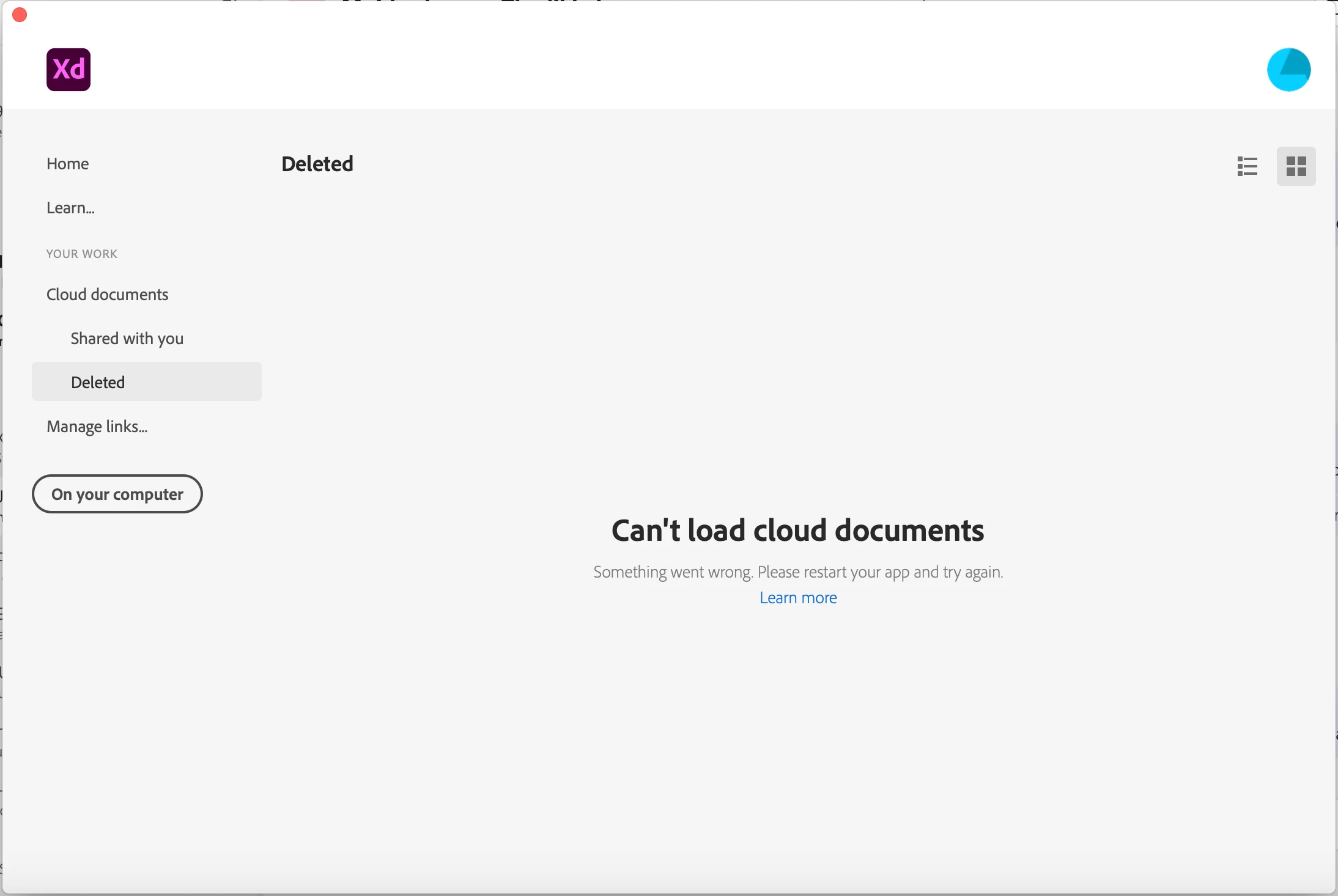
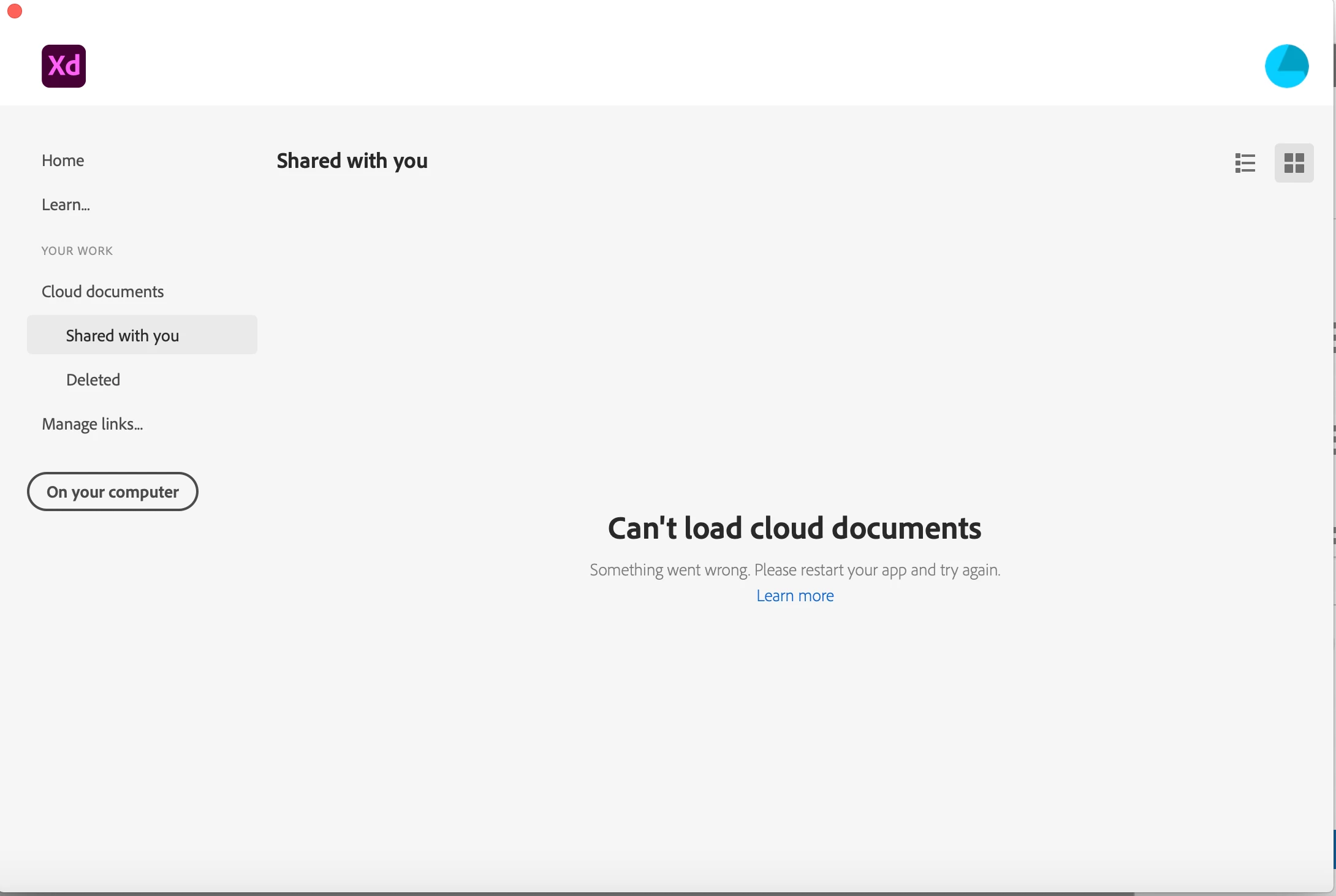
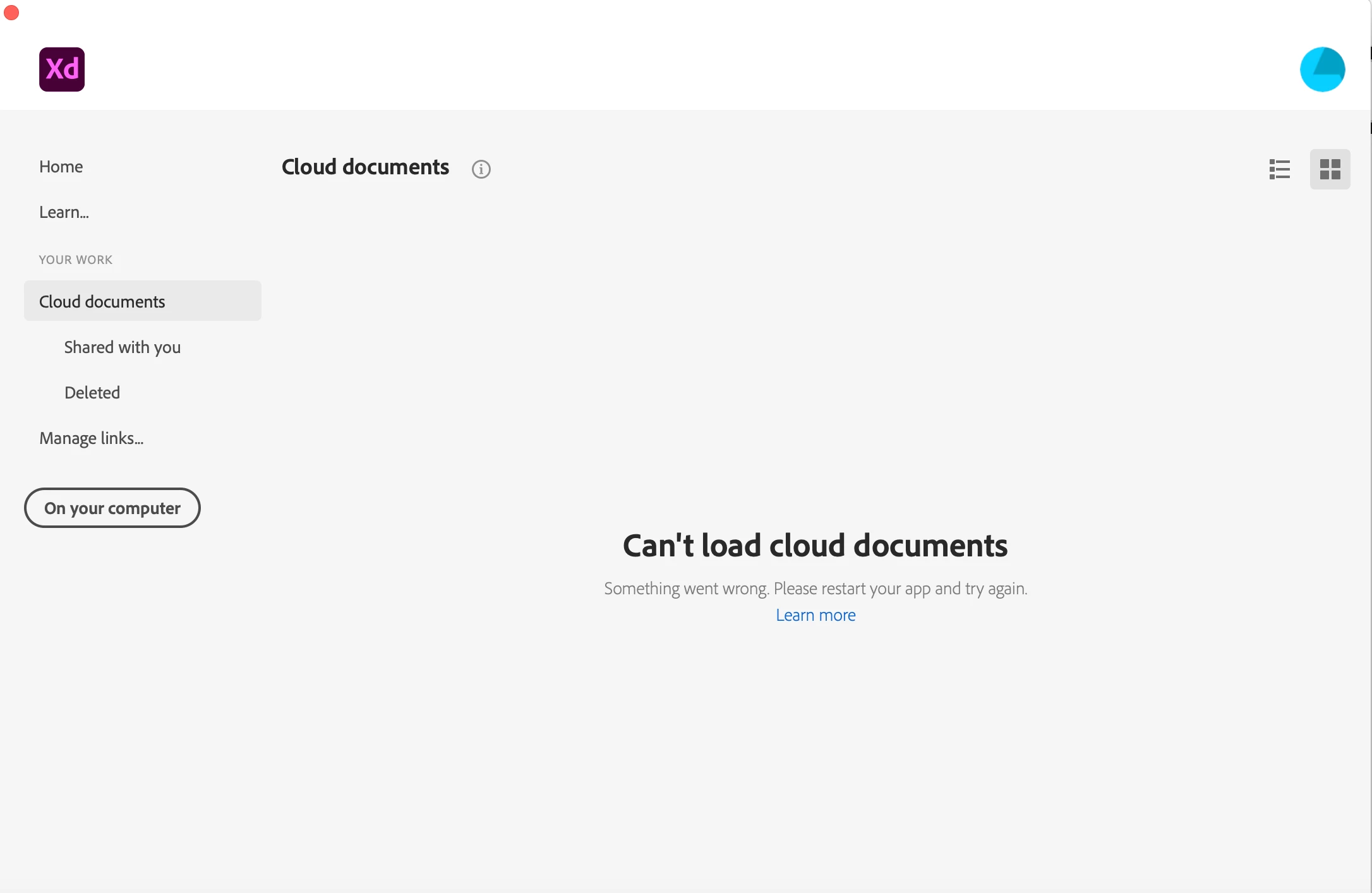
Post update, I am unable to see the "Cloud documents" "Shared with you" and "Deleted" under section "your work".

Getting error message, "Can't load cloud documents". 

I have done "Quit XD" and restared my system multiple times.

Still not sorted out. Due to this I am unable to open any documents and continue with work.

Request to sort at the earliest.
 

    This topic has been closed for replies.

    3 replies

    manal shanableh
    Legend
    September 24, 2021

    Open Creative cloud app

    go to your profile image, then contact us


    you will have direct chat support with highly speed response.


    basakotiAuthor
    Participating Frequently
    September 29, 2021
    Hi Adobe team,
    I tried connecting to the support team, but getting a sorry screen, Pathetic, PFA screen for your reference.
    I also tried the fix issues methods mentioned in the below listed url
    https://helpx.adobe.com/xd/kb/fix-issues-with-xd-cloud-documents.html
    But did not get any results.
    Earlier I was able to access file via manage links and in web cloud, but now files are also not accessible via web cloud, which is pathetic. PFA images for your reference.
    My Projects have come to halt.
    Request to do the needful at the earliest.


    Thanks and Regards
    Basavaraj Koti
    Deputy General Manager - Software Development
    Pearson India Education Services Pvt Ltd.,
    DivyaSree Chambers,
    No.11, Ground Floor and 7th Floor, 'A' wing,
    O Shaughnessy Rd, Langford Gardens,
    Bengaluru 5600 025
    Karnataka, India.
    Learn more at pearson.com

    [Pearson]
    September 23, 2021

    Same problem here.

    The only place I can see my work is at the "Published" tab of CC Web;


    I talked to someone from the support and now I'm waiting for their response...


    Rishabh_Tiwari
    Community Manager
    Community Manager
    September 23, 2021

    Hi there,


    We're so sorry to hear about the trouble. For an Enterprise account, please contact us directly using the steps shared here https://helpx.adobe.com/enterprise/using/support-and-expert-services.html


    Regards

    Rishabh