
Participating Frequently
May 12, 2022
Answered

Adobe XD version 50 freezes when opening a new file on mac

  • May 12, 2022
  • 4 replies
  • 1604 views

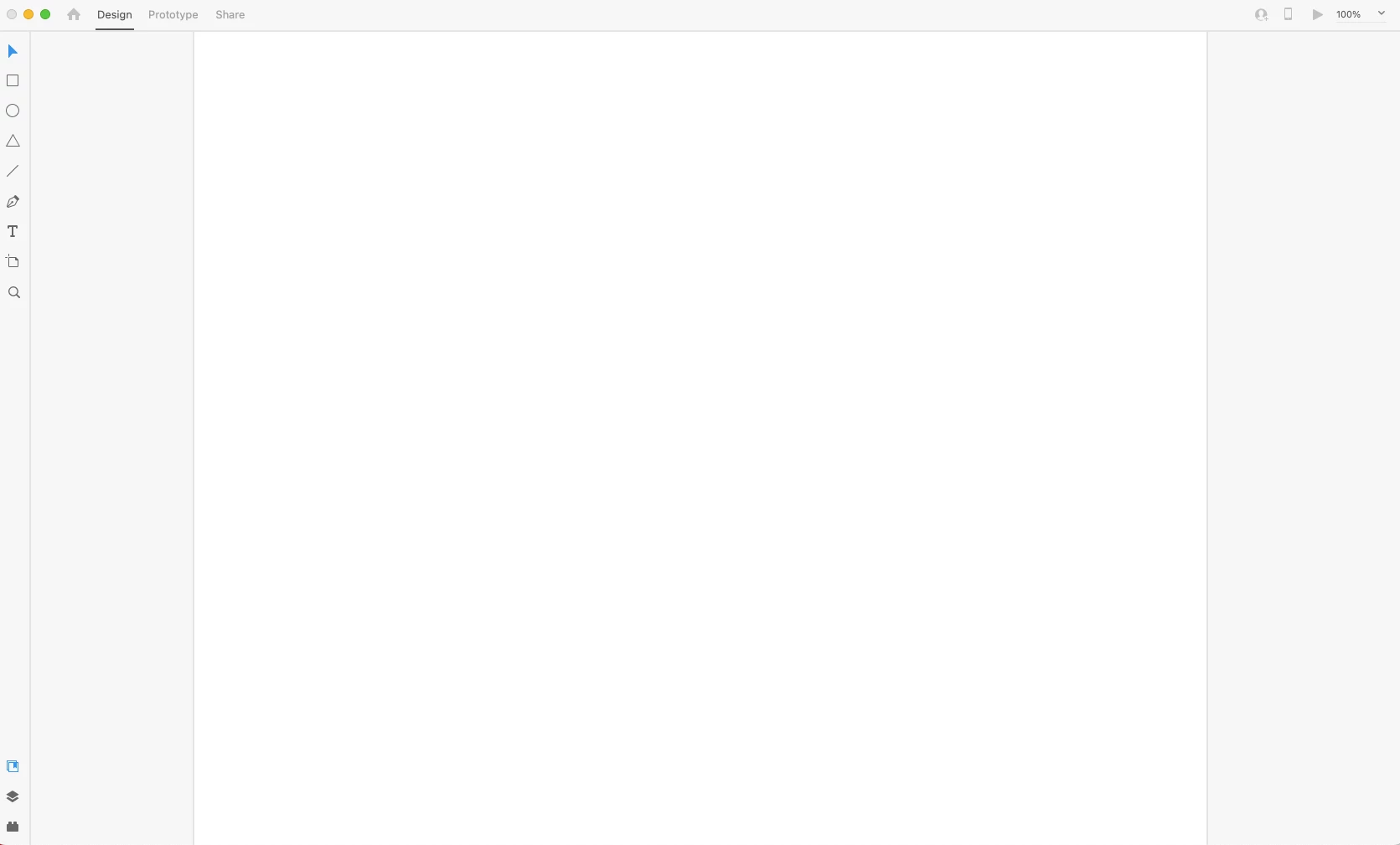
Hi there, I'm new to using Adobe XD. When I open a new file, it shows a blank board but I cannot click on anything. The X button is greyed out and nothing can be clicked on. I can only quit the application by force quitting from the Activity Monitor. I have already tried uninstalling and reinstalling Adobe XD.


When I signed out of Adobe Cloud, there was a loud noise and my screen froze, so I had to try and force quit again. Is there a bug currently with the application?


<Title renamed by moderator>
This topic has been closed for replies.
Correct answer Rishabh_Tiwari

Thank you. I cleaned everything and reinstalled my apps. Illustrator opens as normal and all my files work.


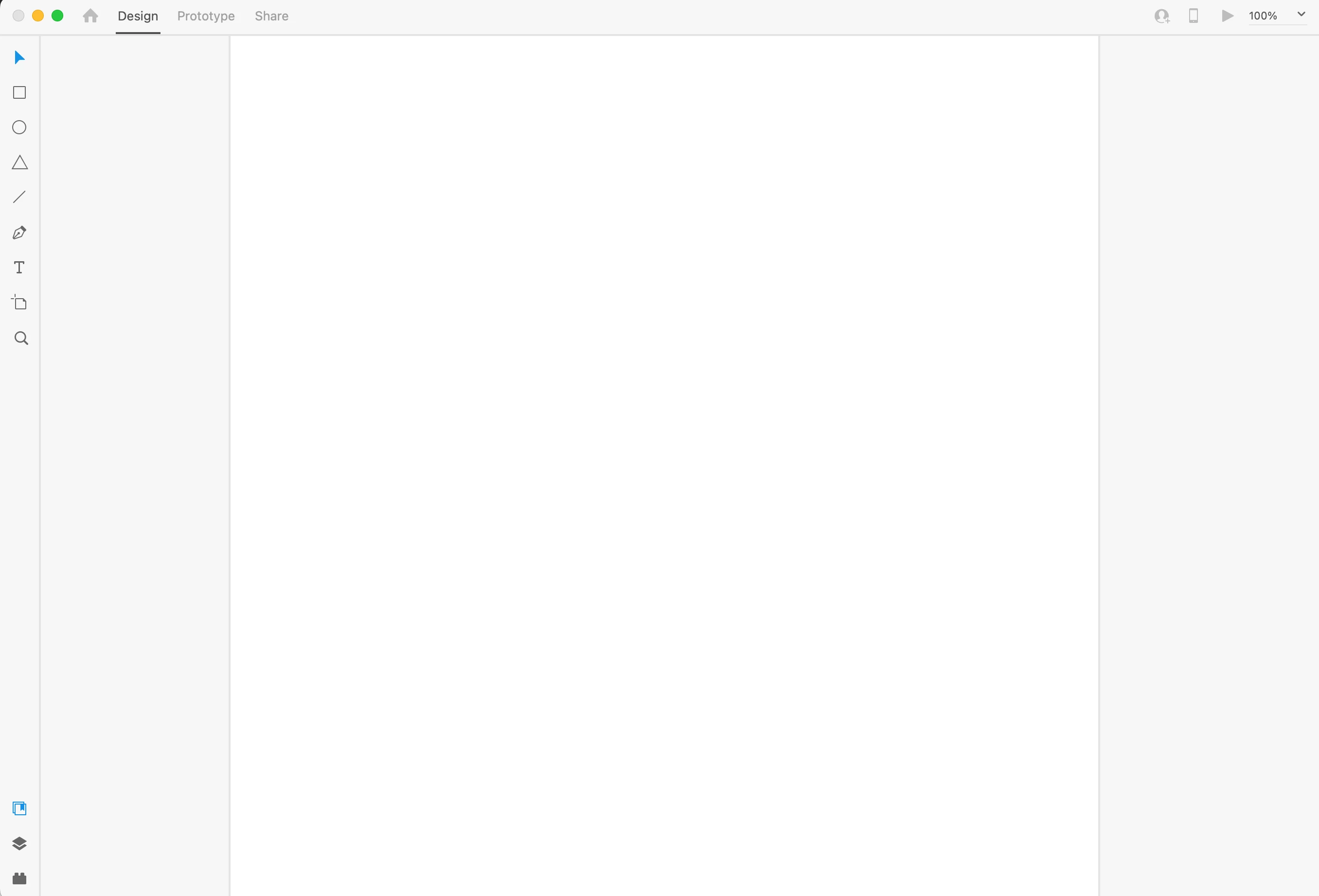
Adobe XD, however, still does not load up correctly. I can open the app and choose a new file like before, but then nothing can be clicked and the only way to close it is to use Activity Monitor to force quit it:


Does anyone have any other advice or ideas as to why I can't use this app?


Hi @Chetan5E3E ,


We're so sorry for the delay in response. Are you still experiencing the issue on the latest version of XD? Please update XD to the latest version following the steps shared here https://helpx.adobe.com/creative-cloud/help/creative-cloud-updates.html and let us know if you are still experiencing the issue.


Regards

Rishabh

4 replies

Participating Frequently
May 16, 2022

Hi there, posting here as well since I am still facing an issue with using Adobe XD. I am new to the app and have not been able to use it yet. When I open the app and then choose a type of doc, it shows this screen and everything is frozen:


I have already tried uninstalling and reinstalling the app and Adobe CC multiple times. I also used the Adobe Cleaner tool to completely clean and remove everything Adobe related from my computer, reinstalled the apps and the same issue with XD still occurs. Adobe XD is the only app with this issue. Illustrator still works fine for me. 


Please help as I would like to be able to use the app. My operating system information is below:


Kanikas
Community Manager
Community Manager
May 16, 2022

Moved to XD community 

Participating Frequently
May 18, 2022

Following up on this, is anyone able to help me with this issue? 

Community Expert
May 12, 2022
Participating Frequently
May 13, 2022

Hi Kenneth,


Can you clarify what files I need to clean when using this tool? I've already uninstalled Adobe XD multiple times. Should I reinstall it and if it still doesn't open, try uninstalling by using this clean up app?

If there are specific files that I should look out for when using this app that might be preventing Adobe XD from opening, that would be helpful. Thanks.

Participating Frequently
May 13, 2022

Hi Kenneth,


I reinstalled Adobe XD and cleaned up the file using the app, then reinstalled and still experience the same issue when I open it up.


Here's the file I cleaned up, if there are other files I should try this with or other steps you recommend, please let me know.  

Participating Frequently
May 12, 2022

Any updates on this or advice to resolve this issue? I just upgraded to Adobe CC and would like to be able to use Adobe XD. Otherwise I will need to downgrade if I can't use this app at all. This is really frustrating.


I have already tried

- Uninstalling / Reinstalling the app multiple times

- Installing an older version

- Signing out and back in to the Adobe CC app multiple times

- Restarting my computer multiple times


Illustrator opens without issue, I'm not sure why this app won't work for me. It seems like it's not fully loading up and the only way I can close it is to force quit in activity monitor. Am I missing some files in the installation process or something? Please help as soon as possible, thank you!

Participating Frequently
May 12, 2022

I also tried installing a previous version of Adobe XD but the same issue occurred. Any help would be appreciated as I would like to learn how to use this application but am unable to use it at all at the moment.