
Participant
May 25, 2022
Answered

Adobe XD Won't Open

  • May 25, 2022
  • 1 reply
  • 768 views

After the update (51.0.12) Adobe XD simply does not open. By this I mean that the initial window opens, but nothing happens after that. If I open the Windows Task Manager, XD doesn't even appear in the list of programs. I've even tried opening an XD file directly by just double-clicking on it from the file explorer, but I get the same result:
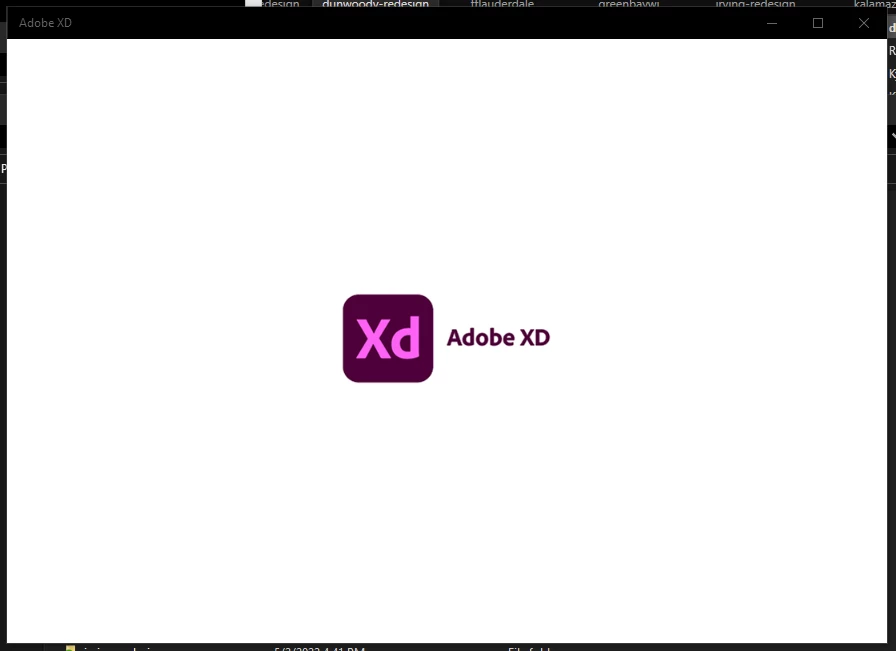
I tried downgrading, but for some reason I have the same problem in version 50 as well.

I need to be able to use this program for my job, so swift help would be greatly appreciated.

This topic has been closed for replies.
Correct answer Kyle24590527wtu6

Little update. I ran the Creative Cloud Cleaner Tool and that fixed it. Not sure what happened there but all is well now.

1 reply

Kyle24590527wtu6AuthorCorrect answer
Participant
May 25, 2022

Little update. I ran the Creative Cloud Cleaner Tool and that fixed it. Not sure what happened there but all is well now.

italosan
Community Expert
Community Expert
May 25, 2022

Hi, we are glad that your problem has been solved. If you need help in the future, please contact us 🙂