


Participant
July 3, 2020
Question

Adobe XD work file missing

  • July 3, 2020
  • 2 replies
  • 569 views

Hi, when i was trying to save my file, the app crashed and when i restarted, they prompted me to sign in to my creative cloud account again. I did and when i reopened the app, my file is missing from 'Recent'.

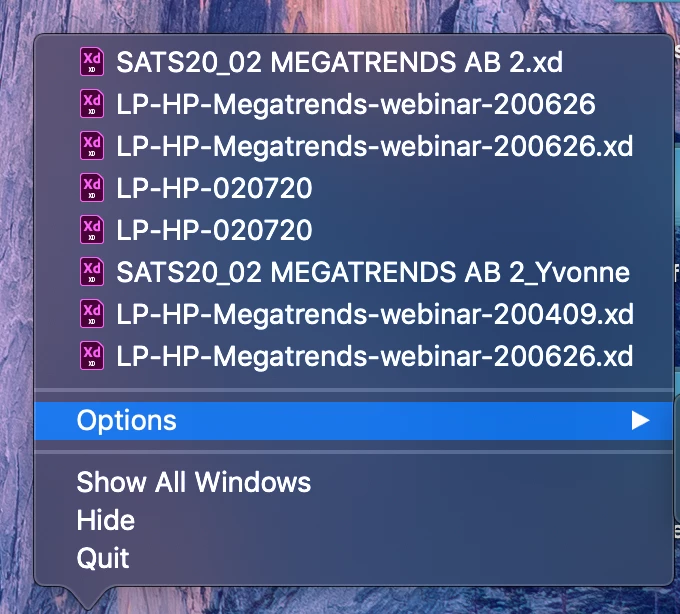
I also cannot locate my files anywhere in the Assets, Cloud and in my computer. But the file name is still showing when i right-click my app icon - LP-HP-020720 (please see image)


Is there any way i can retrieve it again? I've searched online for answers and tried everything.


Thanks!
 

This topic has been closed for replies.

2 replies

Rishabh_Tiwari
Legend
July 22, 2020

Hi Yvonne,


We're so sorry for the delay in response. Could you please confirm if it was a local file or a cloud file? If it was a cloud file, please check if you are able to see the file here: https://assets.adobe.com/cloud-documents


If it was a local file, please check if you are able to see the file here: ~/Library/Application Support/Adobe/Adobe XD CC


Let us know how it goes, we'll try our best to help you with it.


Regards

Rishabh

July 3, 2020

Moving to the Adobe XD forum from Photoshop