

All published links in "Your Work" have disappeared and cannot Update Links in Xd.
I went to update a link I have been working with for months and today discovered that there was no longer an "Update Link" button and only gave me the option to "Manage Links" or create a "New Link". I went to manage my links and noticed that all my links (current and old links) are not on the "Your Work" published link page but the links do exist to visit still.
I am still using the same computer and same files. I have not renamed or re-saved. I have clients waiting to have their links updated...
Specs:
macOS Big Sur - Version 11.5.1
Macbook Pro (Retina, 15-inch, Mid 2015)
2.5 GHz Quad-Core Intel Core i7
16 GB 1600 MHz DDR3
AMD Radeon R9 M370X 2 GB Intel Iris Pro 1536 MB
XD Version 42.1.22
Creative Cloud Version 5.5.0.619
Example of link that still exists:
https://xd.adobe.com/view/f0d61ef9-d341-44d2-a3d2-2544c17463f7-a585/
What my "Your Work" displays and Xd file shows. This should have multiple links from the past year and a half.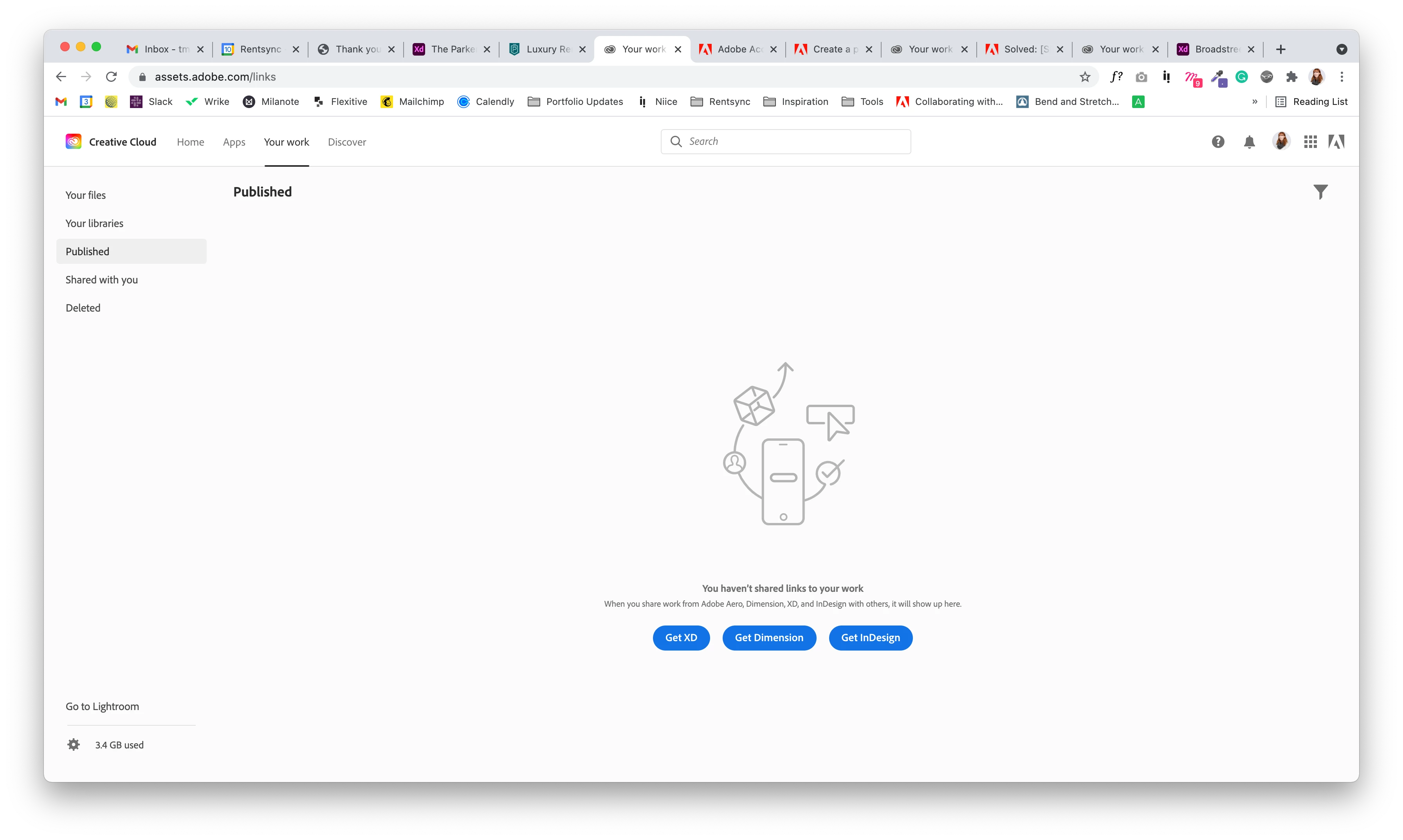
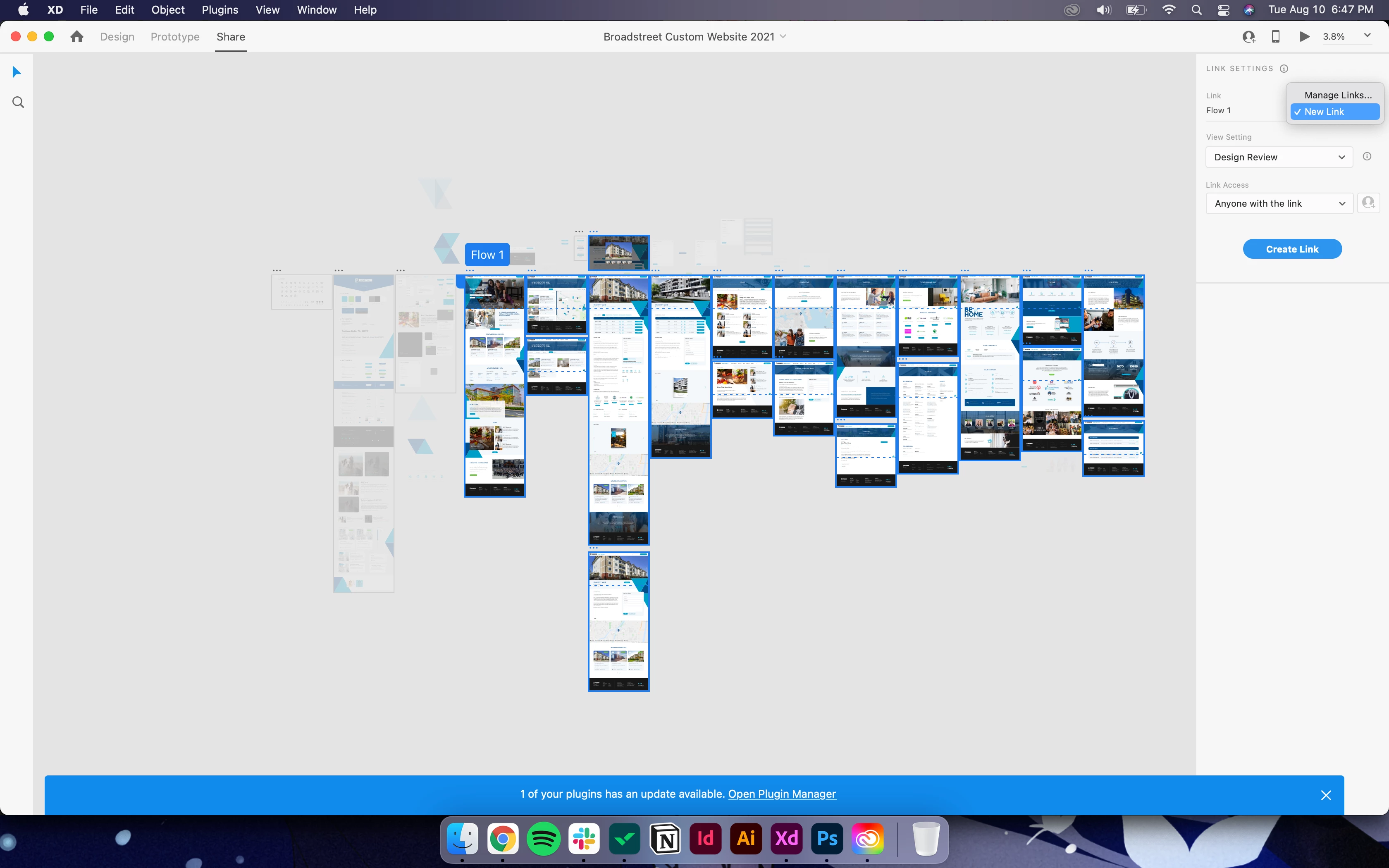
Some links have comments and conversations between me and the client that I cannot lose & I don't want to create a new link and cause confusion with clients.


 AdChoices