
An unknown error code appears and entire XD files get broken after that
Overview
A group of designers worked on a multiple XD files, and they use link component feature as well as State features frequently. At the final phase, we got the following error and entire design file has gotten broken.
Actual
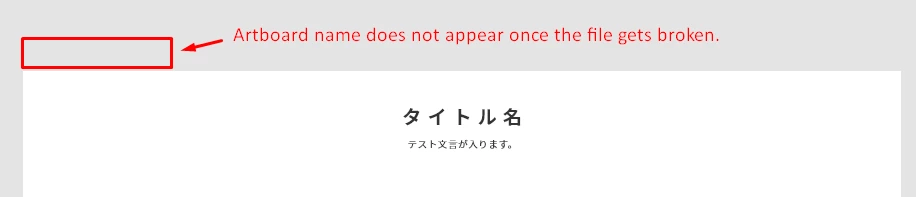
1. Artboard behavies wrognly in both its funtional level and how its visually working on XD file.
- In layer pannel, Artboard name can be found; wheresas
- the Artboard name does not appear on the editing space.
- Ctrl + Z does not work to revert the changes after pasting the borken artboard to somewhere else.
2. When copying the existing component into a new XD file to save it, an error message appears with unknown code. It end up with creating another broken XD file.
Expected
Recovering the design file instead of revering the legacy file version and re-do.
Error Message
I tried to save and share the broken XD file, it is not able to duplicated.
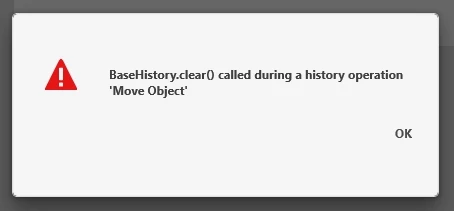
Screenshot
Following is a screenshot of an artboard.

Background info
We are currently not using Adobe Creative Cloud as saving space; we are instead using Google File Stream, and we use versioning feature of it. Therefore, from XD perspective, it is saving local drive.
Note
We first thought "Components within another Compont" may have potential bug in current version, and it would be one of the causes; however, we could not completely understand the cause of this broken XD file.
 AdChoices