Participant
November 19, 2021
Question

Apply default state to multiple states in components

  • November 19, 2021
  • 1 reply
  • 197 views

Hi everyone,

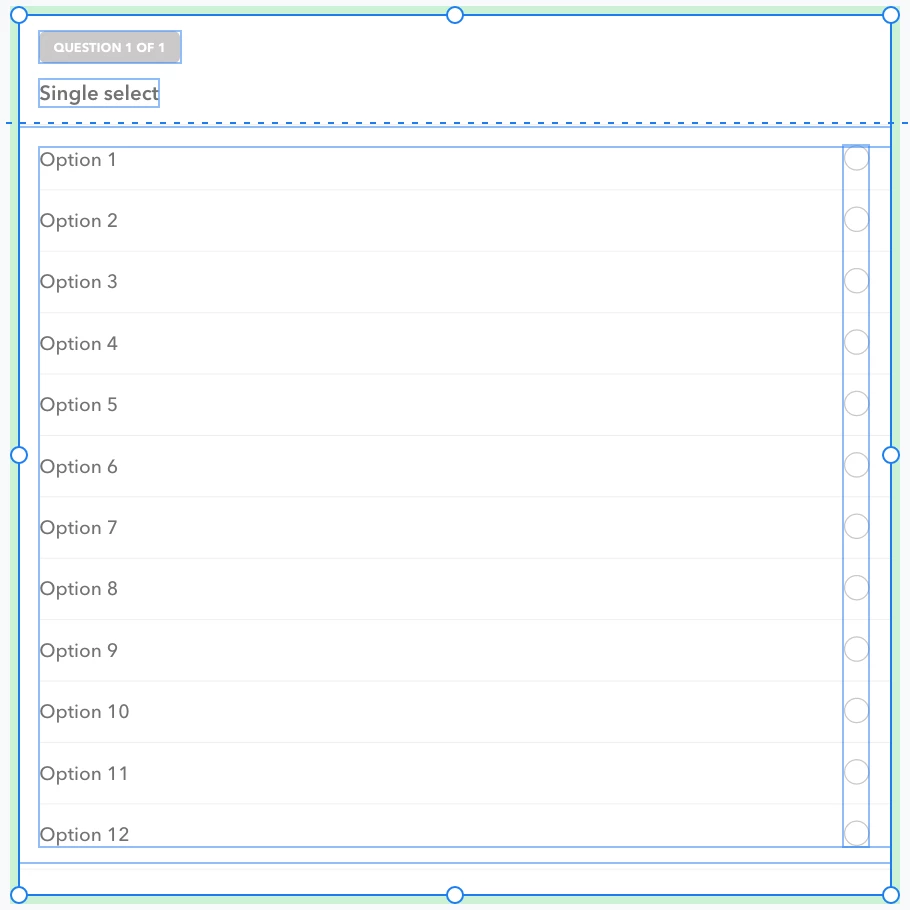
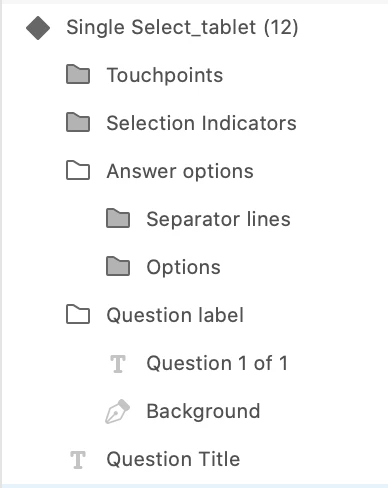
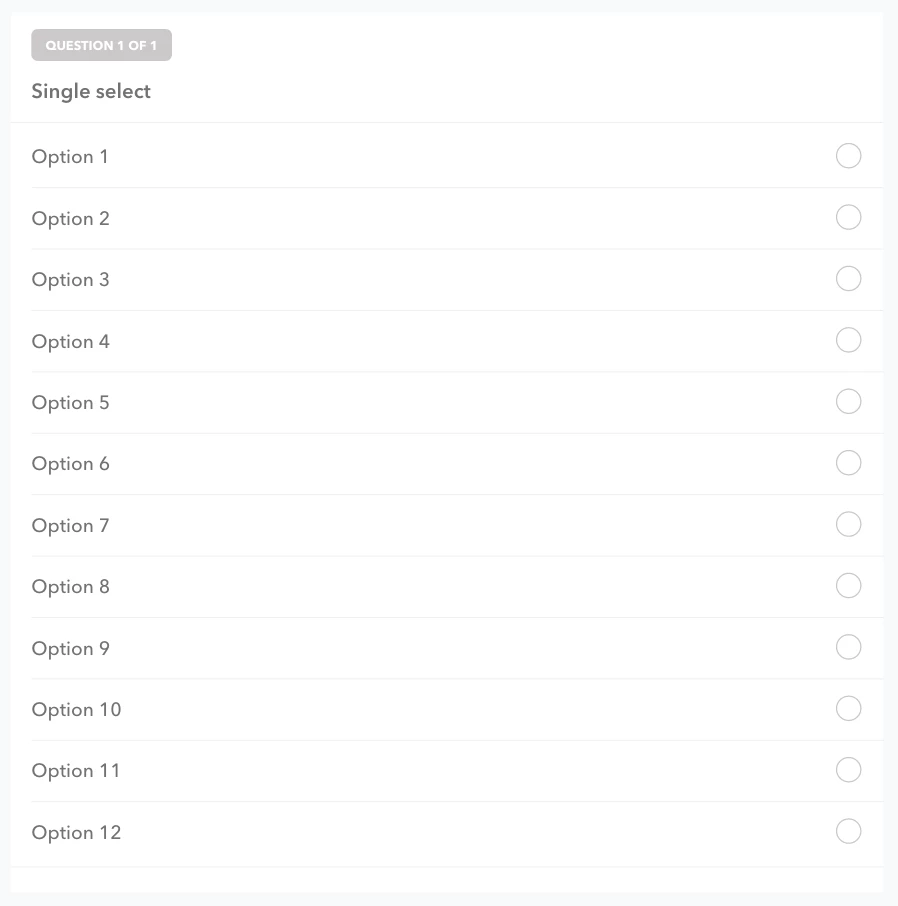
I work in #healthtech and design digital intakes. I have been working on the smartest way to design a questionnare library and this is the best I've been able to come up with for a component that accepts a single-select question (see images -- sorry not even sure what to show). 


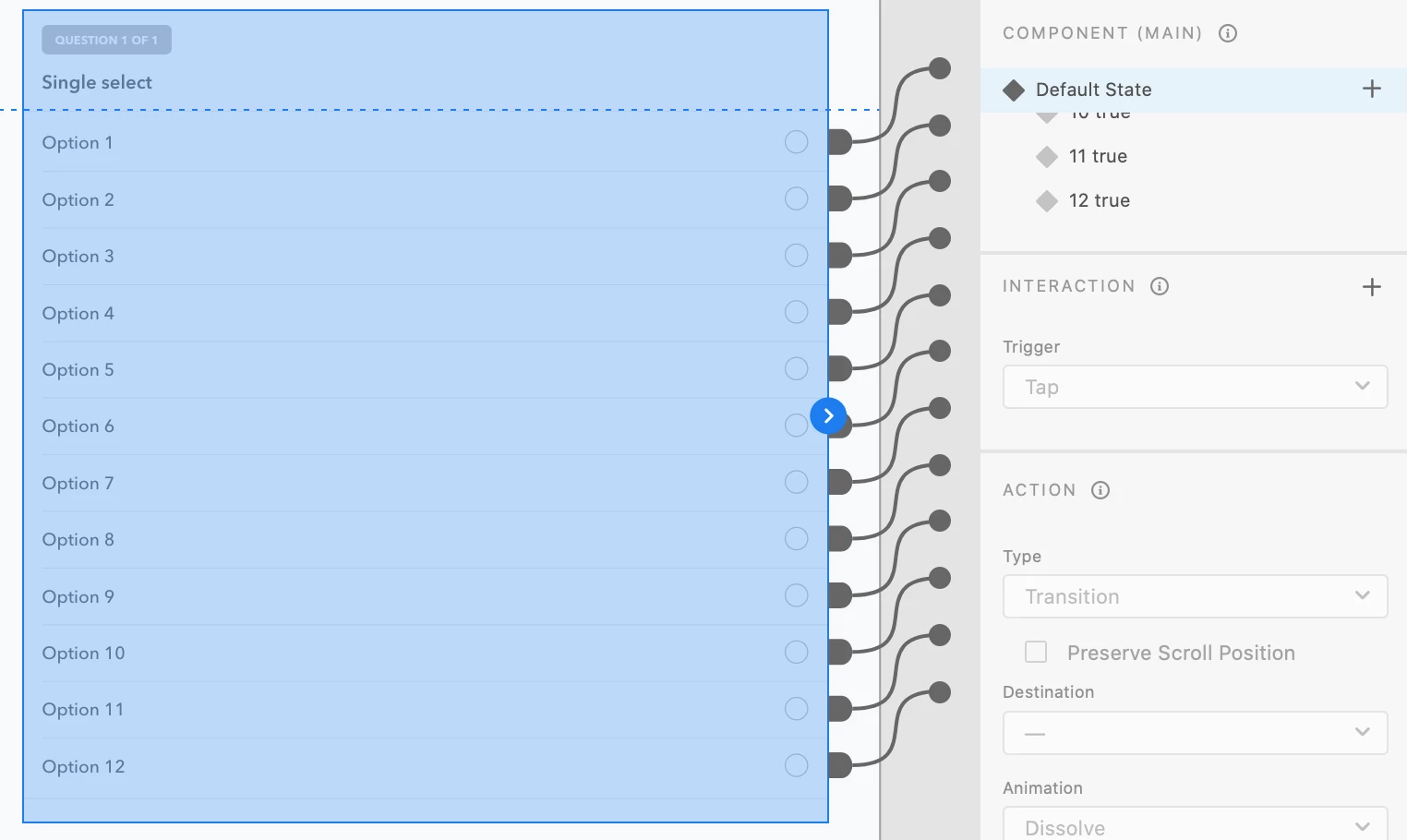
The issue I'm having is every time I update the master component to follow a new question title and answer options -- I have to go and indiviually update the title and each answer (max of 12) to the component states and then indivually prototype each state... Has anyone worked on a single-select component?
 Let me know 🙂

This topic has been closed for replies.

1 reply

AkinGn
Community Expert
Community Expert
November 21, 2021

Hi, if the problem is about changes being made to master component reflecting to instances/other components, you might want not to use master component in your work but edit it whenever you need to make a change that you want to reflect across all components by right clicking an instance and selecting "Edit Master Component". And if I'm not missing something, creating a singular option component with its own default and selected states and grouping it with the "Option X" text to keep the text out of the states might be the best practice. Hope this helps 🙂