


Participant
Nov 6, 2020 1:38 PM UTC
Answered

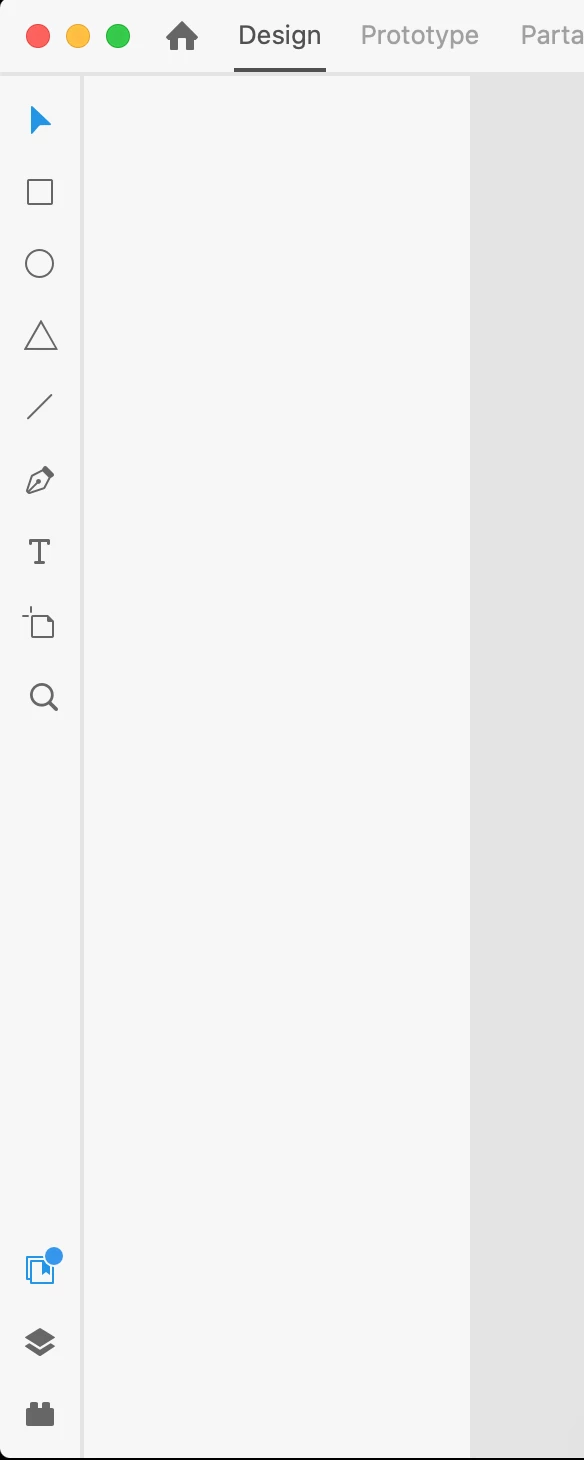
Assets panel non-functionning after connecting library (Nov. update)

Hi, 


I synced a document with an online assets library (new functionality this month), and after a while the assets panel became empty... (see screenshot below). I was already struggling to update components, had to update them individually sometimes. 


I already tried to duplicate my document, but the same thing happens. 


Thanks


This topic is closed to new replies. Start a new post to keep the conversation going.
fmunCorrect answer
Participant
Nov 15, 2020 7:50 PM UTC

Hi, 


It did not help but it seems like the latest update fixed the issue. 


Thanks, 

2 replies

Rishabh_Tiwari
Legend
Nov 6, 2020 6:08 PM UTC

Hi there,


Sorry to hear about the trouble. Could you please try the steps below:


  1. Sign out of XD and CC Desktop app.
  2. Close CoreSync and all Adobe related processes from the Task Manager/Activity Monitor.
  3. Sign back in on the CC Desktop app and launch XD from there and check if it works.


If it still doesn't work, please try re-installing the application and let us know if it helps or if you need any further assistance.


Regards

Rishabh

Translate
fmunAuthorCorrect answer
Participant
Nov 15, 2020 7:50 PM UTC

Hi, 


It did not help but it seems like the latest update fixed the issue. 


Thanks, 

Translate