Participating Frequently
May 30, 2021
Answered

Background Drag

  • May 30, 2021
  • 1 reply
  • 925 views

Hello everyone, I have a question - I started using Adobe XD two days ago and I'm a tad confused with something. 

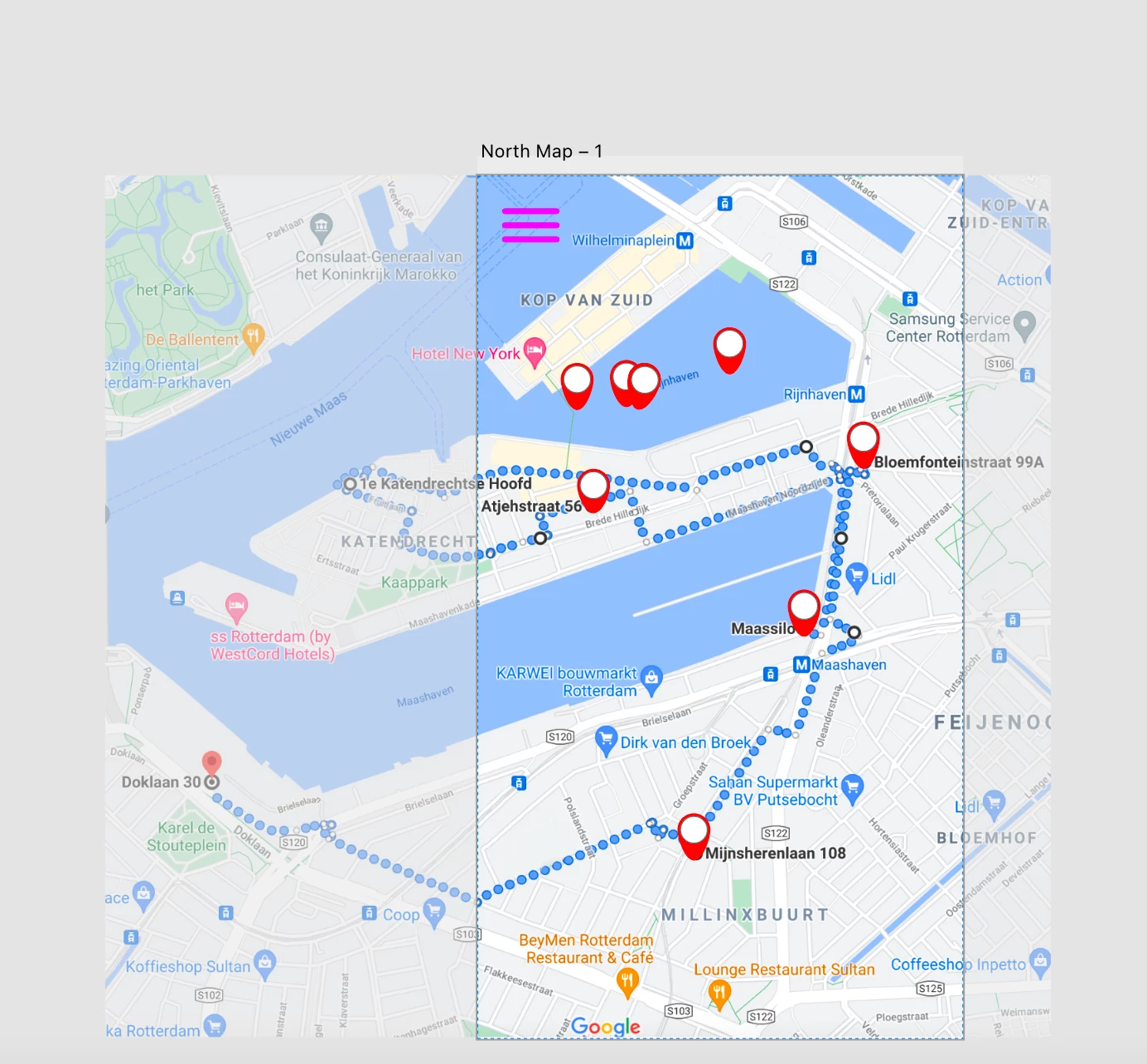
So I have this image as a background. I want it to stay that size, but I want it so when the user is using the app, they are able to move the map so they can see the parts that are hidden. I also want the red dots to drag with the map when it is moved. Is this possible? thanks in advanced everyone 🙂 
    This topic has been closed for replies.
    Correct answer Spas K.

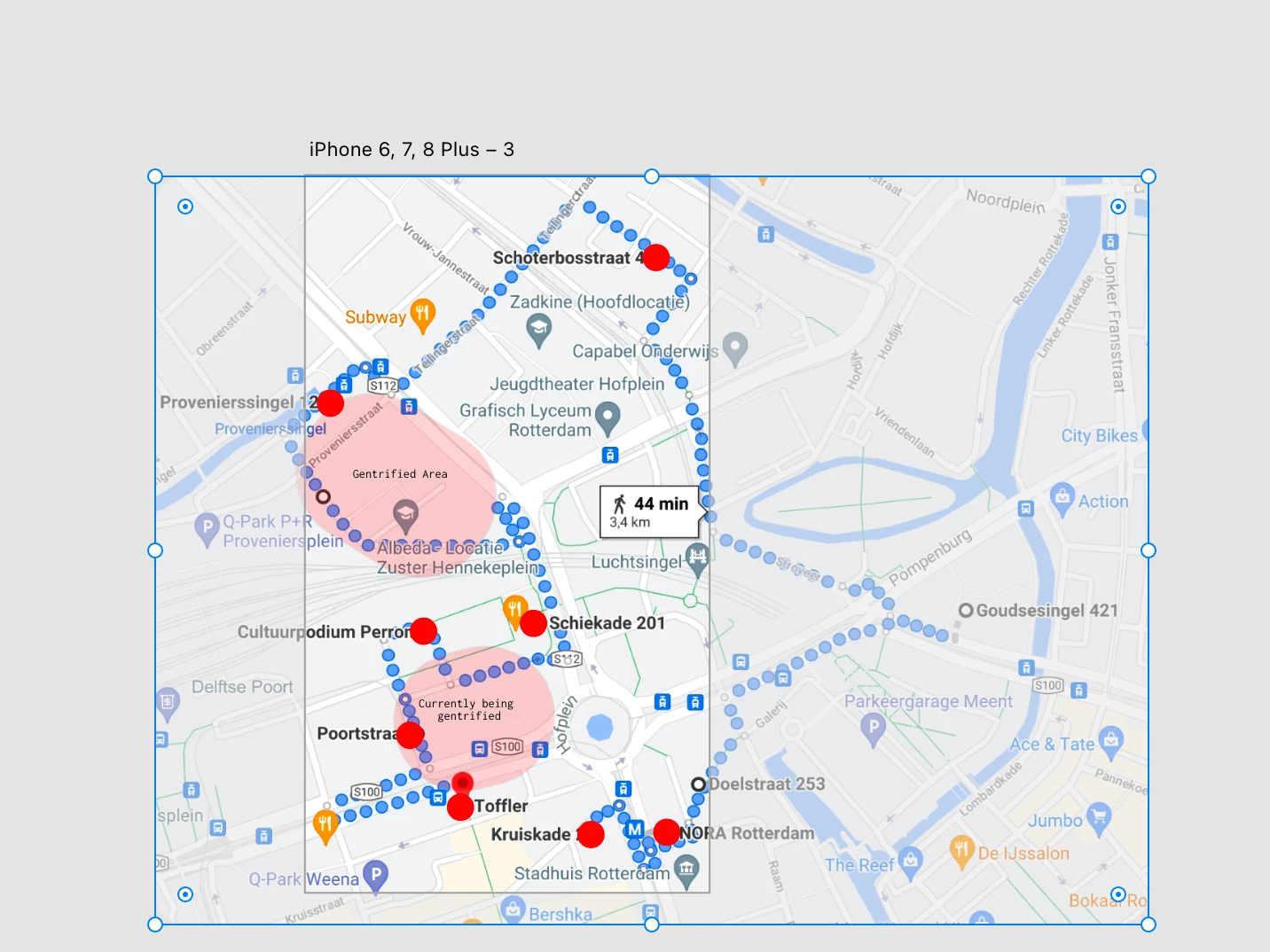
    Woah complete typo on my part, I meant the latter. Thanks for clearing it up, it worked!! 😄 I have another question though, how do I duplicate a dot in the greyed out parts of the first image? (not in the actual phone mock up, but the outside box) Whenever I try to do it, it appears outside of the phone prototype. 

     Before I duplicate

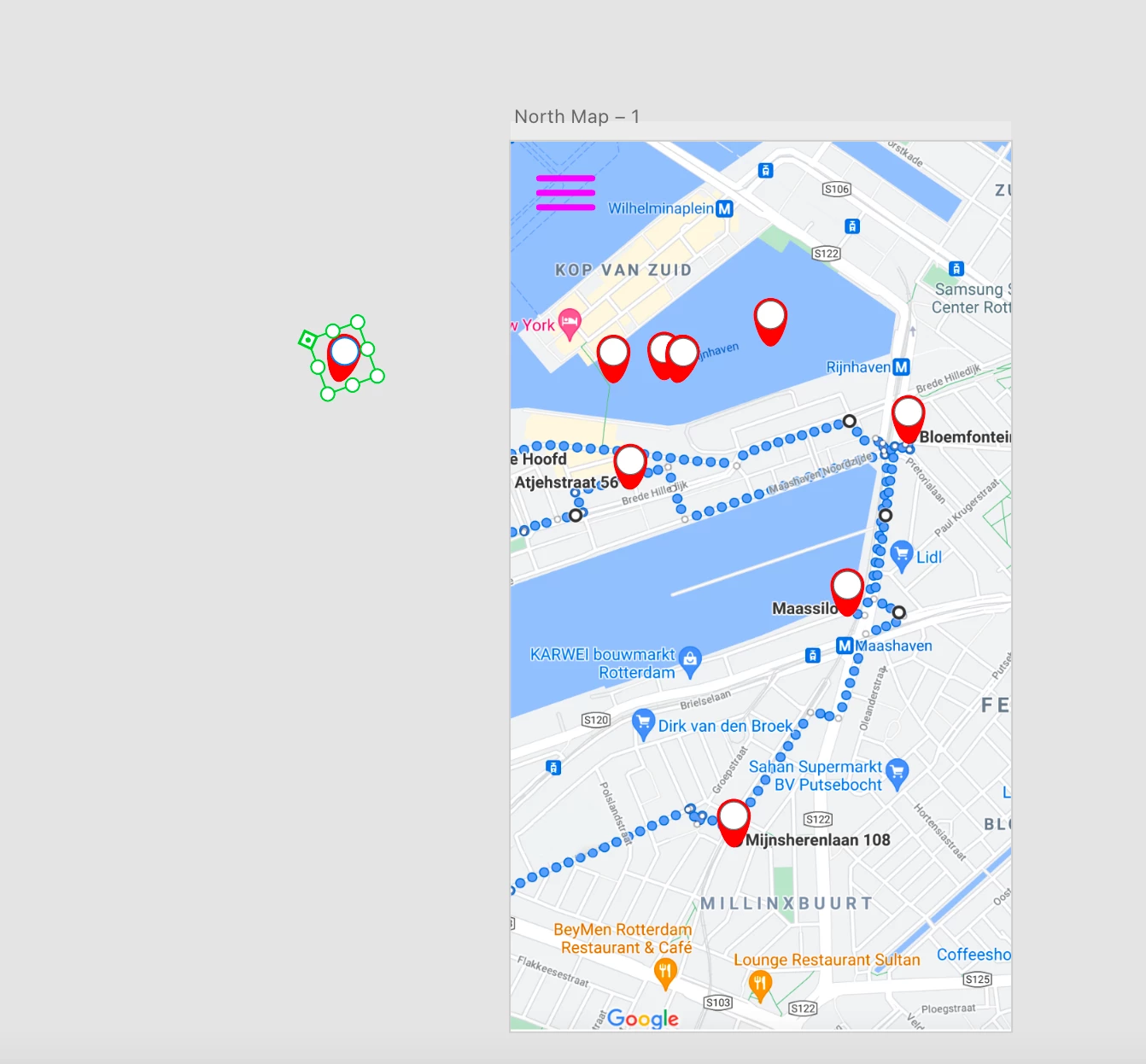
     After I drag it over.


    Make sure the map marker is in a group with another element that stays on that artboard. If it's not, whenever you drag it out of the artboard bounds it will get put on the pasteboard.

    1 reply

    Participating Frequently
    May 30, 2021

    update: I've figured out how to make the background scroll so the user can look around, but now the red dots are following. Is there a way to make it so the red don't dont come with the scrolling?

    Spas K.
    Community Expert
    Community Expert
    May 30, 2021

    "Is there a way to make it so the red don't dont come with the scrolling?"

    I'm not sure what you mean. In the first post you said you want the dots to move with the map, and in this one you say you don't want them to follow.


    If you want the dots to move with the map, put them in a group with the map, then put that in a second group and make it a scroll group (to move the map). If not, put them outside of the scroll group and they'll stay fixed, while the map will move.

    Participating Frequently
    May 30, 2021

    Woah complete typo on my part, I meant the latter. Thanks for clearing it up, it worked!! 😄 I have another question though, how do I duplicate a dot in the greyed out parts of the first image? (not in the actual phone mock up, but the outside box) Whenever I try to do it, it appears outside of the phone prototype. 

     Before I duplicate

     After I drag it over.