

Participant
June 9, 2021
Answered

Bad graphics rendering through shared link

  • June 9, 2021
  • 3 replies
  • 843 views

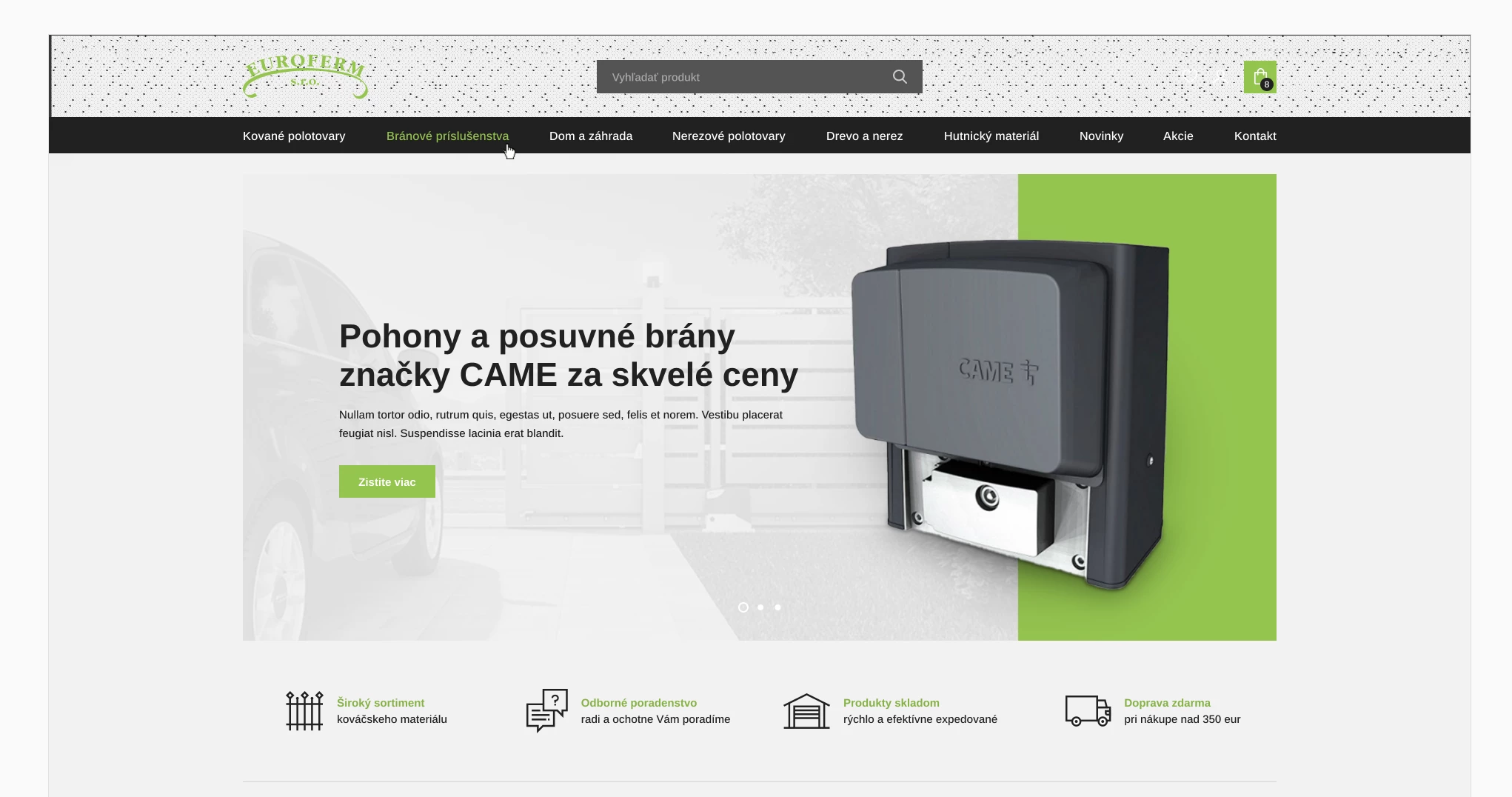
There was a problem with a design when I shared a link to my colleague. On one screen was the menu not OK on his laptop. It is not the first time such a problem appeared. What is the problem?
    This topic has been closed for replies.
    Correct answer Spas K.

    It's a complex issue, discussed in a number of threads, but I'm not sure there is a known fix. The problem seems to appear randomly when viewing the prototype on different browsers and on different machines. I believe some user said if you change the zoom level it goes away (for example not @ 100%, but 99%). 


    Tell them to try a different browser or change the zoom level of the prototype. I know it's not ideal, but that's the "workaround" until we find another solution or Adobe fixes it somehow.


    I've personally never encountered it, even after users have sent me links to prototypes that are supposed to be broken - I've always seen them okay on my machine. 


    You can check out this and this threads for similar discussions.

    3 replies

    Spas K.
    Community Expert
    Spas K.Community ExpertCorrect answer
    Community Expert
    June 9, 2021

    It's a complex issue, discussed in a number of threads, but I'm not sure there is a known fix. The problem seems to appear randomly when viewing the prototype on different browsers and on different machines. I believe some user said if you change the zoom level it goes away (for example not @ 100%, but 99%). 


    Tell them to try a different browser or change the zoom level of the prototype. I know it's not ideal, but that's the "workaround" until we find another solution or Adobe fixes it somehow.


    I've personally never encountered it, even after users have sent me links to prototypes that are supposed to be broken - I've always seen them okay on my machine. 


    You can check out this and this threads for similar discussions.

    Juraj87Author
    Participant
    June 10, 2021

    thank you very much, the zoom level helped! 

    it is not fixing the bug but at least I have some solution

    Rishabh_Tiwari
    Legend
    June 9, 2021

    Hi Juraj,


    Sorry to hear about the trouble. Please share a few more details like:


    1. The version of XD.
    2. A screenshot of how the design looks in XD and on the browser?
    3. Have you tested on a different browser? If yes, was there any improvement?
    4. Will it be possible for you to share the link with us? If yes, please share the link through DM by clicking on my name.


    Regards

    Rishabh

    Juraj87Author
    Participant
    June 10, 2021

    Hi Rishabh,


    1. it was the latest version, I have XD always up to date.

    2. this is screenshot from XD

    and this is a screenshot my colleague sent me

    3. yes we tested it on google chrome, firefox and opera with the same result, no improvement

    4. yes I can share the link


    Thank you and best regards,


    Juraj

    Ares Hovhannesyan
    Community Expert
    Community Expert
    June 9, 2021

    Did you use the same color profile for displays?

    Juraj87Author
    Participant
    June 10, 2021

    I am not sure that this is the issue because the same color was used in footer and there it was OK.

