Answered
Black bars appearing at sides in explorer
Hi Please help, When i view my XD design on web, black bars appearing at the sides, its not fully fitted to full screen. Plase help. check this
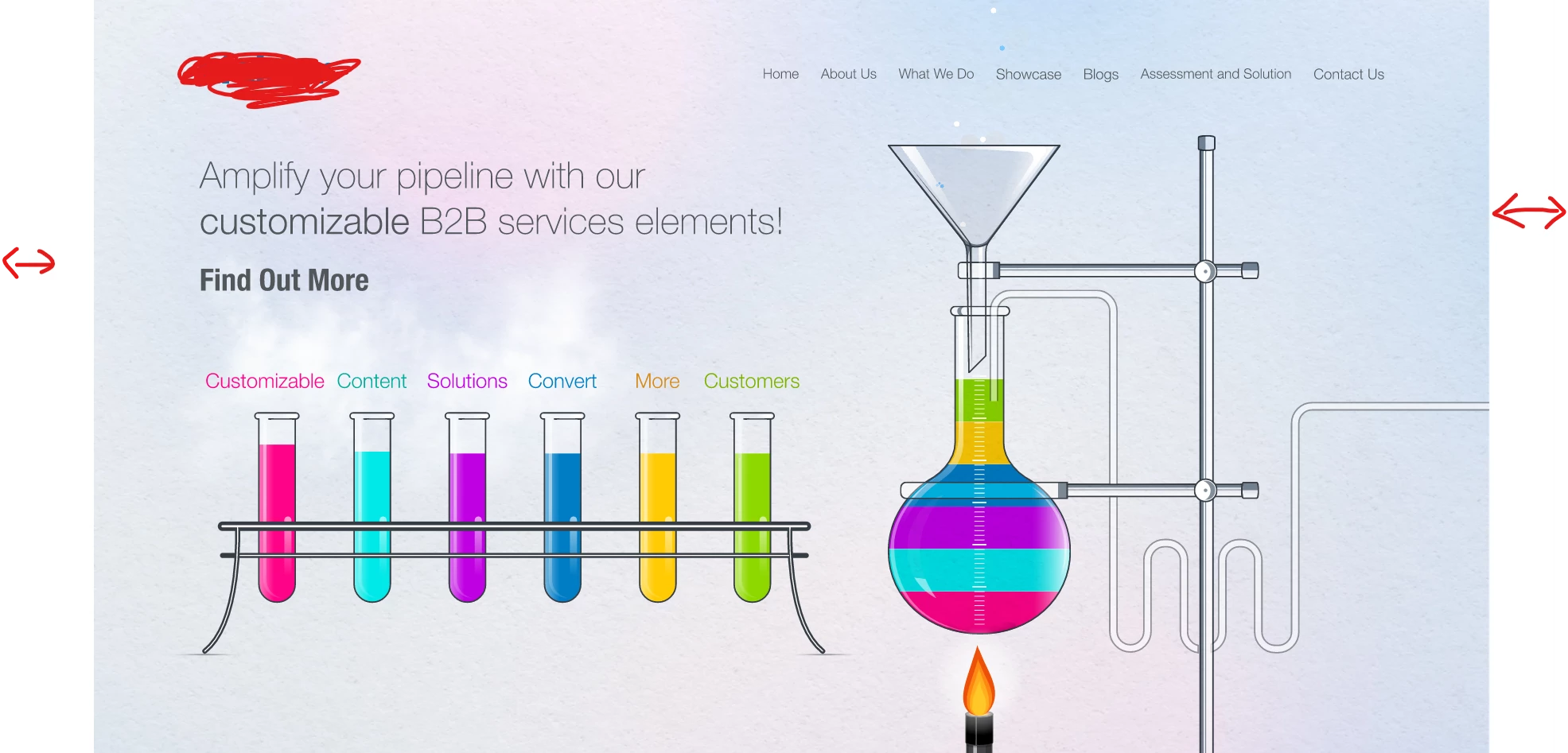

Hi Please help, When i view my XD design on web, black bars appearing at the sides, its not fully fitted to full screen. Plase help. check this
Hi @Prithvi2631028599u5, when you make the width of your artboard 1920px and the height 1080, and edit the "above the fold" indicator dragging it to the bottom of your artboard (the blue dotted border on your artboard in XD) and view the prototype in fullscreen, it covers the entire browser viewport area, you can send the prototype link like this after making it fullscreen while your viewing your prototype, as you see in this link: https://xd.adobe.com/view/3ff9f4be-b817-4911-86ce-d69eadea95ee-6aaa/?fullscreen
Hope this helps.
Already have an account? Login
No account yet? Create an account
Enter your E-mail address. We'll send you an e-mail with instructions to reset your password.


 AdChoices