PlinioSantos
Participant
December 7, 2018
Answered

Can't change link group only in one artboard

  • December 7, 2018
  • 1 reply
  • 307 views

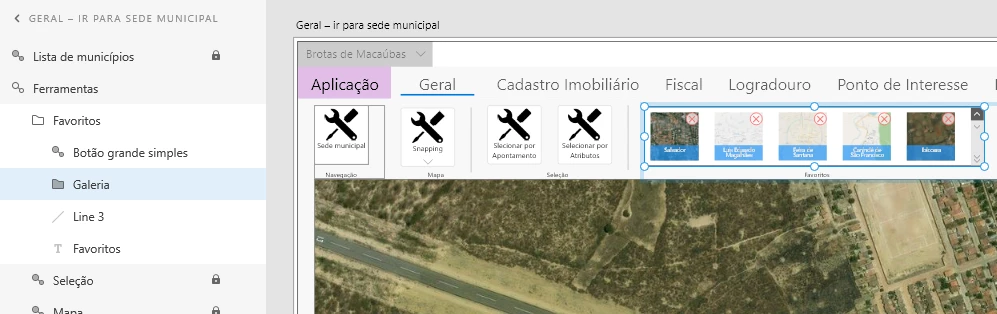
I'm prototyping a desktop ribbon application. I've created the basic main screen artboard "Geral - ir para sede municipal":
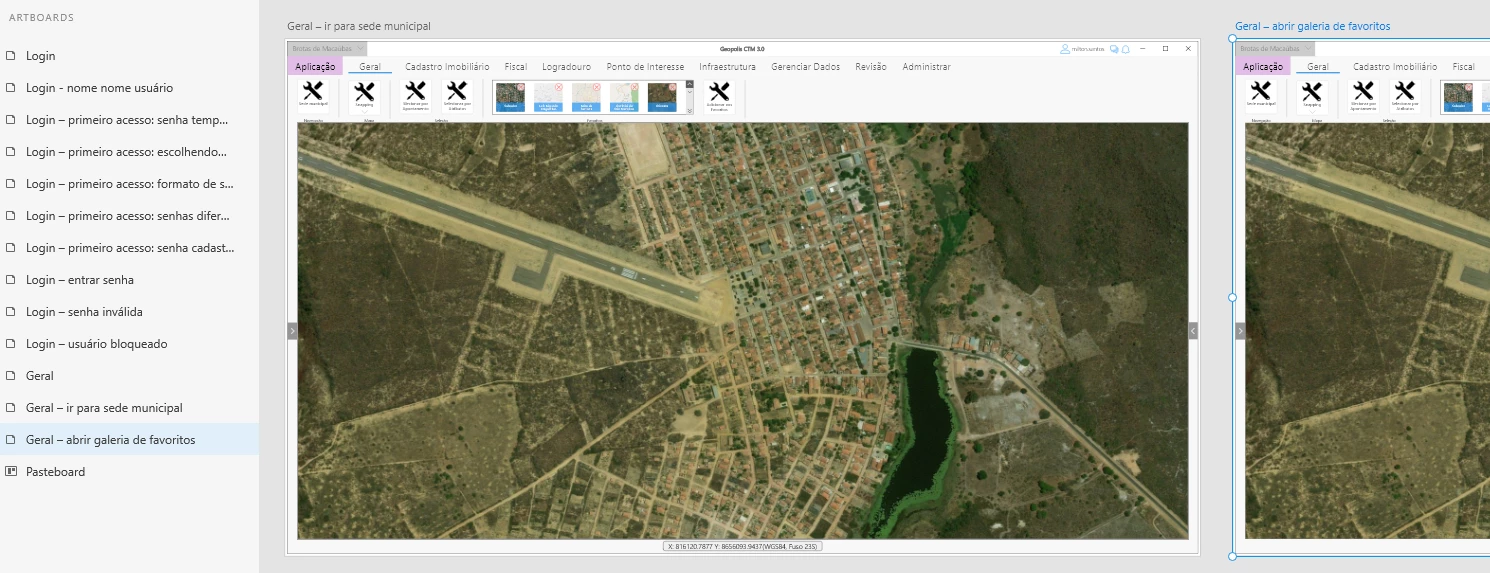
Then duplicated it to artboard "Geral - abrir galeria de favoritos" as in the image bellow:
Whatever I change the "Galeria" group in one artboard, the change is beeing reflected in other artboards. I would like to change only the working artboart and let aother ones as they are. The image bellow shows my issue:
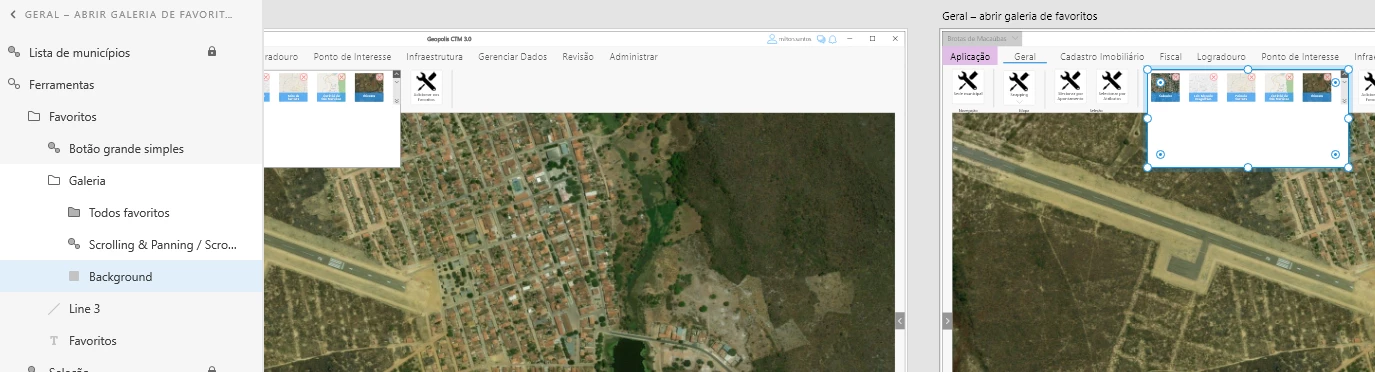
The portuguese stuff are just texts, hope it did not prejudice the undestanting.

This topic has been closed for replies.
Correct answer PlinioSantos

I figured out. Linked groups keep theirselves and their children object styles across artboards. So to solve my issue I just have to change the "Ferramentas"  parent object to be a common group instead of a linked group.

1 reply

PlinioSantos
PlinioSantosAuthorCorrect answer
Participant
December 7, 2018

I figured out. Linked groups keep theirselves and their children object styles across artboards. So to solve my issue I just have to change the "Ferramentas"  parent object to be a common group instead of a linked group.