

hendelgohary
Participating Frequently
December 4, 2021
Question

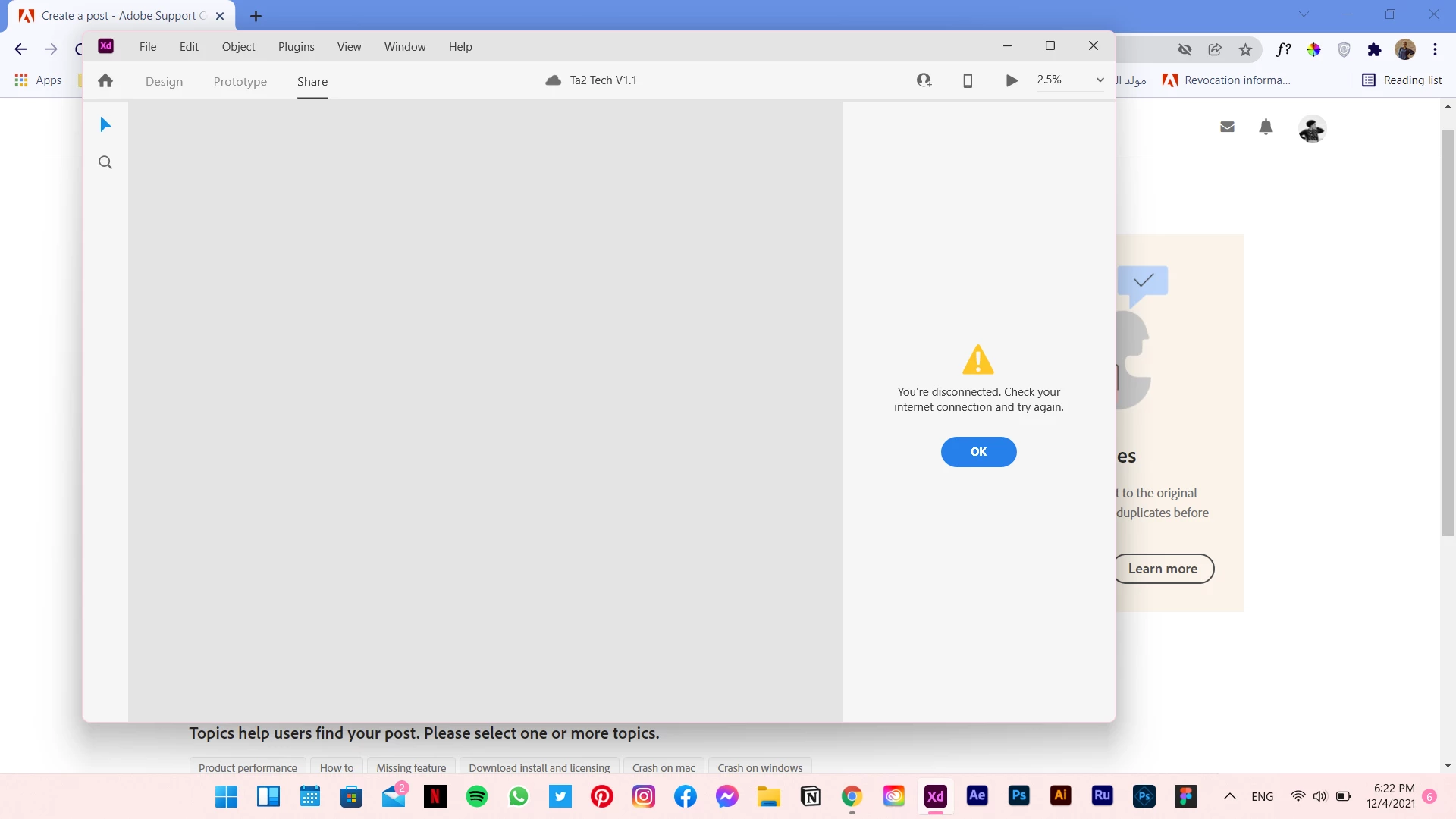
Can't create new share links

  • December 4, 2021
  • 1 reply
  • 294 views

Hello,


Adobe Xd updated yesterday and since then I can't create new links. An error saying "you're disconnected, please check your internet connection" keeps showing up even though my internet connection is fine. And awkwardly, the error shows only when the progress reaches 64%.  This happens with both cloud files and files on my laptop. Any help? 
 

This topic has been closed for replies.

1 reply

HARSHIKA_VERMA
Community Manager
Community Manager
December 7, 2021

Hi hendelgohary,


We are sorry for the delay in response and sorry to hear you are having trouble creating link in XD. Could you please share the screenshot of your About XD info page? 


Have you tried switching to a different internet connection? Please also try signing out of XD, Creative Cloud desktop app, restart the machine and then launch XD from Creative Cloud desktop app.


Let us know if that helps.


Thanks,

Harshika

hendelgohary
Participating Frequently
December 9, 2021

yes i tried to change the connection and it made no difference. I can tell why it happens and how it's solved but i think it happens with files that include so many screens.

HARSHIKA_VERMA
Community Manager
Community Manager
January 3, 2022

Sorry for the delay in response. If you're still experiencing the issue, please try the steps suggested here: https://helpx.adobe.com/xd/kb/fix-issues-with-xd-cloud-documents.html#unable-to-create-open-cloud-docs


Let us know if that helps.


Thanks,

Harshika