

Question
Can't open shared file or save my changes in a shared file
Hi,
I'm trying to collaborate with two other people on an XD document. One person has created an Adobe XD file and shared it with me, and most of the time, it will not open. It stays stuck at exactly the same point (see screenshot below).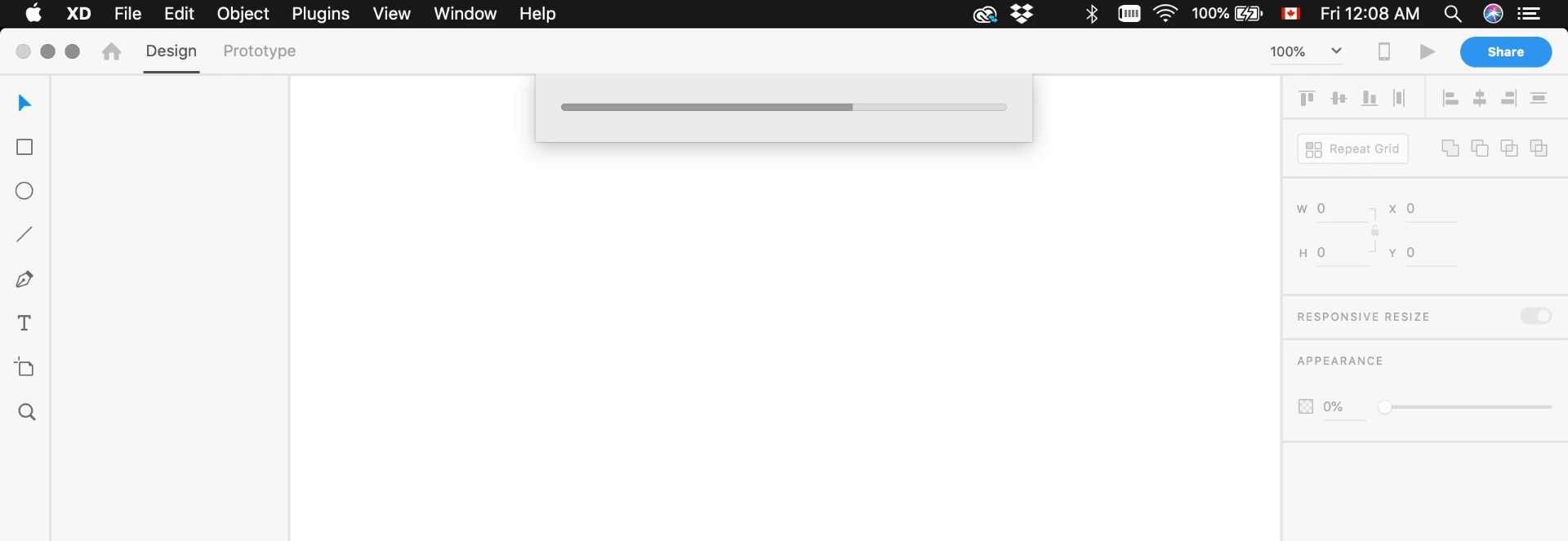
Every 20 tries or so, it opens, and then I can edit the file, but it will not save my changes.
So far, I've tried updating XD, Creative Cloud Desktop. I've tried renaming the Core Sync folder to "CoreSync-OLD" as was suggested somewhere in a forum. I've tried clearing my cache / cookies since I was having CC issues last week that I thought might be related. I've obviously tried signing out of CC, quitting CC, restarting the machine, etc. Nothing has worked.
Please help!
Thanks
 AdChoices