
January 19, 2017
Answered

Can't Open SVG's in XD?

  • January 19, 2017
  • 1 reply
  • 1060 views

Hi there,

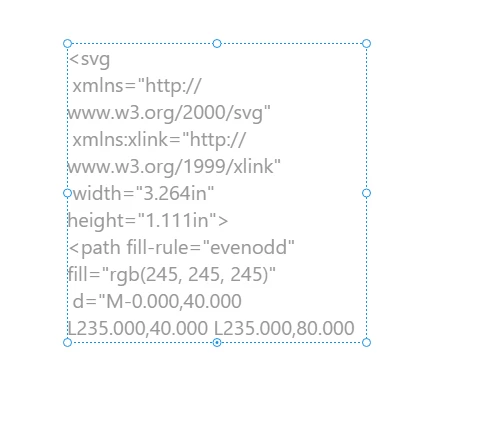
I just started using Adobe XD, so bear with me! I have a photoshop file that has all of the elements I need to create a prototype. I'm looking to import and modify them in XD. I have attempted to 'copy svg', drag and drop the svg file, and open the svg straight from XD - none of these will import the file for me. The best I can get is some weird XML text - screenshots below.

When I 'copy svg' in Photoshop and paste in XD:
When I try and drag and drop:
What am I doing wrong? Photoshop CC 2017, Adobe XD Windows Beta

This topic has been closed for replies.
Correct answer Chris Bank - Express Dev

Thanks for using the windows build! You aren't doing anything wrong, we just haven't added the SVG support yet on windows. We're working on getting export of SVGs now and then import should come a little after. For now you can import bitmaps or redraw your art. We're adding all the features from the mac to the windows build as fast as we can so it won't be long. Thanks again for using XD.


Chris

1 reply

Chris Bank - Express Dev
Participating Frequently
January 20, 2017

Thanks for using the windows build! You aren't doing anything wrong, we just haven't added the SVG support yet on windows. We're working on getting export of SVGs now and then import should come a little after. For now you can import bitmaps or redraw your art. We're adding all the features from the mac to the windows build as fast as we can so it won't be long. Thanks again for using XD.


Chris