


Can't open Xd file from a shared project
At my job, we have multiple designers (I'm one of them) and use Xd to create designs. We would like to have everyone have access to all of the Xd documents and be able to go into them and edit, and the number of documents we work with is pretty high, so we'd rather not have to share each individual document (although it does work).
To try to meet our needs, I created a project within the files tab. To be really clear what I mean, it's this:
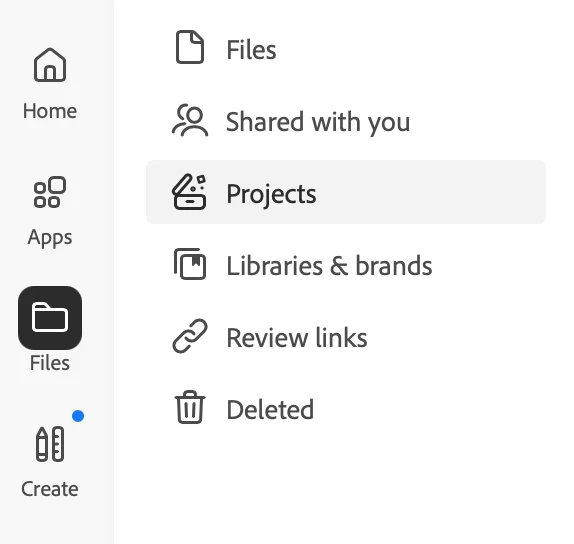
The projects tab doesn't show up on the desktop app, but that's not really an issue as long as it works from a browser. After creating the project, I shared it with my coworkers and added some documents I have saved to the cloud. None of my coworkers have added any documents yet, so they're all things that were originally mine at the moment.
Unfortunately, past that, it's not working. Every time I try to open an Xd document from this project, the Xd app gives me a "Sorry, we can't open this document." message. I tried opening an illustrator file as well, and that one works great, so as far as I can tell, it's just Xd. I also tried doing it from both Chrome and Safari, and the illustrator file works just with Chrome, but the Xd documents don't work witth either. I can still open Xd documents that aren't in the project fine, including ones that were shared with me directly. I've gone through and done everything in this troubleshooting list for Xd as well https://helpx.adobe.com/xd/kb/fix-issues-with-xd-cloud-documents.html#unable-to-create-open-cloud-docs
Is there a way to fix this, or another way to have a shared space so that all the documents in the space will be automatically shared?
 AdChoices