
Participant
March 13, 2019
Answered

Cannot add missing fonts to Adobe XD

  • March 13, 2019
  • 1 reply
  • 1713 views

Hello, I tired uploading my illustrator file into XD and it said some fonts were missing.
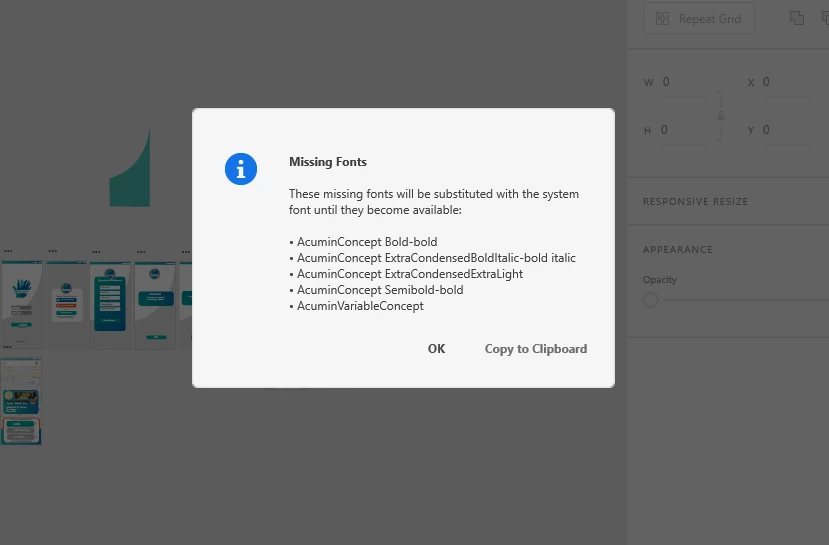
I tried adding the fonts to the CC libraries but when I go to open them in XD I get this error message.
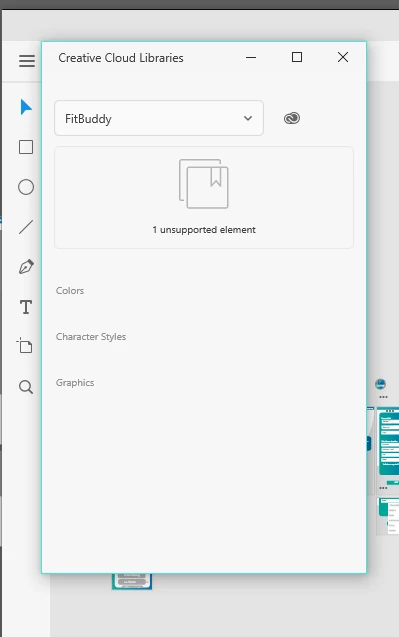
For something to be "so simple" these processes are not straightforward at all. I just want to be able to use the fonts that I had in illustrator in XD. Any feedback on this would be great.

This topic has been closed for replies.
Correct answer elainecc

You should definitely update your version of XD, as we just introduced a new way to address missing fonts. If you don't see an update in your Creative Cloud desktop app, click on the ... button in the top right hand corner and select "Check for App Updates."

1 reply

elainecc
elaineccCorrect answer
Participating Frequently
March 13, 2019

You should definitely update your version of XD, as we just introduced a new way to address missing fonts. If you don't see an update in your Creative Cloud desktop app, click on the ... button in the top right hand corner and select "Check for App Updates."