Participant
February 2, 2021
Answered

Cannot Install Adobe XD

  • February 2, 2021
  • 1 reply
  • 678 views

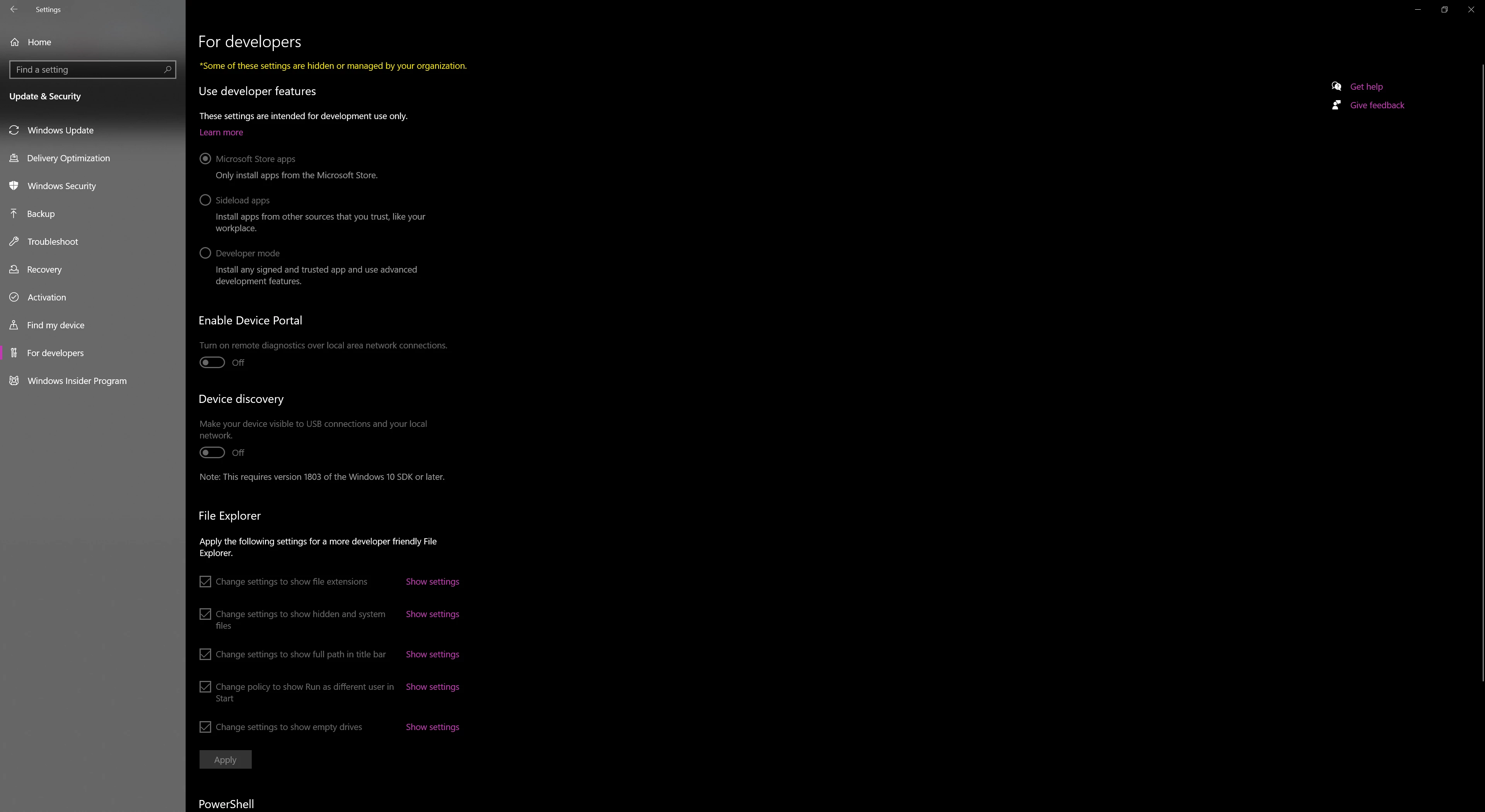
I am taking a college class and it requires me to download Adobe XD.  My computer will not let me and I have tried solution 1 and I am not able to change any settings within that page. 
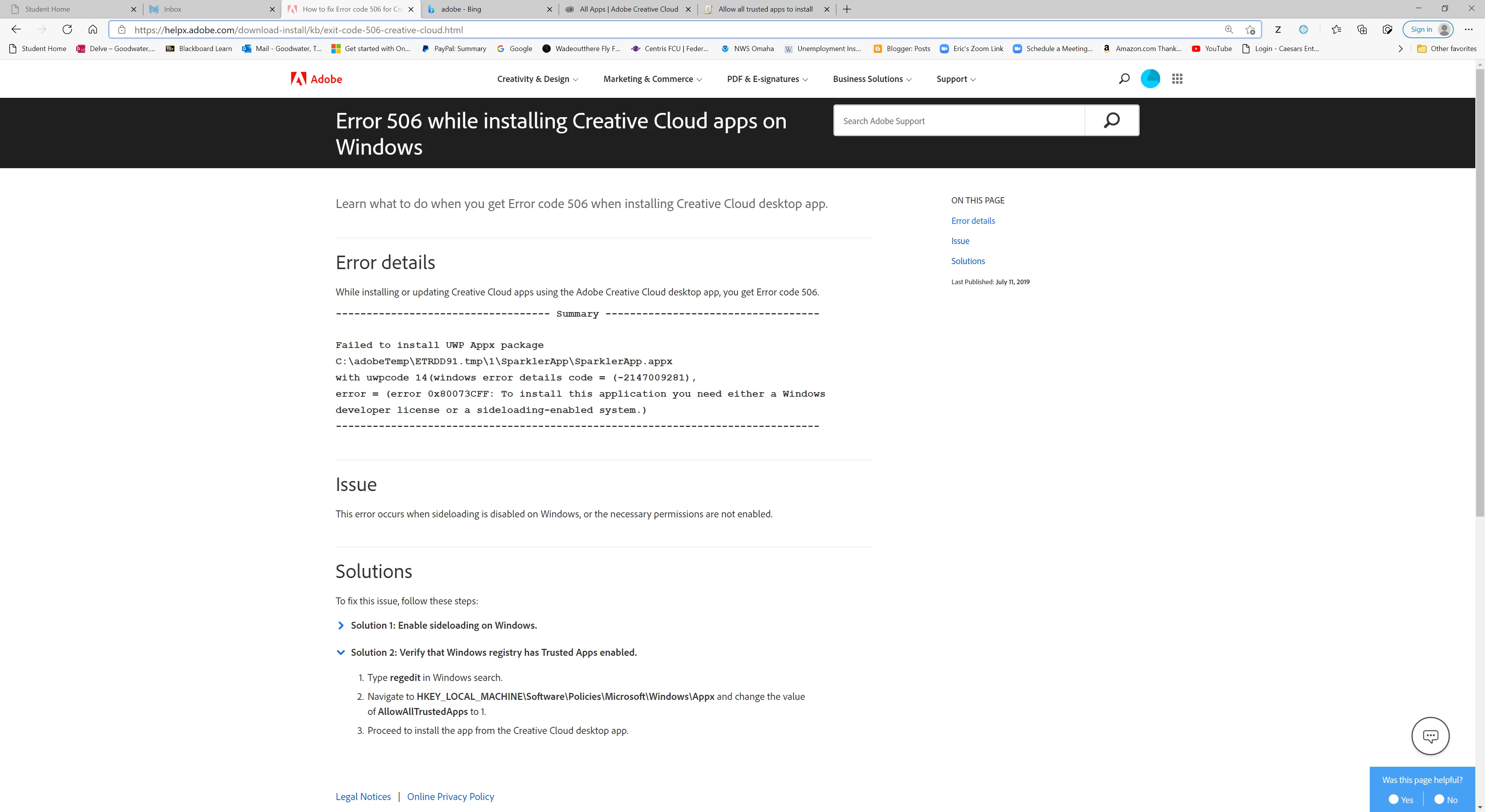
 

The second one I tried to do but I don't know what Im doing and I do not see an option to change the Allowtrustedapps to 1 option.


I am really frustruated and need help.


Thank you in advance.

    This topic has been closed for replies.
    Correct answer Rishabh_Tiwari

    Hi there,


    Sorry to hear about the trouble. In the second step, please open Registry Editor by typing Regedit in Windows search and then navigate to the above location, once you have reached the appx folder, on the right-hand side panel you will find AllowAllTrustedApps, double-click on that and a pop-up window will appear, over there if it is 0, please change it to 1.

    In case if you still need any further assistance, please contact us directly using this link: https://helpx.adobe.com/contact.html


    Regards

    Rishabh

    1 reply

    Rishabh_Tiwari
    Community Manager
    Rishabh_TiwariCommunity ManagerCorrect answer
    Community Manager
    February 2, 2021

    Hi there,


    Sorry to hear about the trouble. In the second step, please open Registry Editor by typing Regedit in Windows search and then navigate to the above location, once you have reached the appx folder, on the right-hand side panel you will find AllowAllTrustedApps, double-click on that and a pop-up window will appear, over there if it is 0, please change it to 1.

    In case if you still need any further assistance, please contact us directly using this link: https://helpx.adobe.com/contact.html


    Regards

    Rishabh