Participant
September 12, 2021
Question

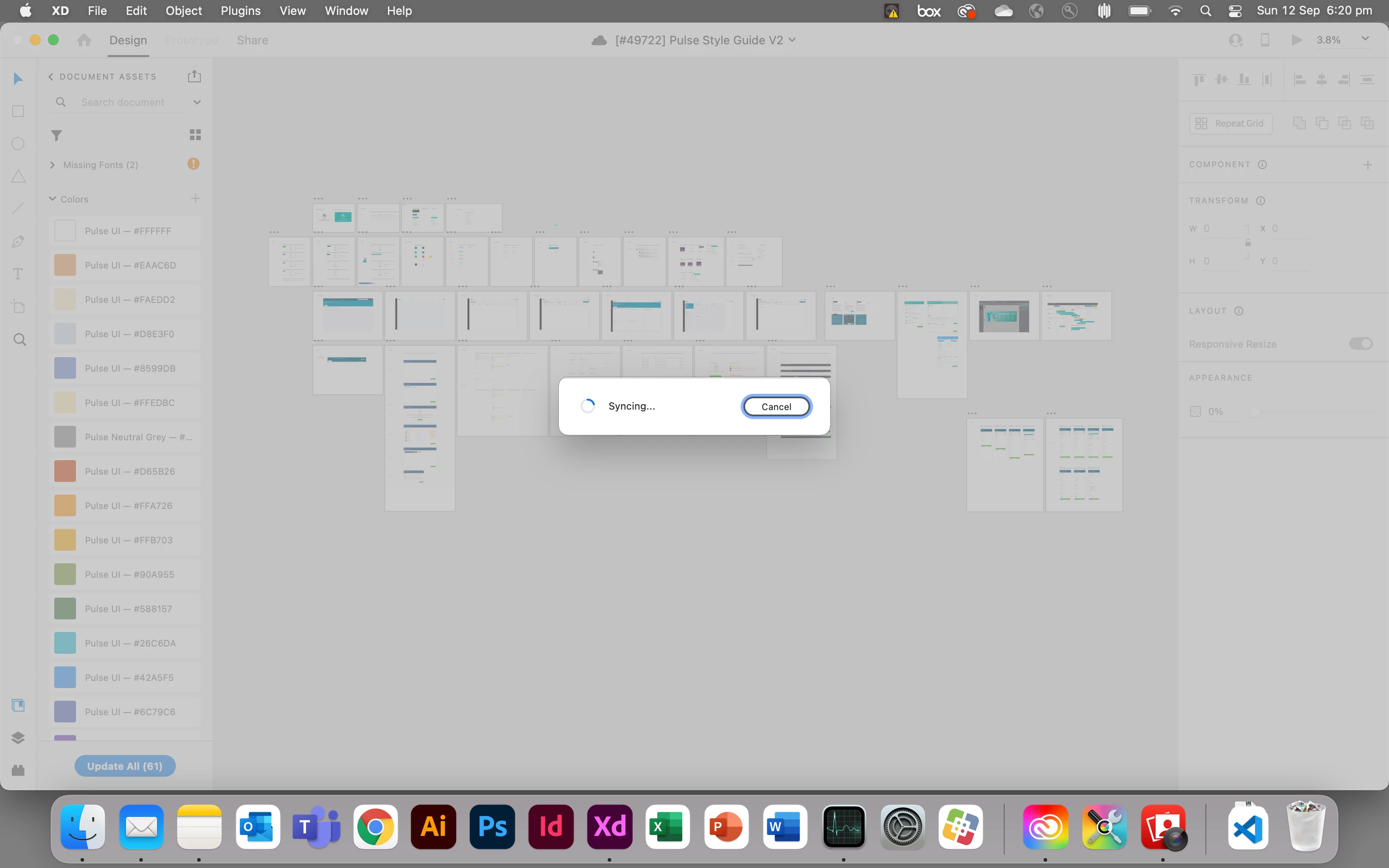
Cannot open file — sync stuck in infinite loop

  • September 12, 2021
  • 1 reply
  • 294 views

Hi,


I'm unable to open an XD file on one of the computers I'm using as it stuck in an infinite sync loop.


This file is the main style guide I'm collaobrating on with collegues and I need to resolve this issue asap.


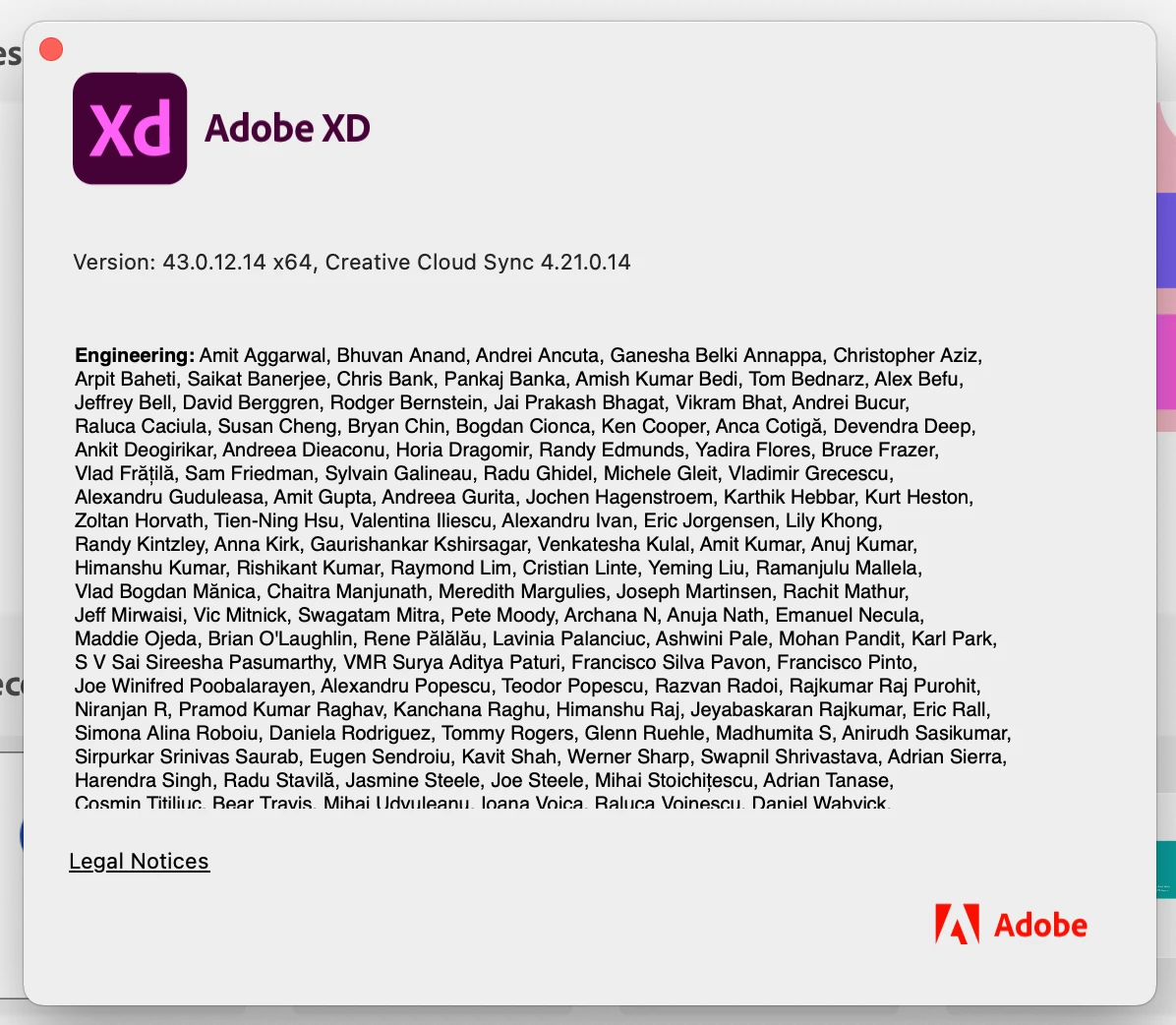
On a Macbook Pro using Big Sur 11.5.2


Any assistance would be greatly appreciated. Thank you


    This topic has been closed for replies.

    1 reply

    Community Manager
    September 13, 2021

    Hi There,


    Sorry to hear about the trouble. If you have other collaborators in your team working on the same file, please ensure that they have the latest version of XD. If it still doesn't work, please try the steps shared below:


    1. Sign out of XD and CC Desktop app.
    2. Close CoreSync and All Adobe-related processes from the Task Manager.
    3. Reboot your computer.
    4. Sign back in on the CC Desktop app and launch XD from there.


    Let us know if this helps or if you need any further assistance.


    Regards,

    Chethan