
Participant
August 6, 2021
Question

CC libraries panel not loading in XD

  • August 6, 2021
  • 1 reply
  • 359 views

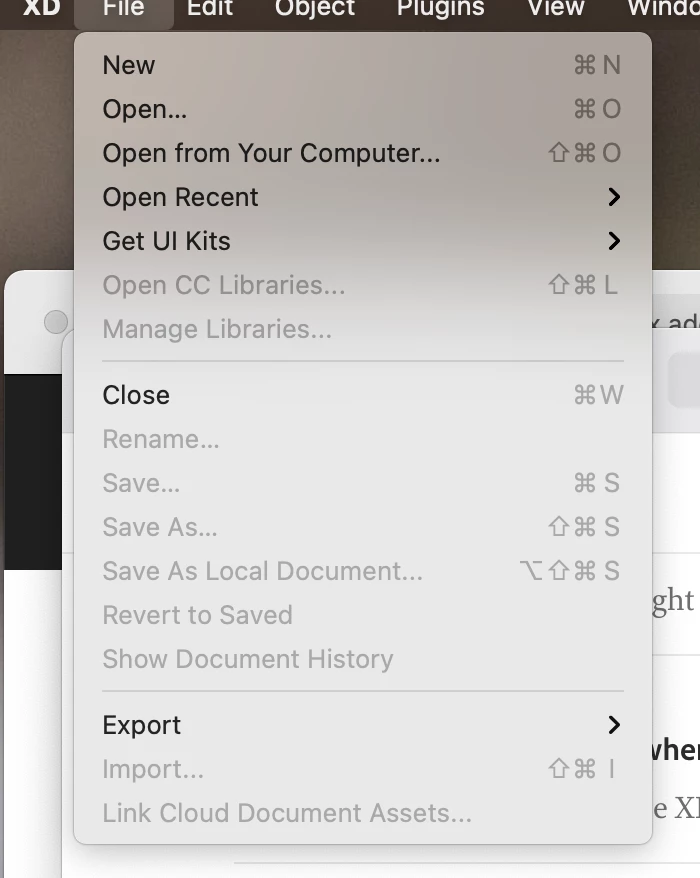
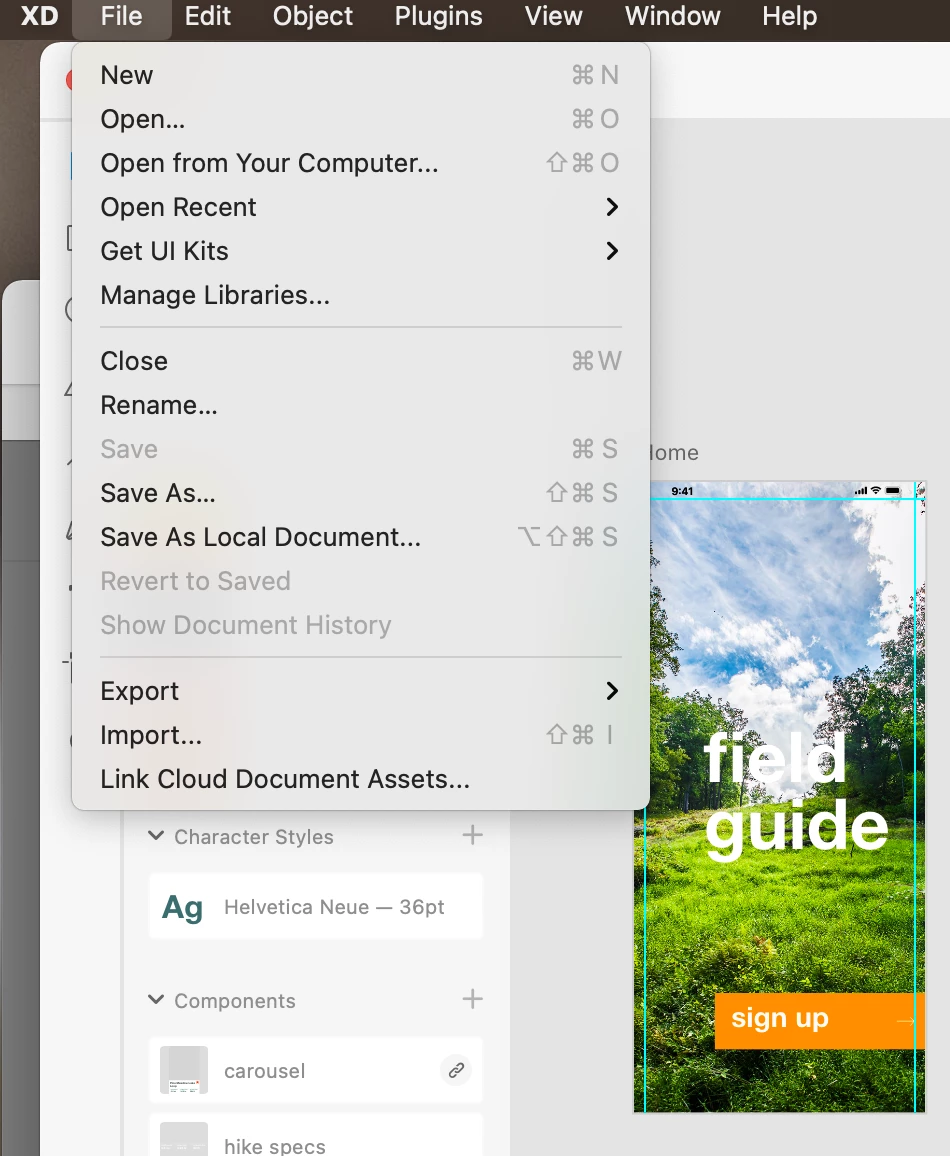
I'm learning to use XD with the approved Classroom In A Book for XD from Adobe. All going well until I reached the section on adding assets to a Creative Cloud Library. It says to go to File and then Open CC Libraries but if I have a document open this doesn't appear in the menu and if I just launch XD it appears in the menu but is greyed out. How do I get the panel to load? The section deals with adding an asset from an XD document to a library. It's doing my head in...
    This topic has been closed for replies.

    1 reply

    Randy Edmunds 2
    Adobe Employee
    Adobe Employee
    August 8, 2021

    Sorry for the inconvenience. The "Manage Libraries..."  option will allow you to manage your personal and shared libraries or you can create new libraries in one place.  We are investigating the issue related to "Open CC Libraries..." on launch screen file menu.


    Hope this helps,

    Randy


    Dee5CF6Author
    Participant
    August 15, 2021

    Hi Randy

    Thsnks for letting me know. I thought I was doing something wrong at my end.