


samahi21281155
Participant
April 25, 2021
Question

Cloud document disconnected

  • April 25, 2021
  • 3 replies
  • 2343 views

Hello,


Am working on a cloud-based XD file which is also sometimes used by my colleague, so the co-editing is on


I've noticed that this specific file is disconnected from the cloud.

While another file is working just fine and the coediting is enabled and working also fine

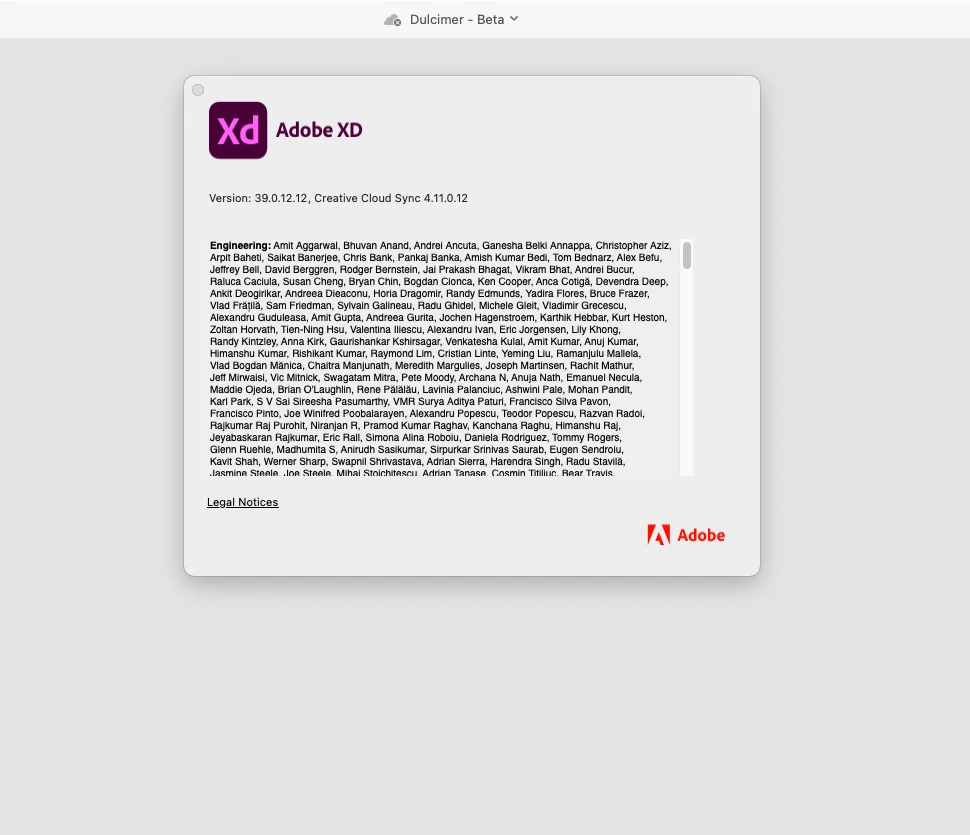
Note that both of us, me and my colleague, have the latest XD Version 39.0.12.12.


Hope to get a reply on this soon, this project is very important and due to pandemic we are working from home so we need the co-editing to be active 


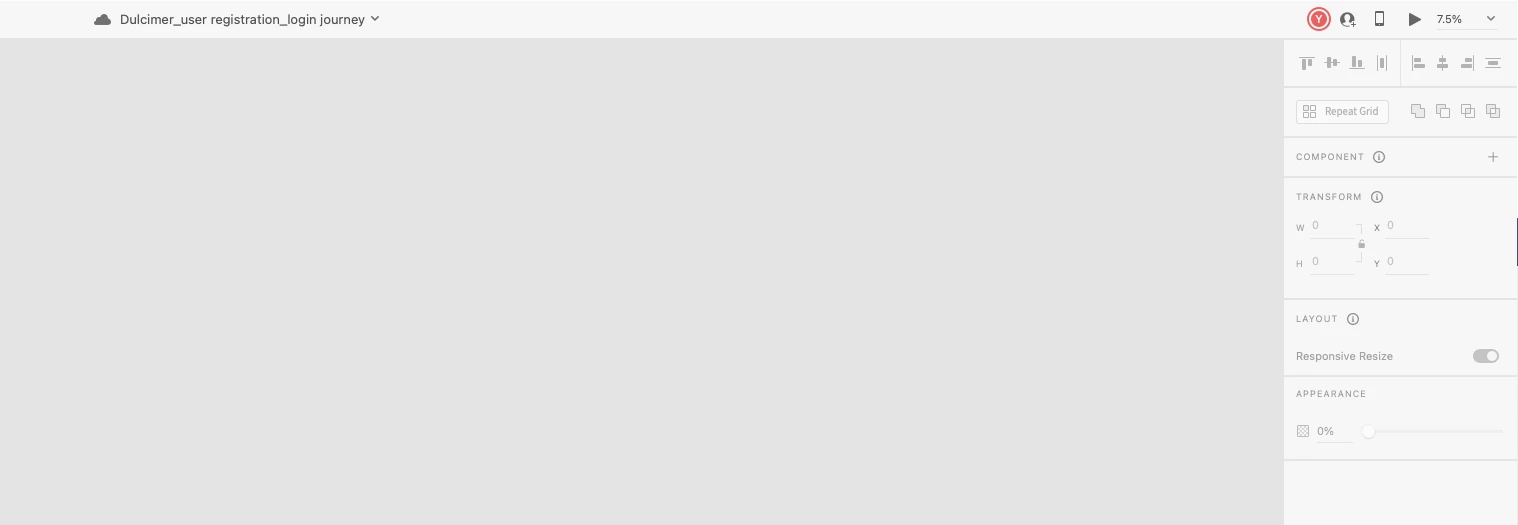
this to show how the cloud is disconnected
 

while another file we are using is working fine 
 

    This topic has been closed for replies.

    3 replies

    Participant
    May 25, 2021

    Hello,


    I see this issue is happening to other people. My team is having this same problem. I have one file that worked fine for the past 3 months, now it always says it's disconnected. All other files on the cloud are working fine. File syncing is working. The problem file shows up on assets.adobe.com. I have restarted XD and CC. This is an issue since this document houses main components linked on several other files and now I cannot update the component to update the linked ones. Other team members are having the same issue. It seems to have started when we updated XD to 40.1.22.3. There is no solution to this problem on here. Screenshot shows the problem file that is disconnected, but the file behind it is fine.

    Harshika Verma
    Community Manager
    Community Manager
    May 26, 2021

    Hi Andrea,


    We are sorry for the trouble. We would like to confirm if you all are on an enterprise network. Could you please try the below steps and let us know if that helps?


    • Sign out of XD and Creative Cloud Desktop app.
    • Quit Creative Cloud Desktop app and kill all related processes from Task Manager/Activity Monitor.
    • Restart the machine
    • Sign back in the Creative Cloud Desktop app and Adobe XD.

    We will try our best to help.


    Thanks,

    Harshika

    Participant
    June 6, 2021

    I am having a similar issue collaborating on a cloud library file.

    Adobe XD version 40.1.22.3

    Creative Cloud Sync: 4.11.0.12

    OS: Mac OS 11.4 Big Sur


    Eventhough everyone is signed out of the document.  I get this message. 


    Have tried the following steps to no avail:

    - Opening from another computer

    - Removing all Cache (Library > Application Support > Adobe)

    - Uninstalling Adobe

    - Renaming file


    If I click on Accept Remote Changes, it goes "Reloading for 1-2 minutes", and then I get Error 2161


    This is a Library file, which means there are other files that have components linked to it, so it's not just about recovering the file, which I can access on Creative Cloud and download. But that would mean many, many hours relinking components.


    This is an area that really requires Adobe's focus and attention. An evolving feature set is totally understandable, but lack of stability or worse loss of work really makes us reconsider our platform choice for UX/UI Design.


    Please help.

    Best Regards,

    Alain

    Participating Frequently
    May 19, 2021

    Hi - 


    I don't see any actual fix for this issue. I'm having the same problem - a document shows as "Disconnected" for me, but other people can work in the doc. I can actually see their circle icons appear/disappear in the top right as the go in and out of the doc, but I can not see any changes in the doc unless I close it (which generally crashes XD) and reopen. Then I see the latest, but it still goes immediately to "Disconnected".


    For one doc, it got to the point where even closing/reopening would not show me the latest content. So a colleague did a Save As, and the new document works as expected. Almost immediately, a different document went to "Disconnected", not only for me but for someone else sharing the document as well.


    I have logged out and in, I have uninstalled/restarted/reinstalled. I can find the document on assets.adobe.com, but I have no idea how that helps me. File syncing appears to be fine, and I can work in other docs without trouble.


    Any idea? This is particularly troublesome now that colleagues are seeing the same behavior. It's spreading!!!!!! Aigh!

    Community Manager
    April 26, 2021

    Hi samahi,

    Thank you for reaching us, Check for core sync issue means whether Creative Cloud Desktop is  Sync up with XD[ File syncing]

    Hope it helps.

    Regards,

    Ashwini M Hiremath

    samahi21281155
    Participant
    April 26, 2021

    Thanks for the quick reply! seems it is syncing fine, but the issue persists


    italosan
    Community Expert
    Community Expert
    April 26, 2021

    Hi, have you tried logging out of your Adobe account and logging back in?